Create an email template in Gmail
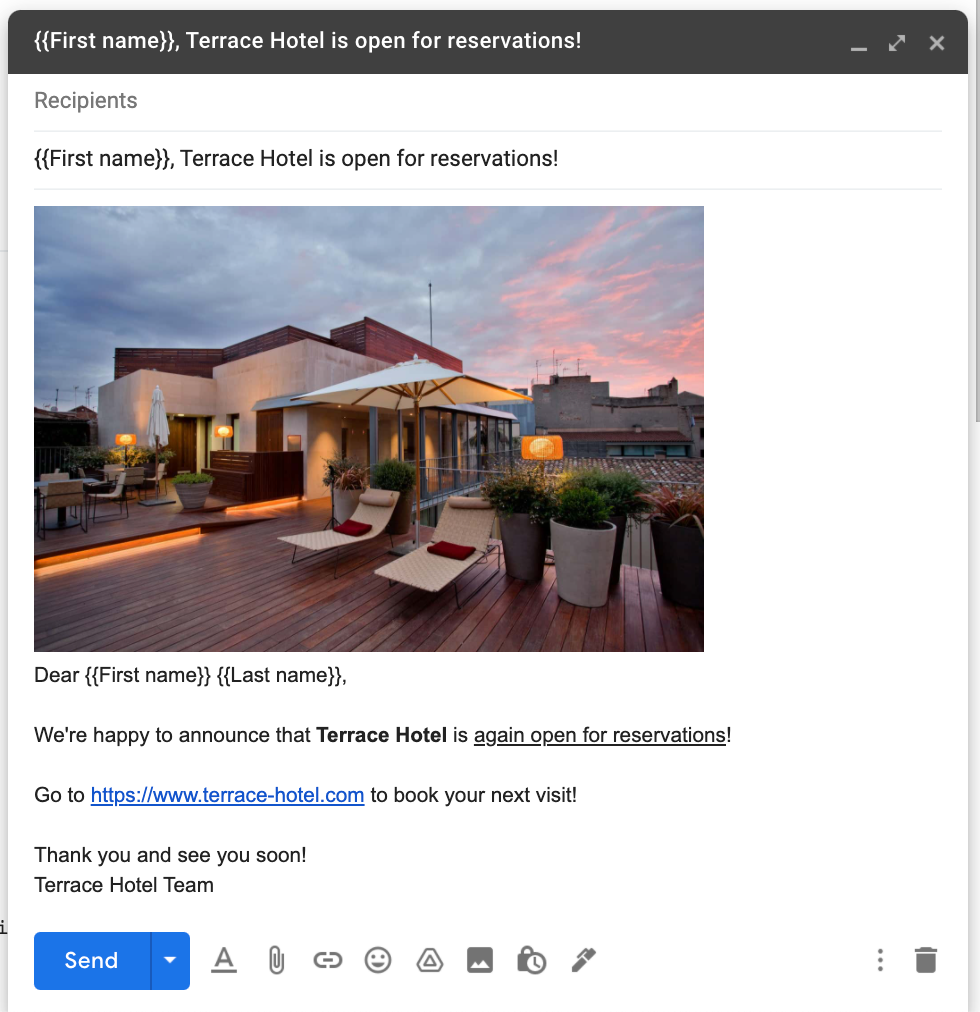
For the purposes of sending your first mail merge, the example we provide is an announcement email that the fictitious Terrace Hotel is again open for reservations.
About this task
The example shows how to personalize the subject and the email body by using the markers {{First name}} and {{Last name}}. The markers are defined with double opening and closing curly braces in between which you define the marker name. The markers are replaced during the mail merge with the information from the First name and Last name column in the Google spreadsheet. As you can see, the name of the marker must match exactly the column name in the spreadsheet to ensure a successful replacement.
Prerequisites
Make sure that you are logged in to your Google account.
Procedure
-
Open Gmail.
-
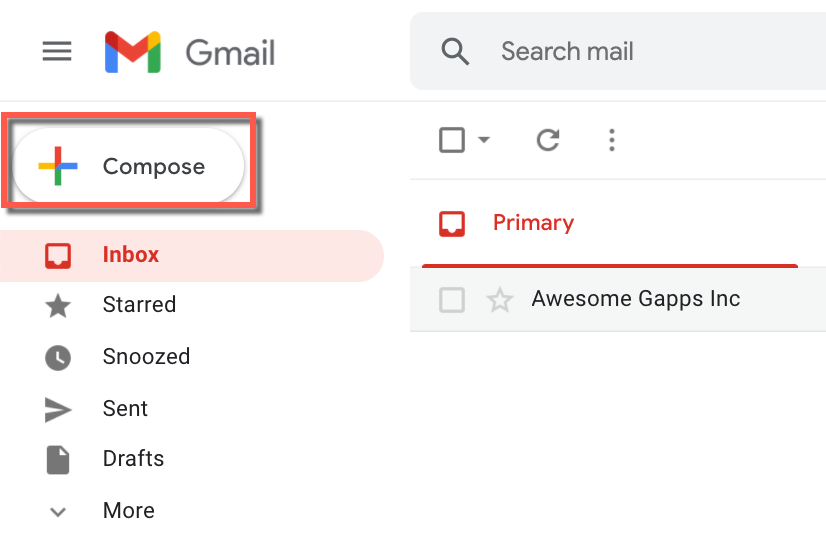
Click Compose.
-
In the New Message window, compose the email template for your mail merge.
-
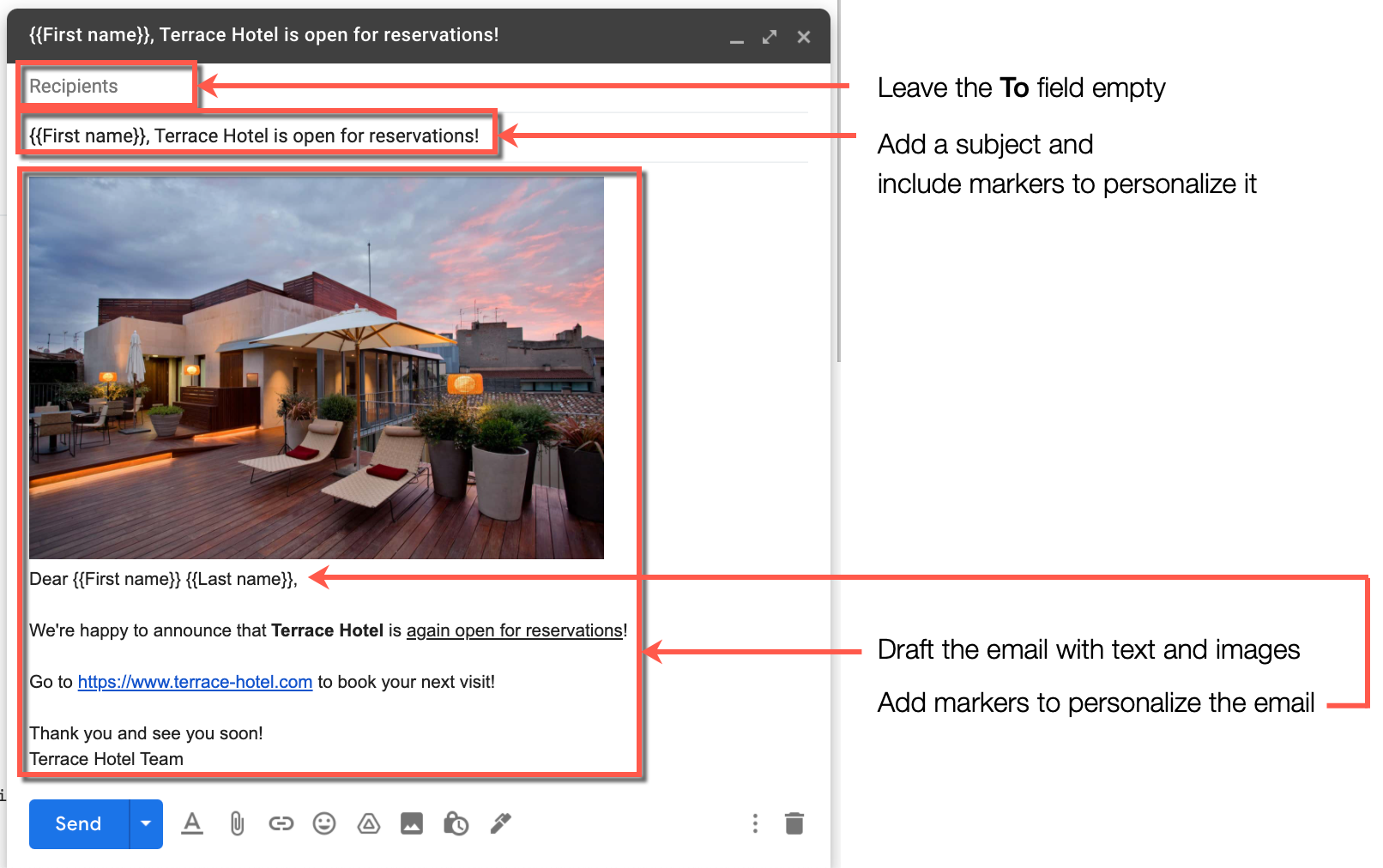
Do not add any recipients in the To field.
infoLater when you start the mail merge, YAMM uses the email addresses from the Email column in the Google spreadsheet to automatically fill the To field as it sends an email to each recipient.
-
Add a subject in the Subject field.
In this example, you personalize the subject with a marker. By adding the {{First name}} marker, YAMM automatically replaces it during the mail merge with the first name of each recipient from the First name column in the Google spreadsheet.
-
Draft the email by adding text and, optionally, images for extra appeal.
You can again personalize the email body with markers. For example, in the opening greeting line, use the {{First name}} and {{Last name}} markers.
-
-
(Optional) Close the email draft by clicking the Close X button.
Result
The drafted email template is automatically saved in Gmail and is available in the Drafts folder.
What's next
You can now use the drafted email template and the contacts list to send your first mail merge.