Install Yet Another Mail Merge on your domain (Google Workspace admins only)
Google Workspace admins can install YAMM from the Google Apps Marketplace for all users in their Google Workspace domain or in an Organizational Unit (OU).
-
Go to the YAMM page in Google Workspace Marketplace.
-
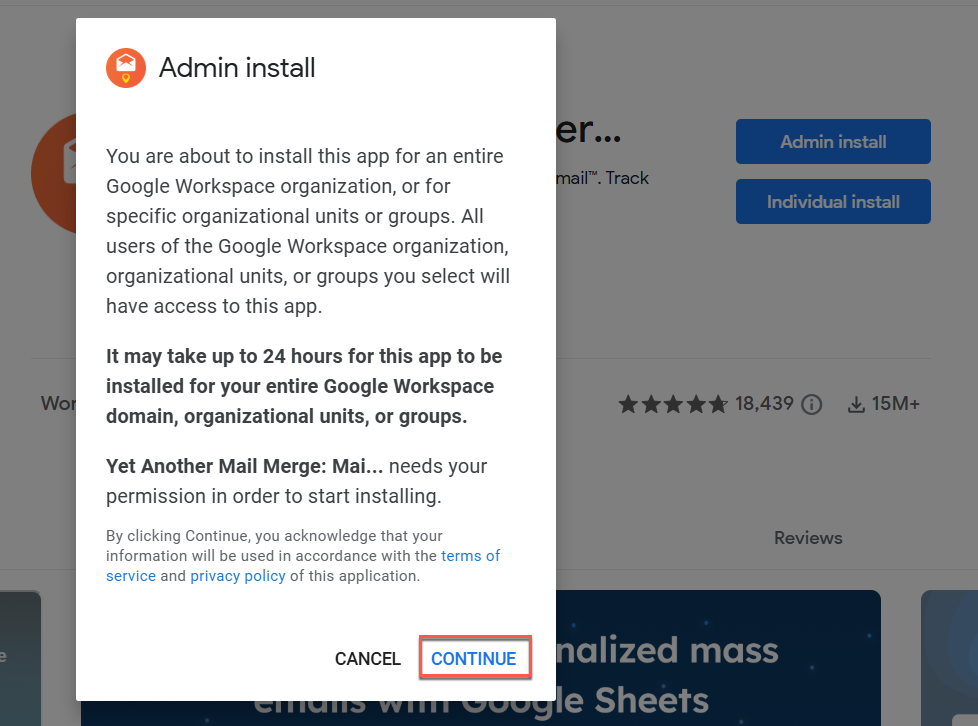
Click Admin Install.

An Admin install pop-up window appears.
-
Click CONTINUE.
-
Agree to the Terms of Service and Privacy Policy, then click FINISH.
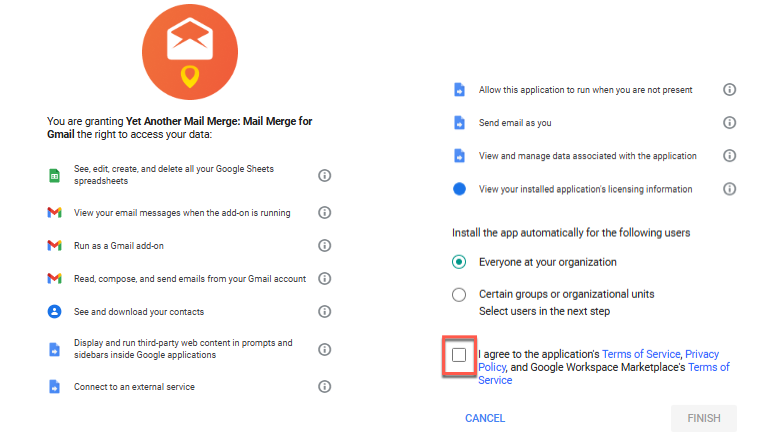
As an admin, only you can accept authorizations for the domain (or Organizational Unit).
-
Click Next and then Done in the last window.
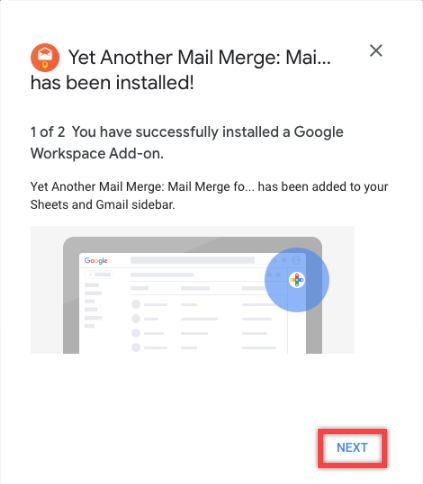
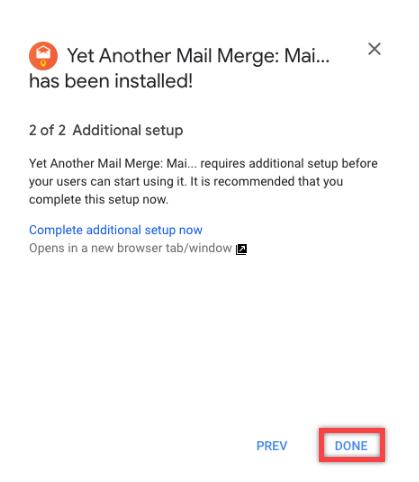
YAMM has been installed on your whole domain (or on the selected OUs).
Every user under this domain name can use YAMM and save time sending mail merges.