Transfer the ownership of a space
Transfer space ownership to give another member the permissions to add or remove members, assign roles, and manage billing. You lose these rights when ownership changes.
How to transfer ownership
Prerequisite: You are the owner of the space.
-
Sign in to your YAMM dashboard.
-
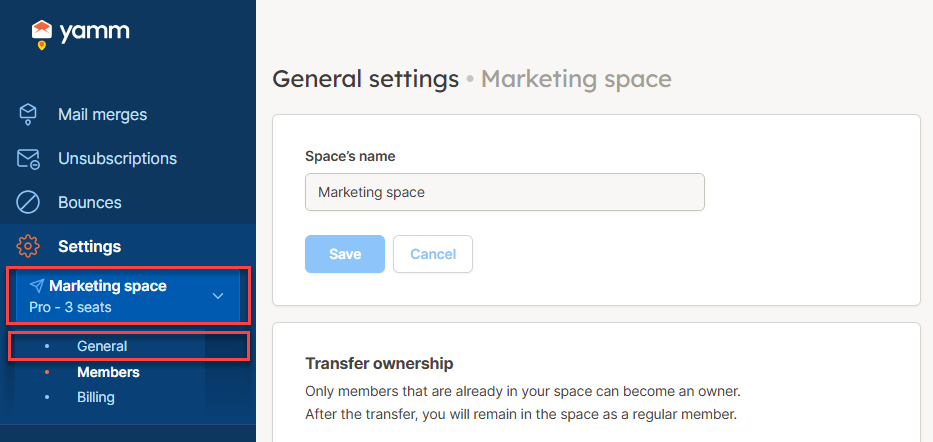
In the sidebar, select the space, and click General.
-
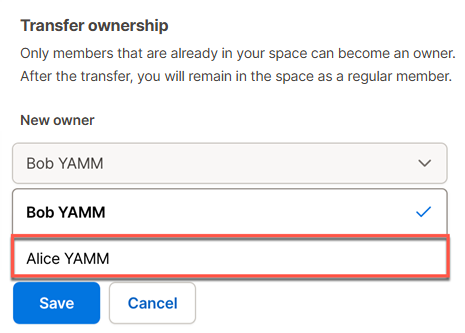
In the Transfer ownership section, select the New owner of the space.
 note
noteIf a member doesn't appear in this list, they may have a Pending status, meaning they haven't created a YAMM account yet. Check the Members screen and, if that's the case, ask them to sign up here.
-
Click Save and confirm.
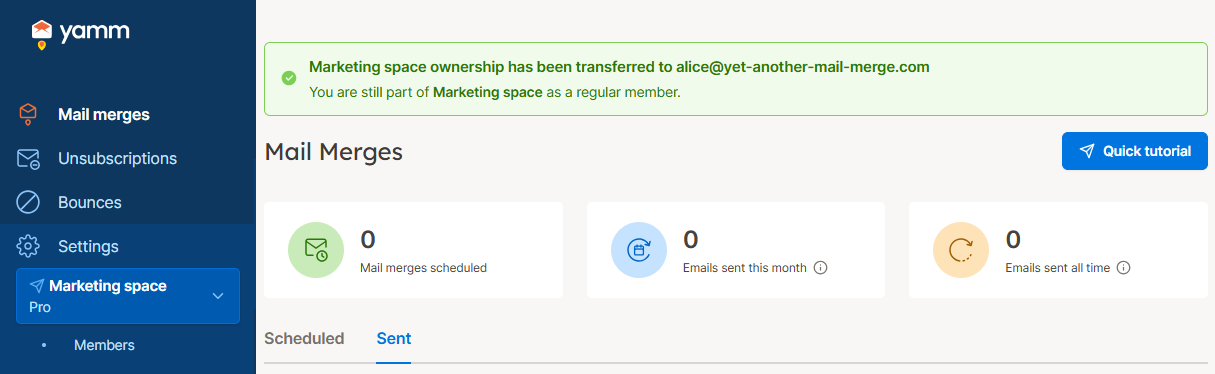
Ownership has been transferred. You are still part of the space as a regular member.
What's next
Have the new owner remove you from the space if you're no longer using YAMM.