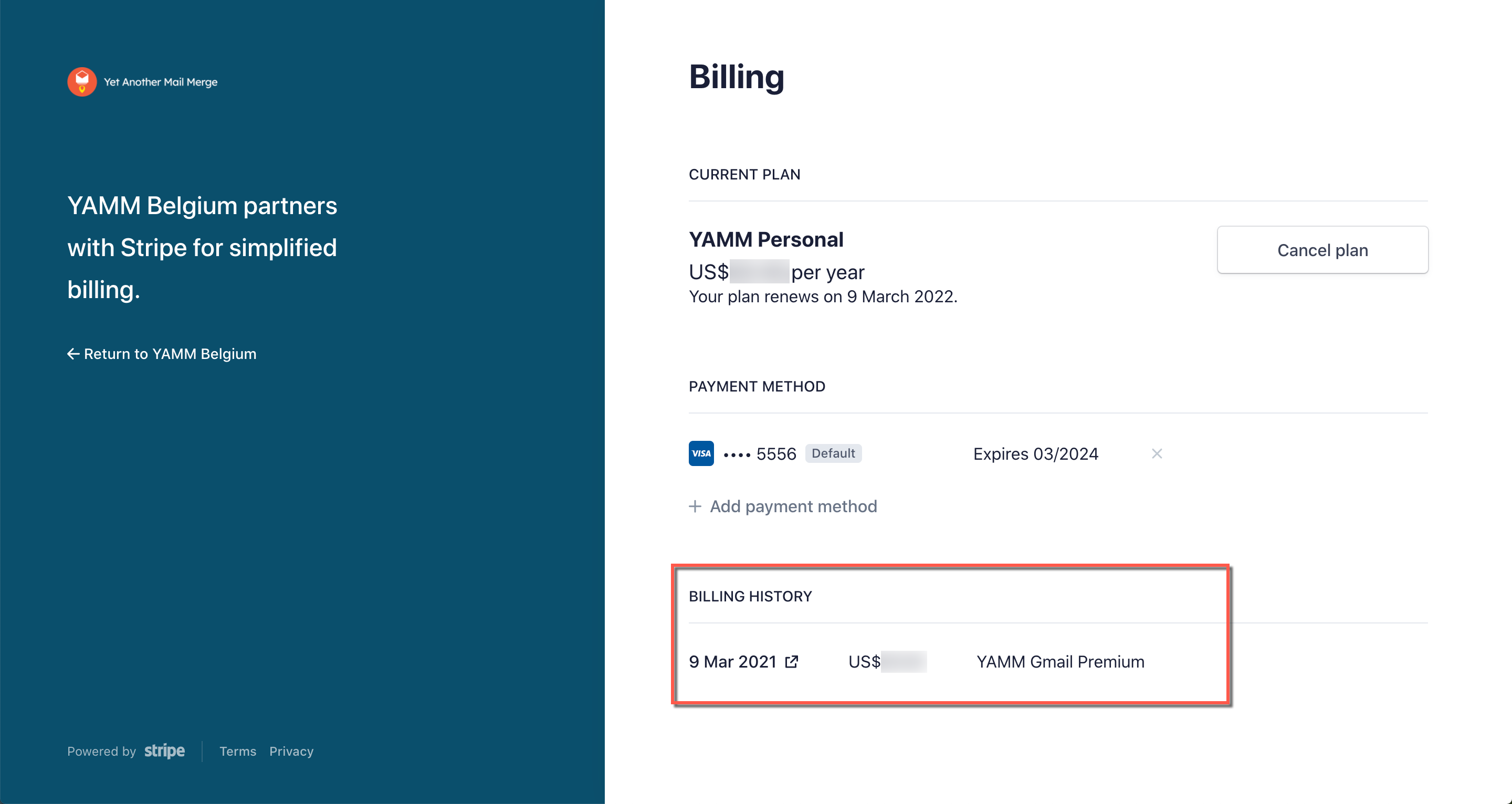
Check your YAMM payment history
You can review all previous payments you made through Stripe on the checkout page. You can open the checkout page from your YAMM dashboard.
Procedure
-
Go to your YAMM dashboard.
-
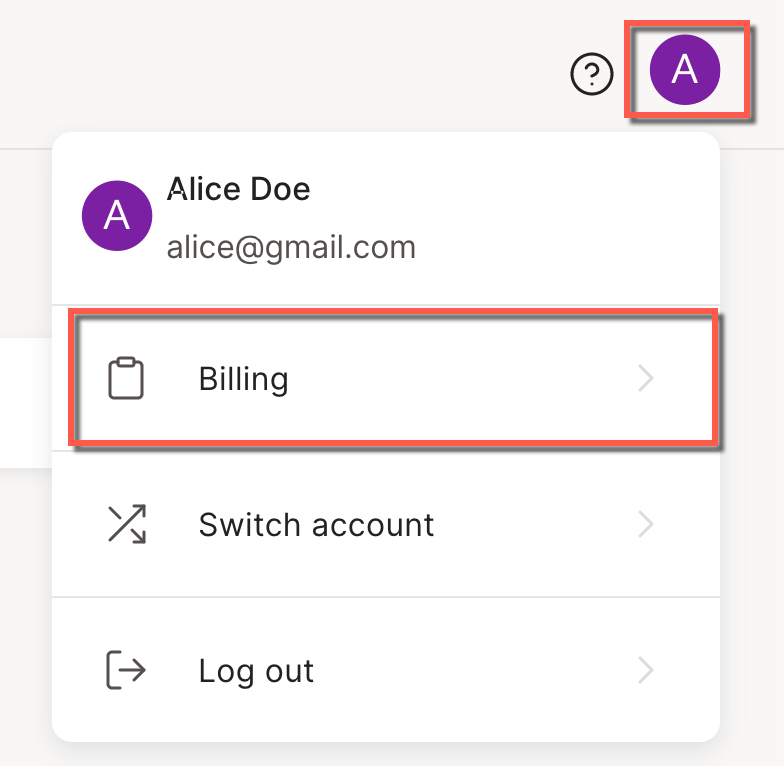
In your YAMM dashboard, click the account menu in the top right corner.
-
Select Billing.
-
On the Your current plan page, click Manage plan.
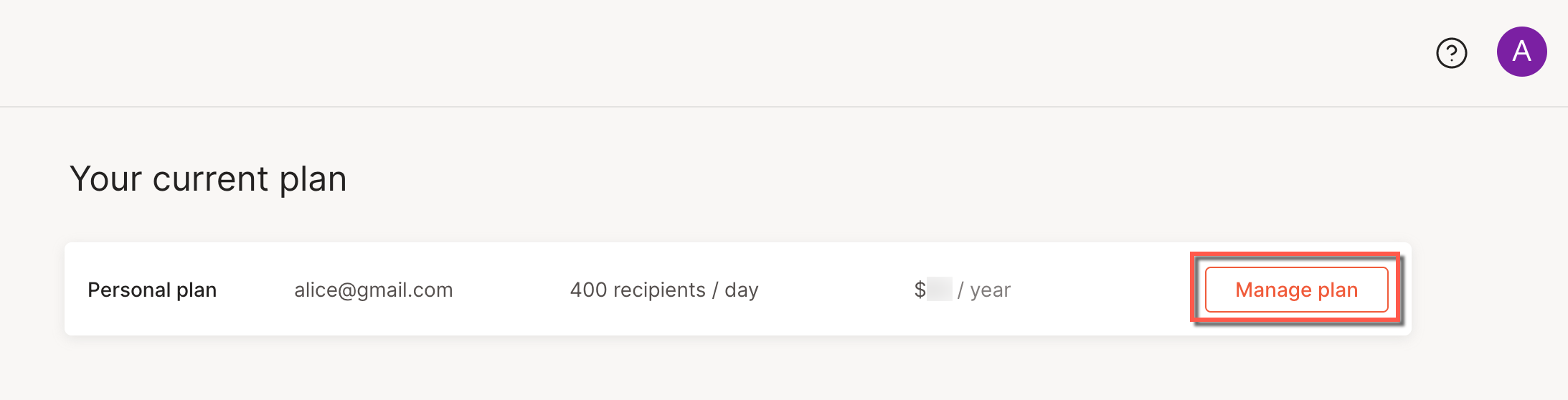
The checkout page opens.
Result
You can review your previous plan payments under INVOICE HISTORY.