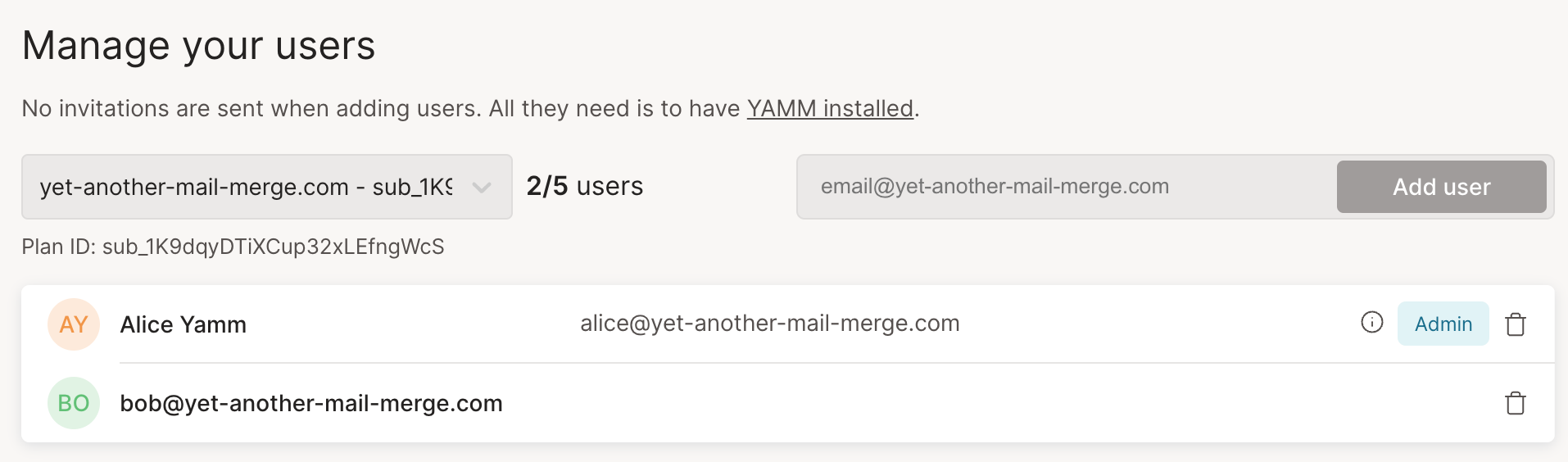
Remove users from a YAMM Team plan
From the YAMM dashboard, you can remove any email accounts that you no longer want to have access to your YAMM team plan.
Prerequisites
-
You must have purchased a Team plan with a Google Workspace account.
-
You must have users added to a Team plan.
Procedure
-
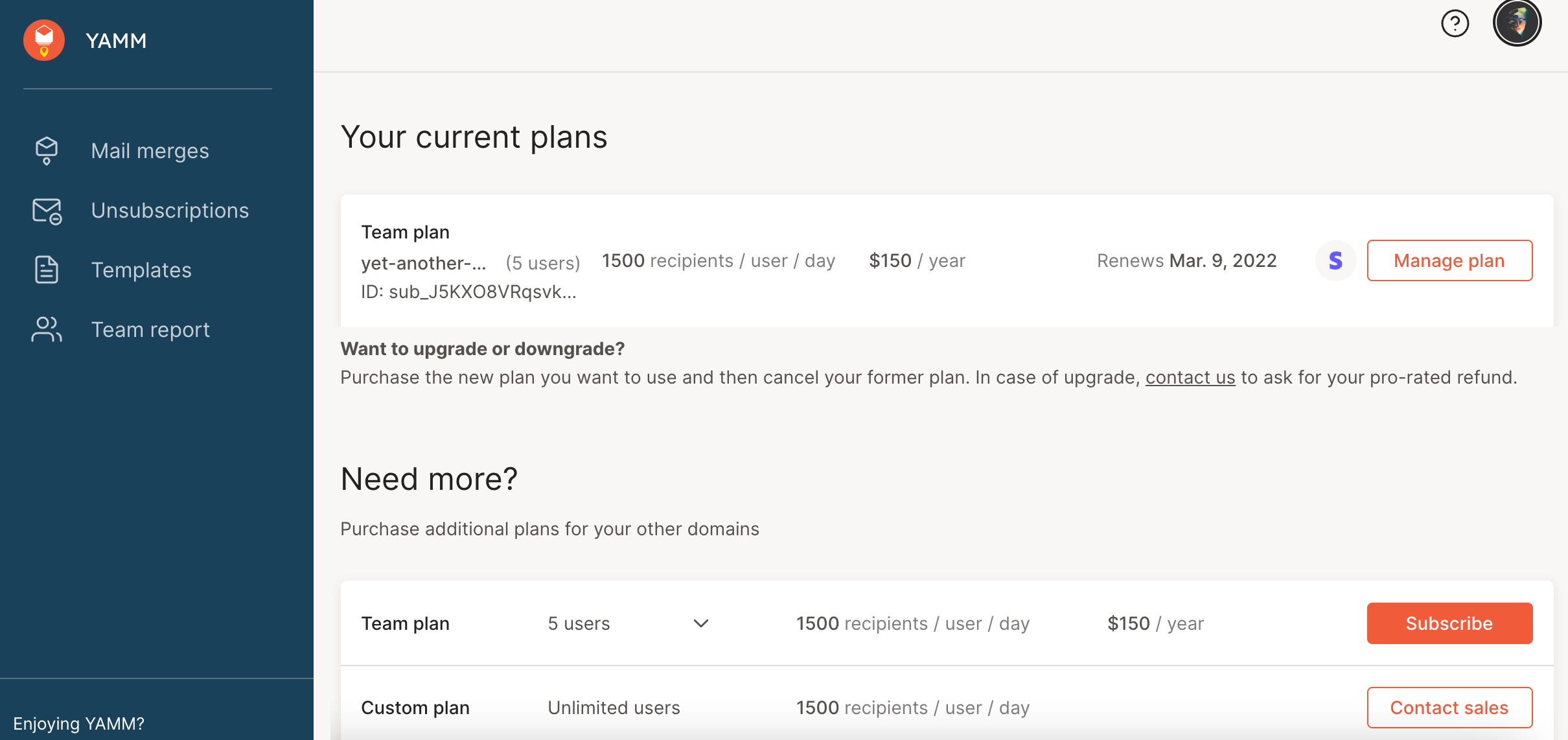
Go to the Billing page of your account.
-
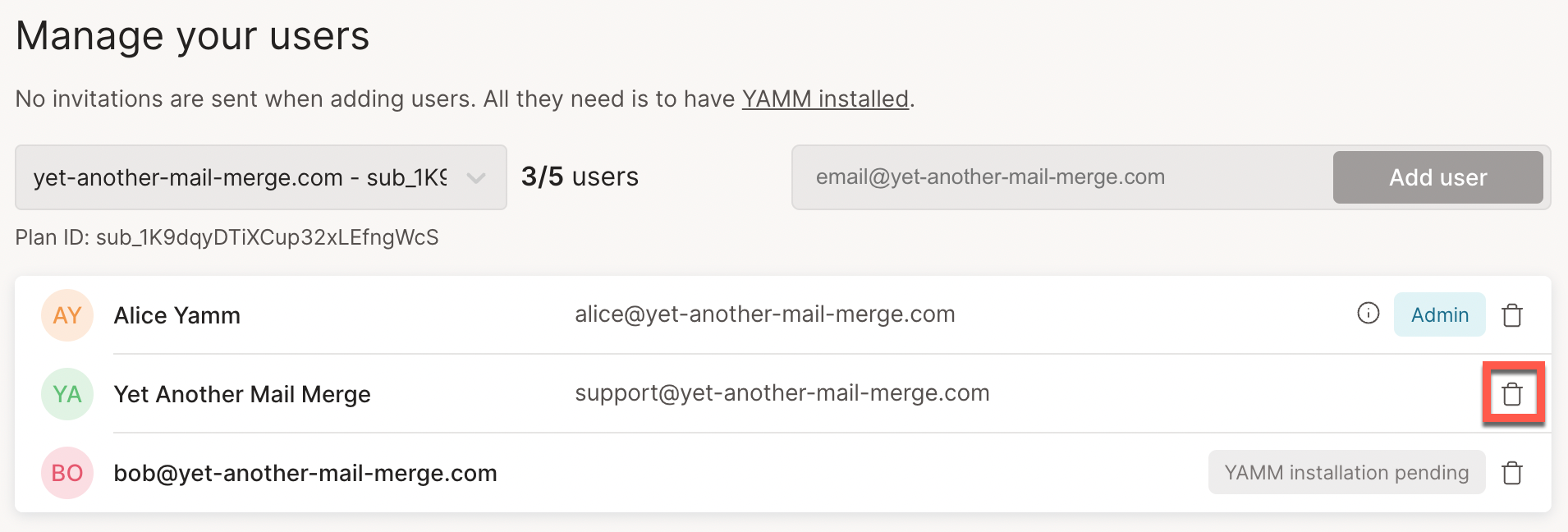
Under Manage your users, click the bin icon next to the user you want to remove from the list.
-
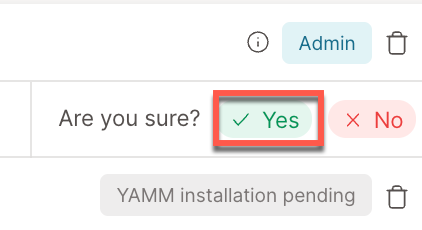
Click Yes to confirm.
Result
You've now removed the users that should no longer use the YAMM team plan.