Retrieve easily your different campaigns with labels in Gmail
After sending your mail merge, YAMM will automatically label your emails in your Gmail box. That helps you retrieve all emails from your campaign within the same Gmail label/folder.
How does YAMM label my campaign?
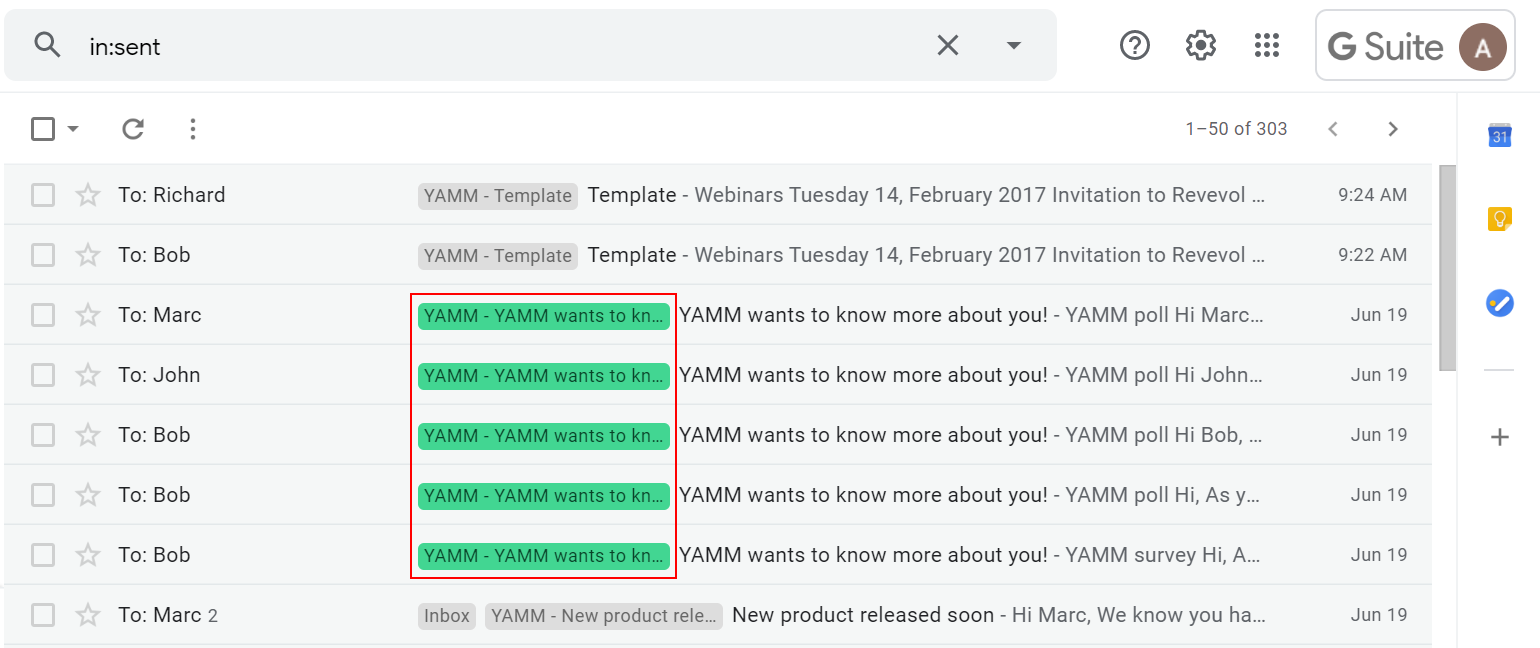
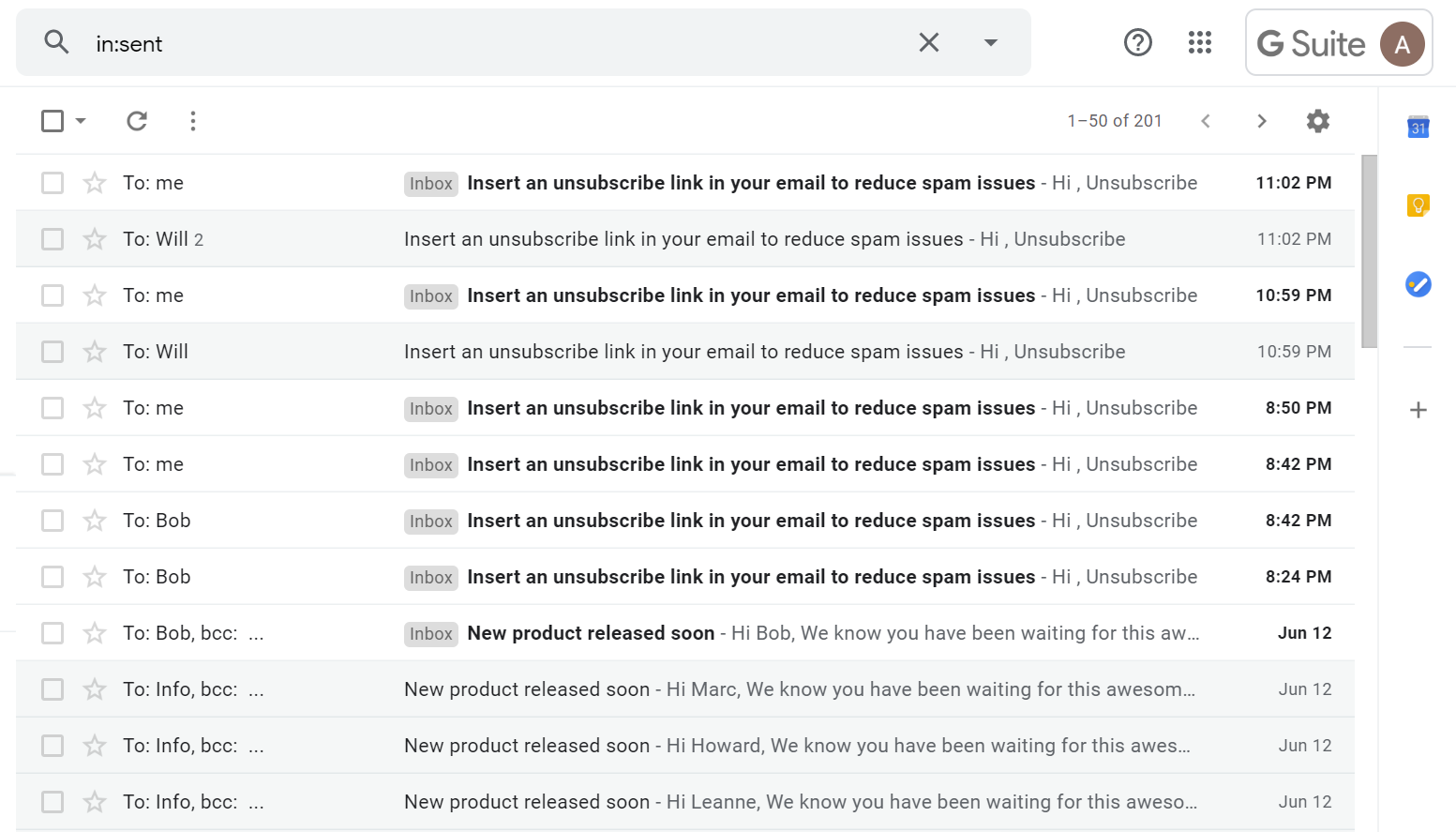
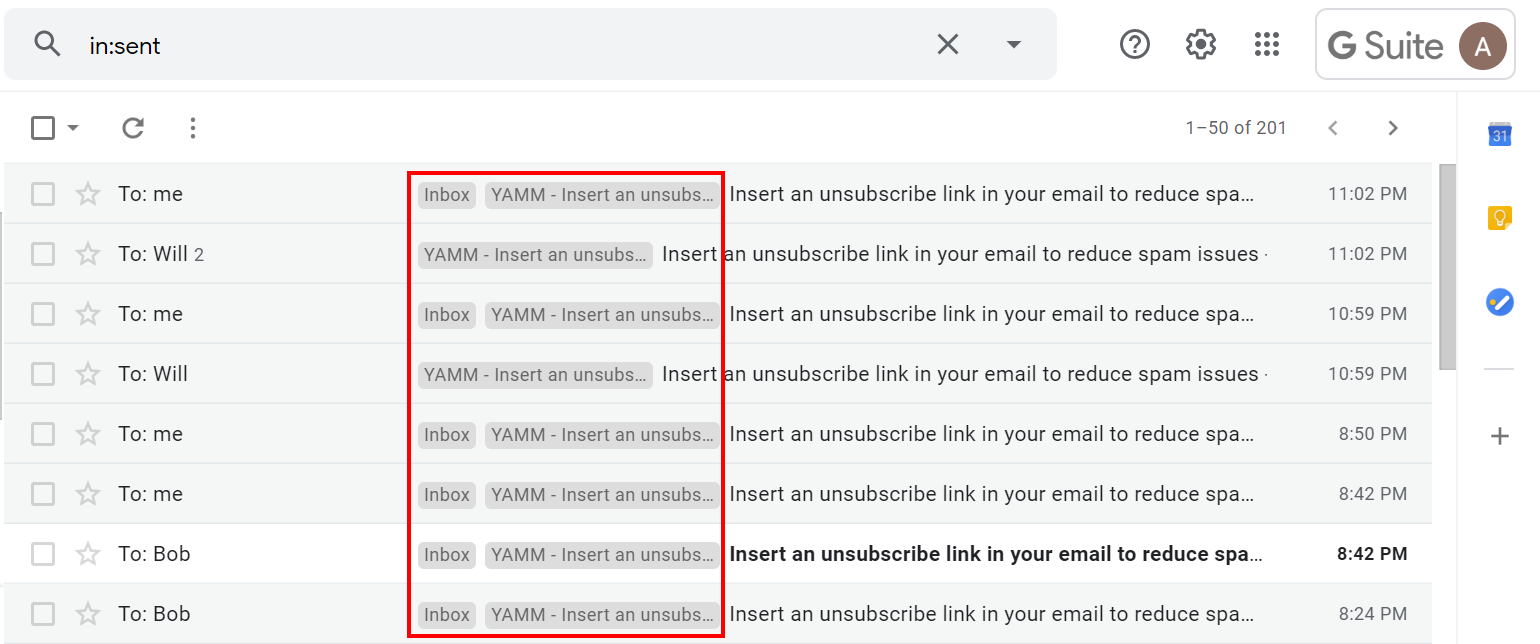
Once you sent your campaign, all the emails appear in your Gmail Sent folder, like this.
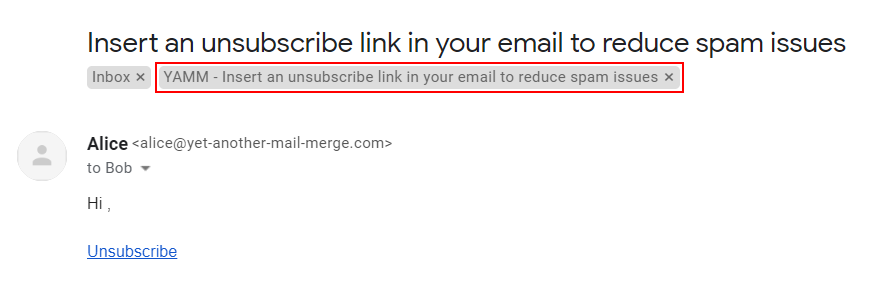
To see the label, open an email, and you should notice a label beginning with *'*YAMM - Your subject line'.
Note: As opening your email from your Gmail Sent folder it is counted as OPENED by YAMM tracker, to avoid skewing results we advise to only open emails that have already been opened by your real recipients. You can check this in your Google Sheets when a row is marked as EMAIL_OPENED.
Instead of going to your Sent folder, you can also open directly the right folder/label located on the left menu:
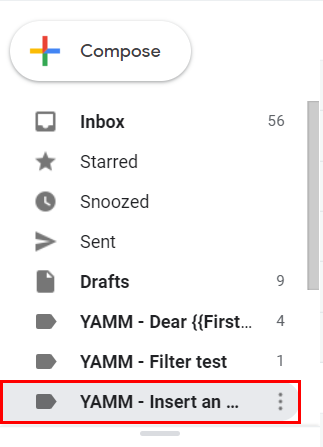
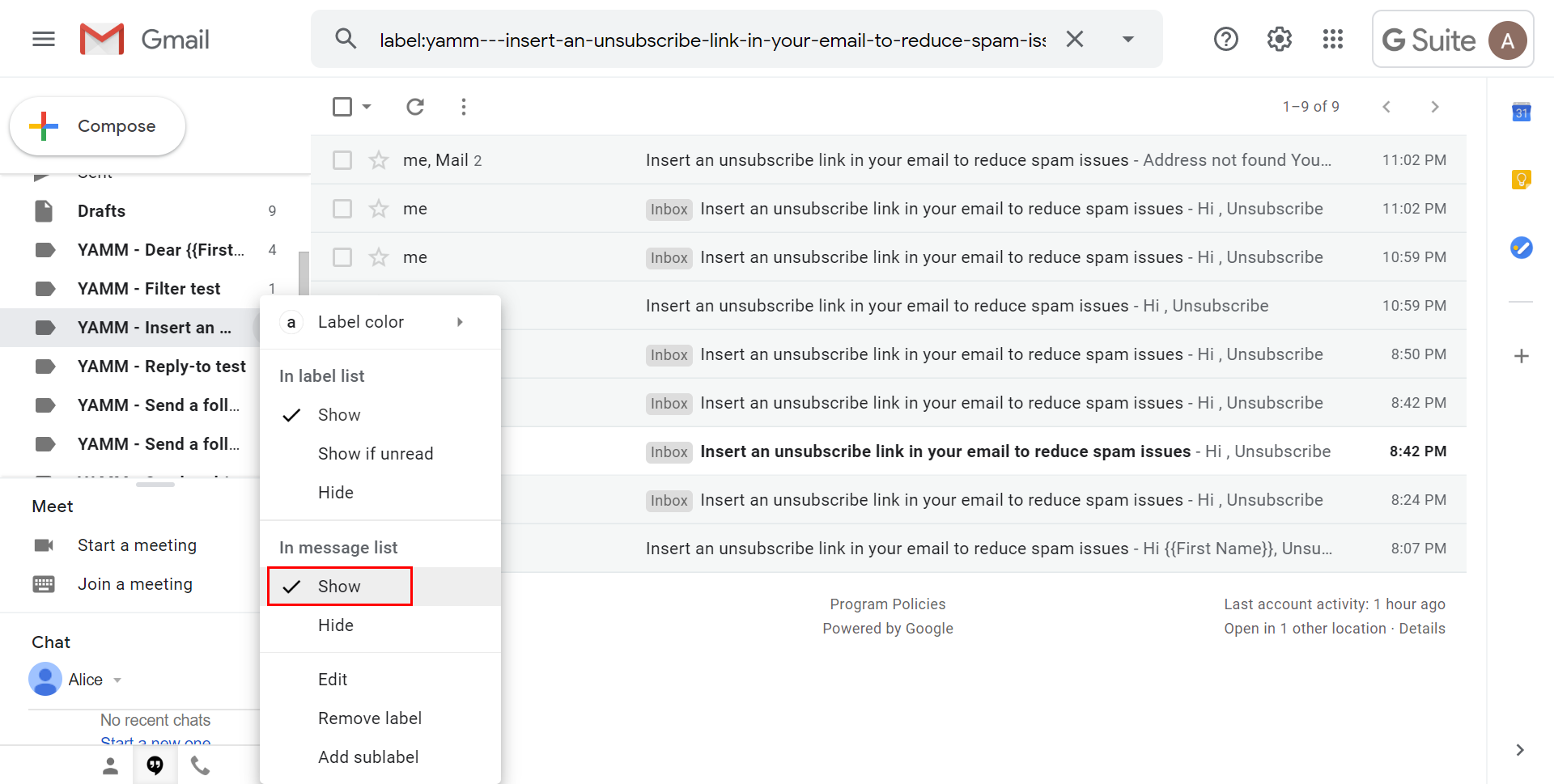
By default, the label is shown only in the label list but hidden on your message list. You can easily show it in your message list so that the label is applied next to each email from the same campaign.
Another way to quickly retrieve a campaign in Gmail is to set a label color.
To do so, hover at one of your labels in the label list, click on the three dots button > Label color and pick a color.
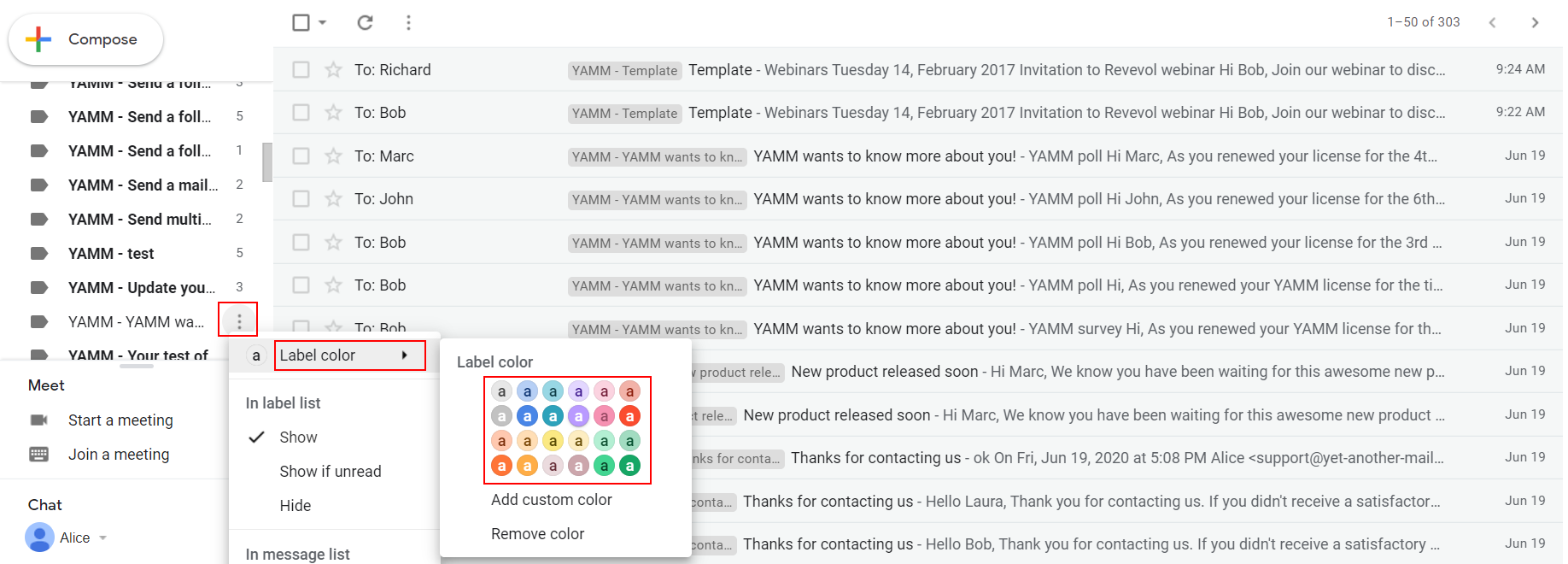
This way you can spot your campaign in a second.