Import your contacts from Google Contacts
Import email addresses from Google Contacts before sending your mail merges with YAMM to your mailing list.
Procedure
-
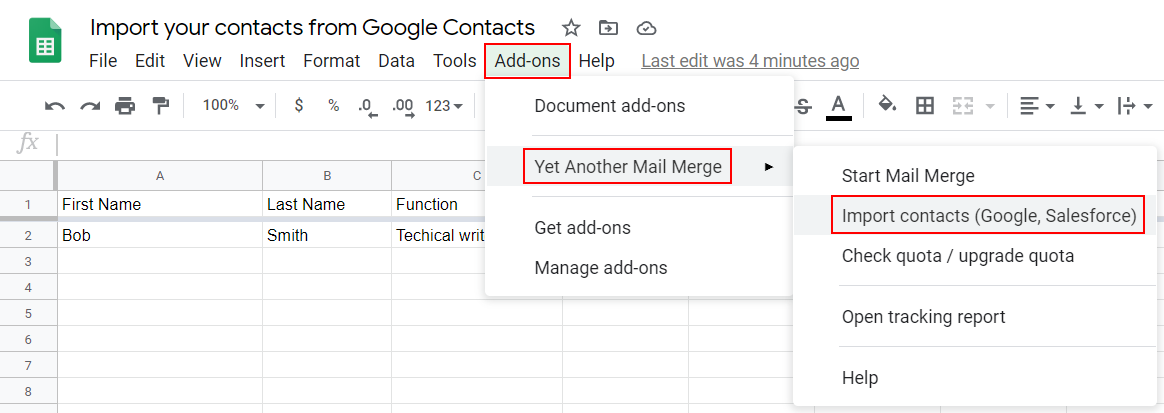
Select Add-ons > Yet Another Mail Merge > Import contacts (Google, Salesforce).
-
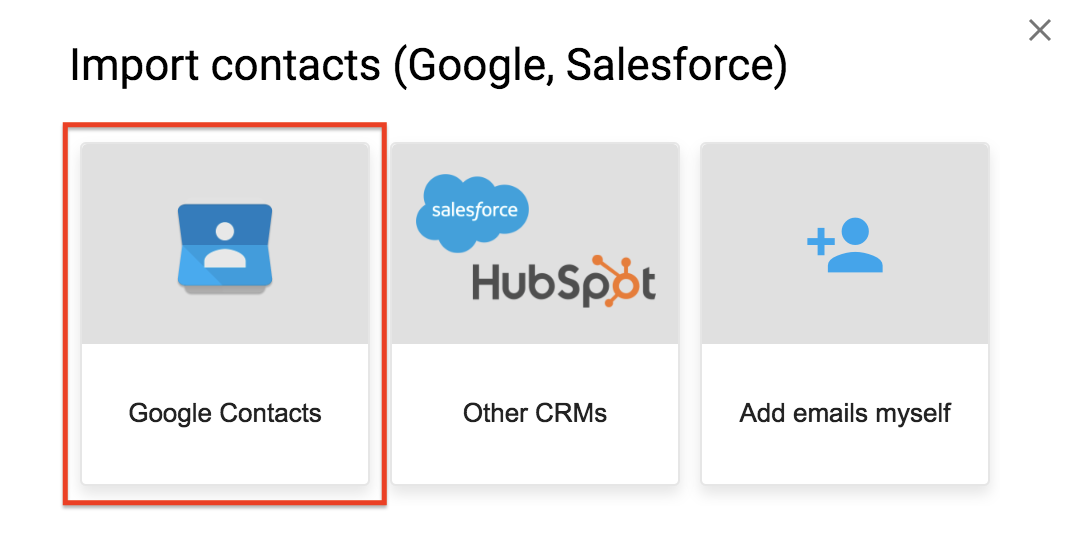
Click Google Contacts.
-
Select a group to import into your Google Sheet click Import contacts.
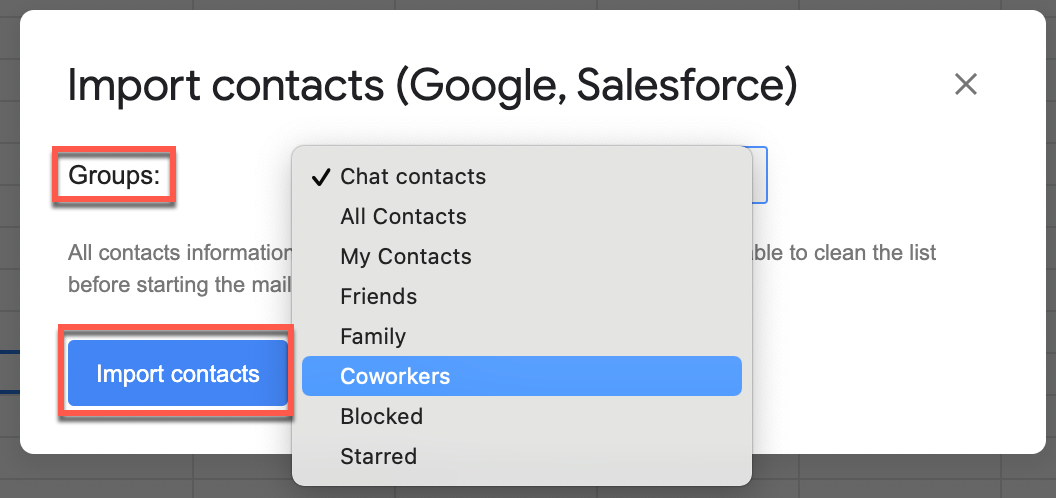
The Import contacts pop-up opens.
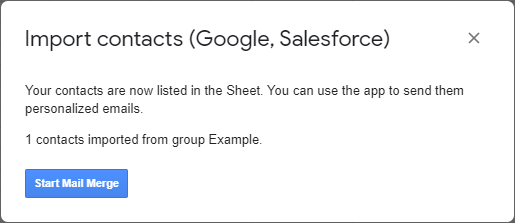
Result
You have successfully imported your Google contacts. You can now send your mail merge.