Transfer the ownership of a space
Transfer space ownership to give another member the permissions to add or remove members, assign roles, and manage billing. You lose these rights when ownership changes.
Transfer ownership
Prerequisite: You are the owner of the space.
-
Sign in to your YAMM dashboard.
-
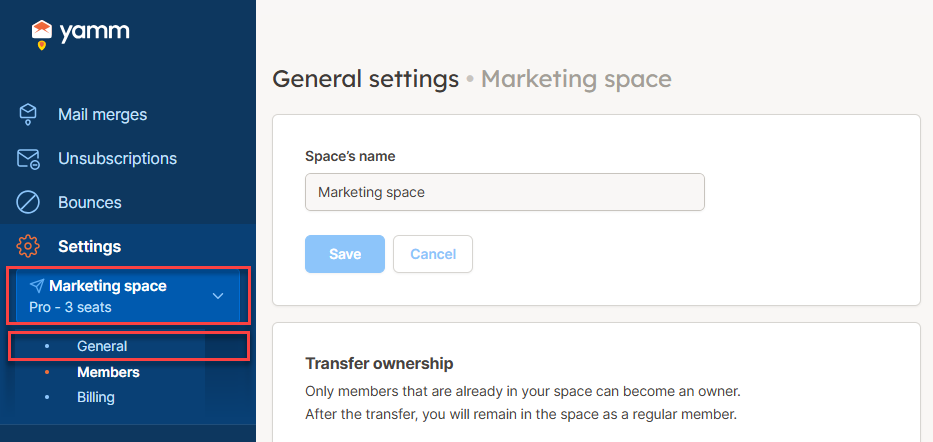
In the sidebar, select the space, and click General.
-
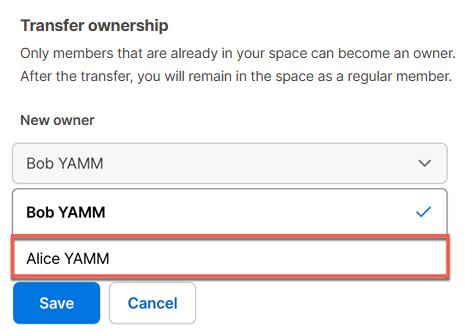
In the Transfer ownership section, select the New owner of the space.
 note
noteIf a member doesn't appear in this list, they may have a Pending status, meaning they haven't created a YAMM account yet. Check the Members screen and, if that's the case, ask them to sign up here.
-
Click Save and confirm.
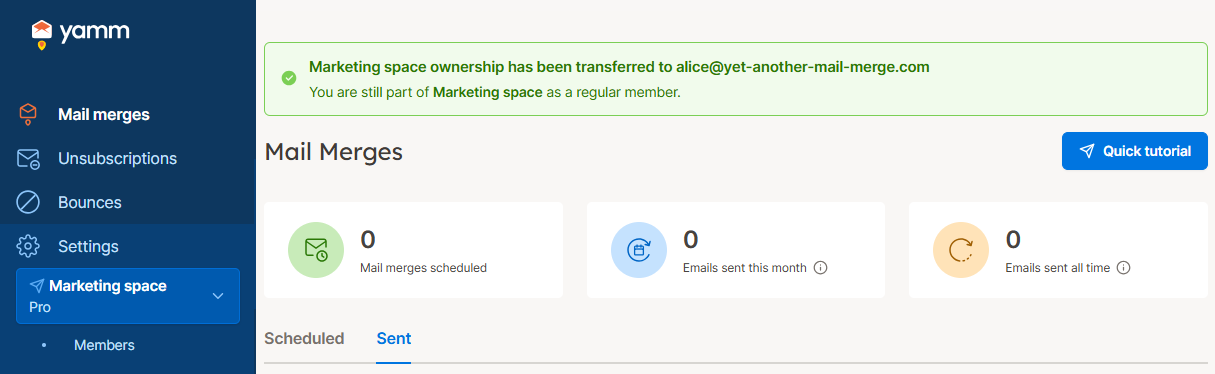
Ownership has been transferred. You are still part of the space as a regular member.
What's next
Have the new owner remove you from the space if you're no longer using YAMM.