Buy an individual plan for YAMM
For your individual Gmail.com you can buy the Personal plan. For your Google Workspace account, you can buy a Professional plan.
| Individual plan | Recipients per 24 hours* |
|---|---|
| Personal plan | Up to 400 |
| Professional plan | Up to 1,500 |
*24 hours is a rolling period. If you exceed your quota at 4 p.m., your full quota is again available at 4 p.m. on the next day.
Procedure
-
Go to your YAMM dashboard.
-
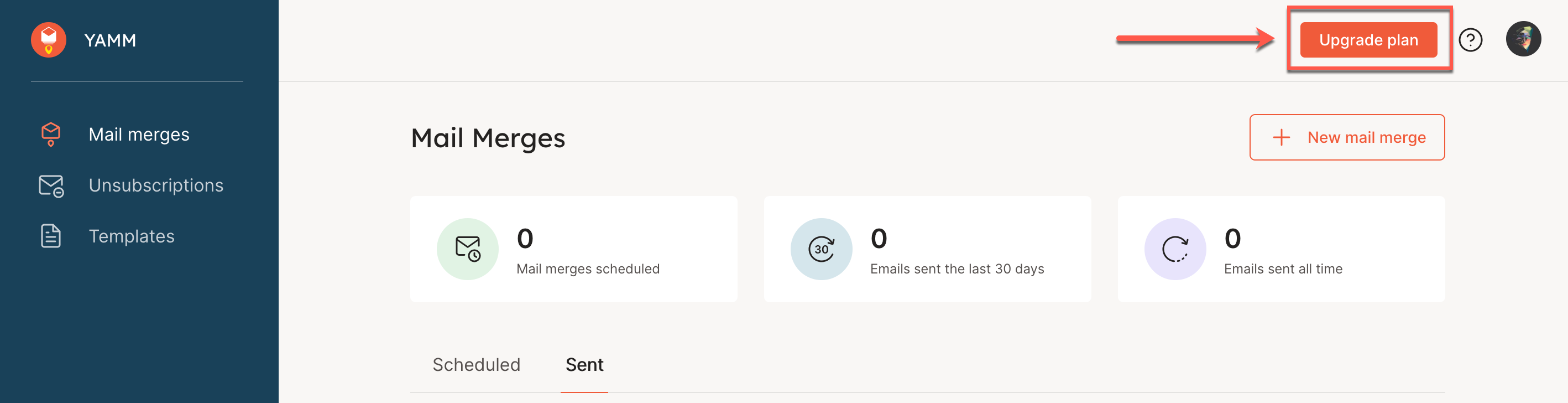
Click Upgrade plan in the top right corner.
-
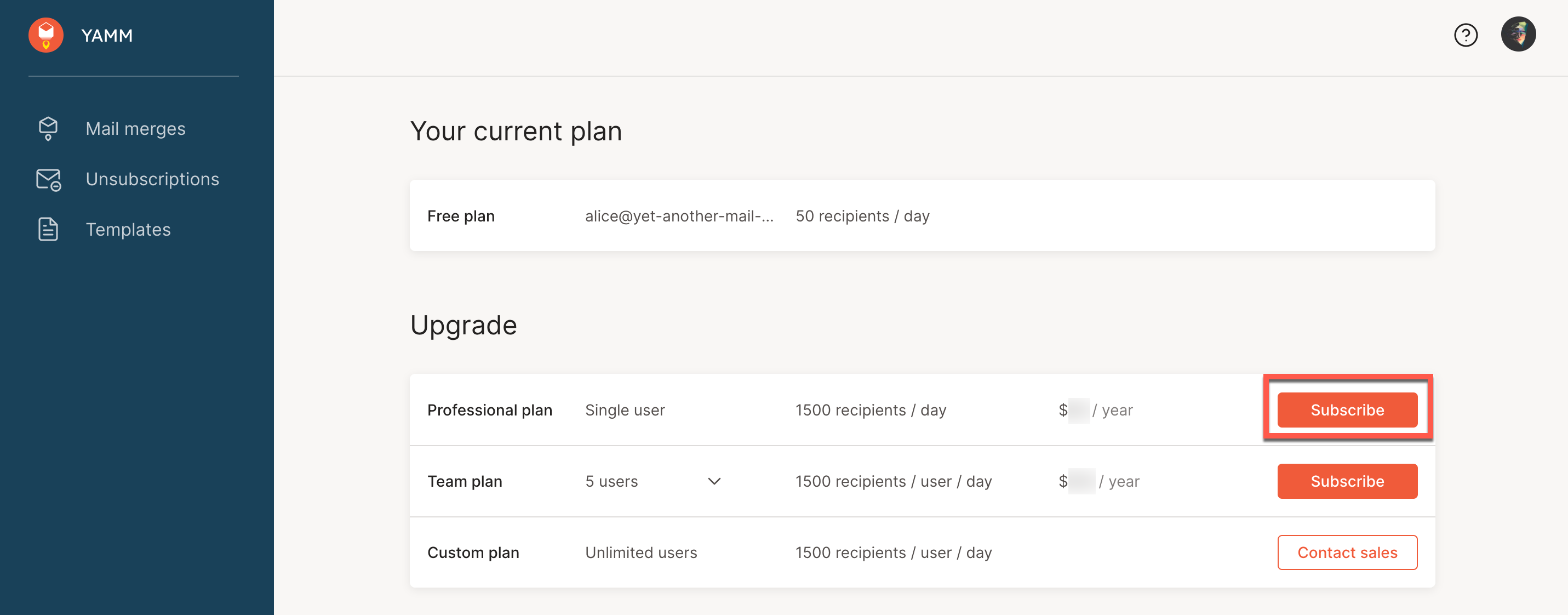
Click Subscribe for the Personal or Professional plan.
infoThe graphic shows how a user with a Google Workspace account can select the option to purchase a Professional plan for YAMM. If you log in with a Gmail.com account, you see the Personal plan option.
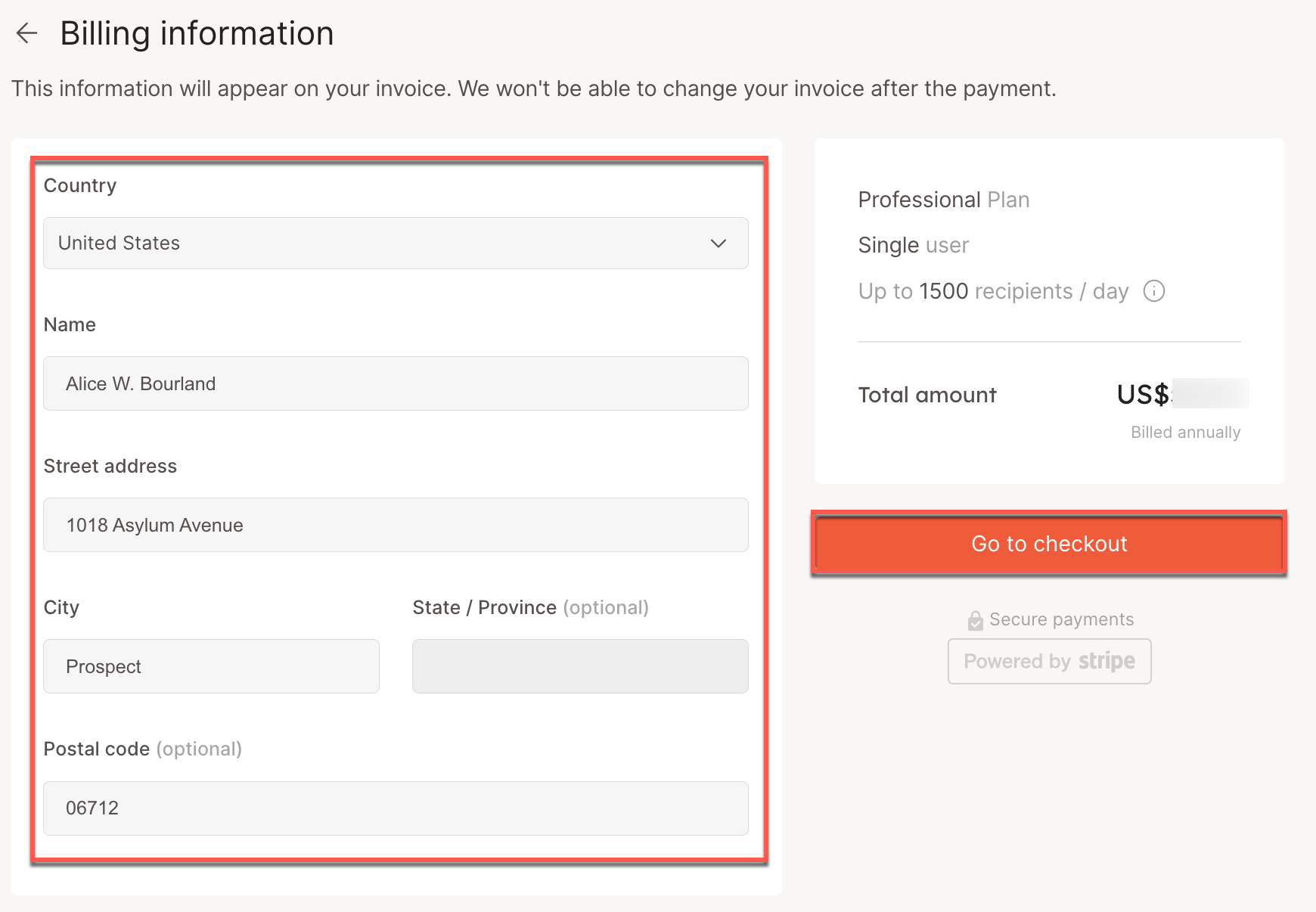
You are redirected to the Billing information page.
-
Enter your billing information and click Go to checkout.
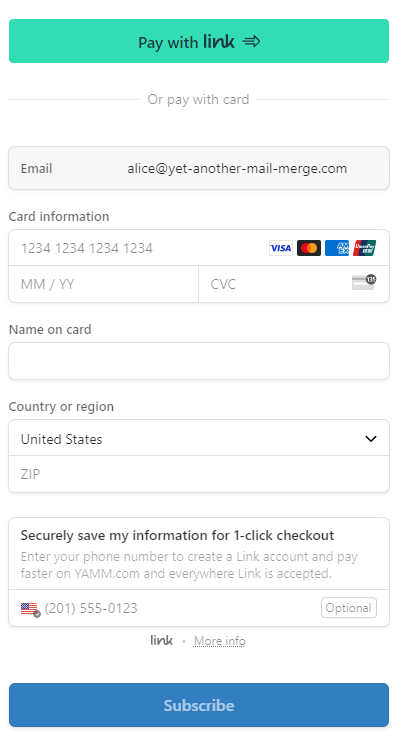
The Checkout page opens.
-
Choose a payment method, and follow the instructions to complete purchase.
Result
Your individual plan is now active.
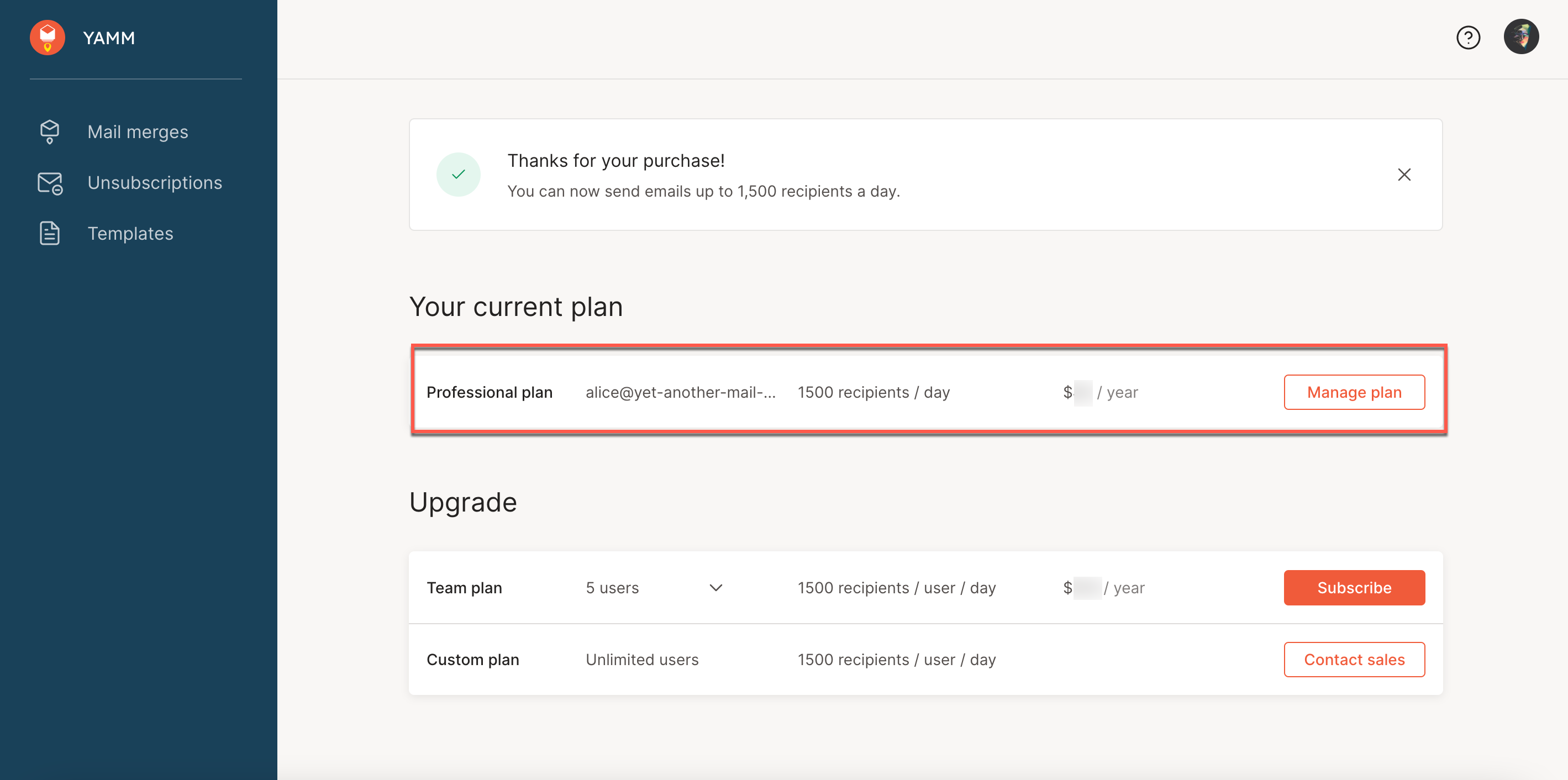
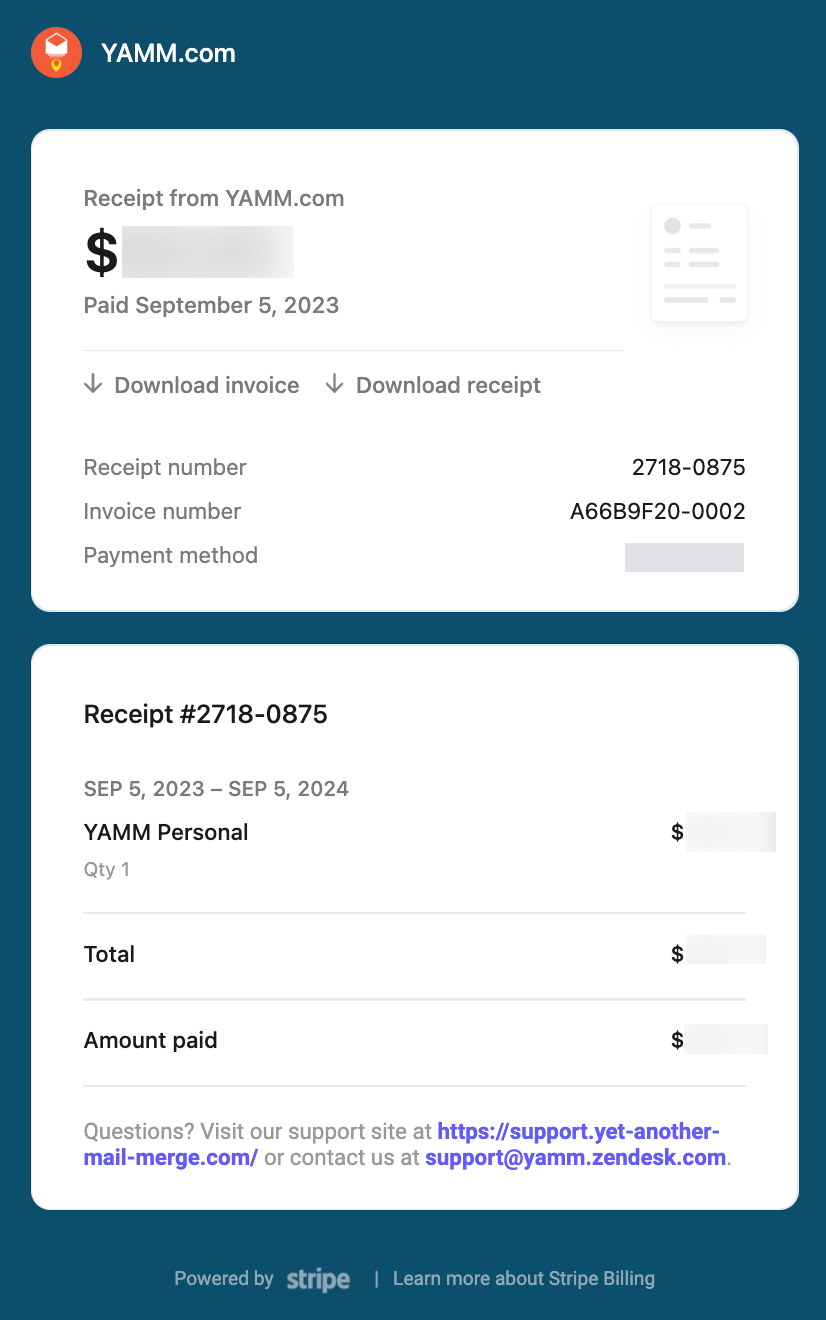
You receive a purchase confirmation email, which includes the download link for your invoice.
Related articles