Buy a Team plan for YAMM
New billing and pricing is gradually being deployed. Sign in to see which prices apply to you today.
Use Team plans to allow colleagues and team members in your Google Workspace domain to send mail merges with YAMM at volume discounts.
| Google Workspace domain accounts | Recipients per 24 hours* per user |
|---|---|
| 5 users | Up to 1,500 |
| 10 users | |
| 25 users | |
| 50 users | |
| 100 users |
*24 hours is a rolling period. If you exceed your quota at 4 p.m., your full quota is again available at 4 p.m. on the next day.
See pricing plans.
Prerequisites
You can purchase a Team plan only if you are using a Google Workspace account.
Procedure
-
Go to your YAMM dashboard.
-
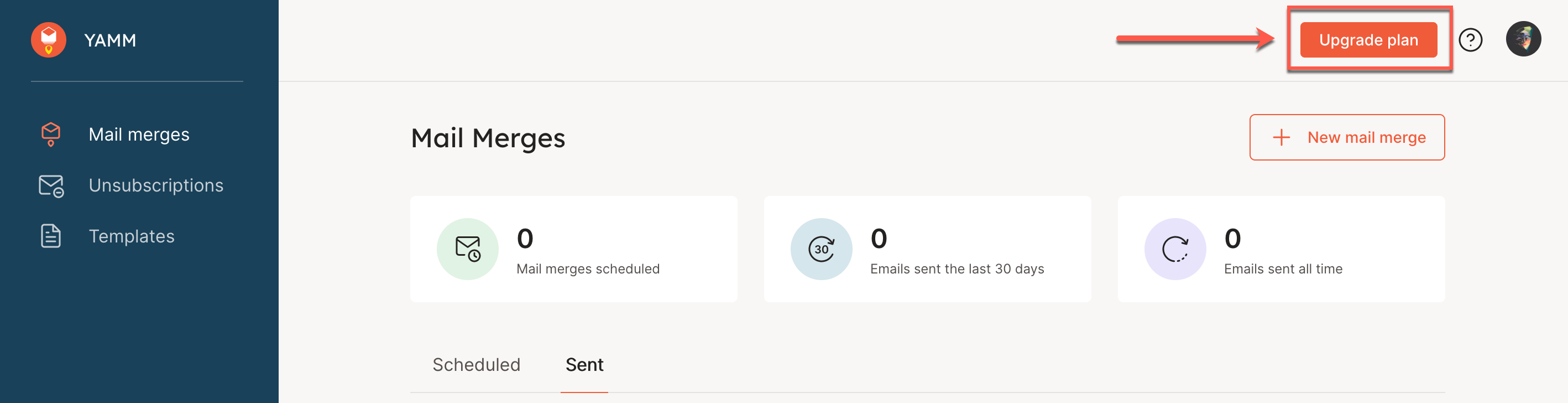
Click Upgrade plan in the top right corner.
-
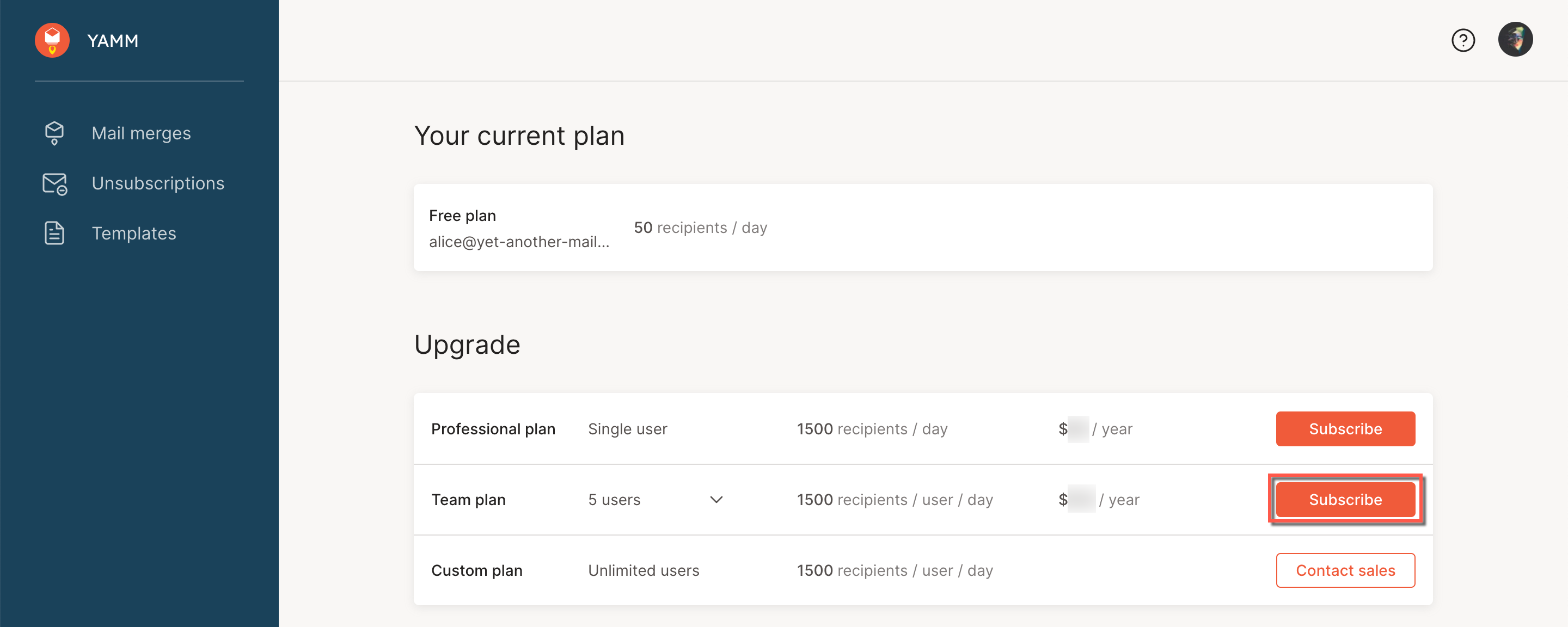
Click Subscribe for the Team plan.
-
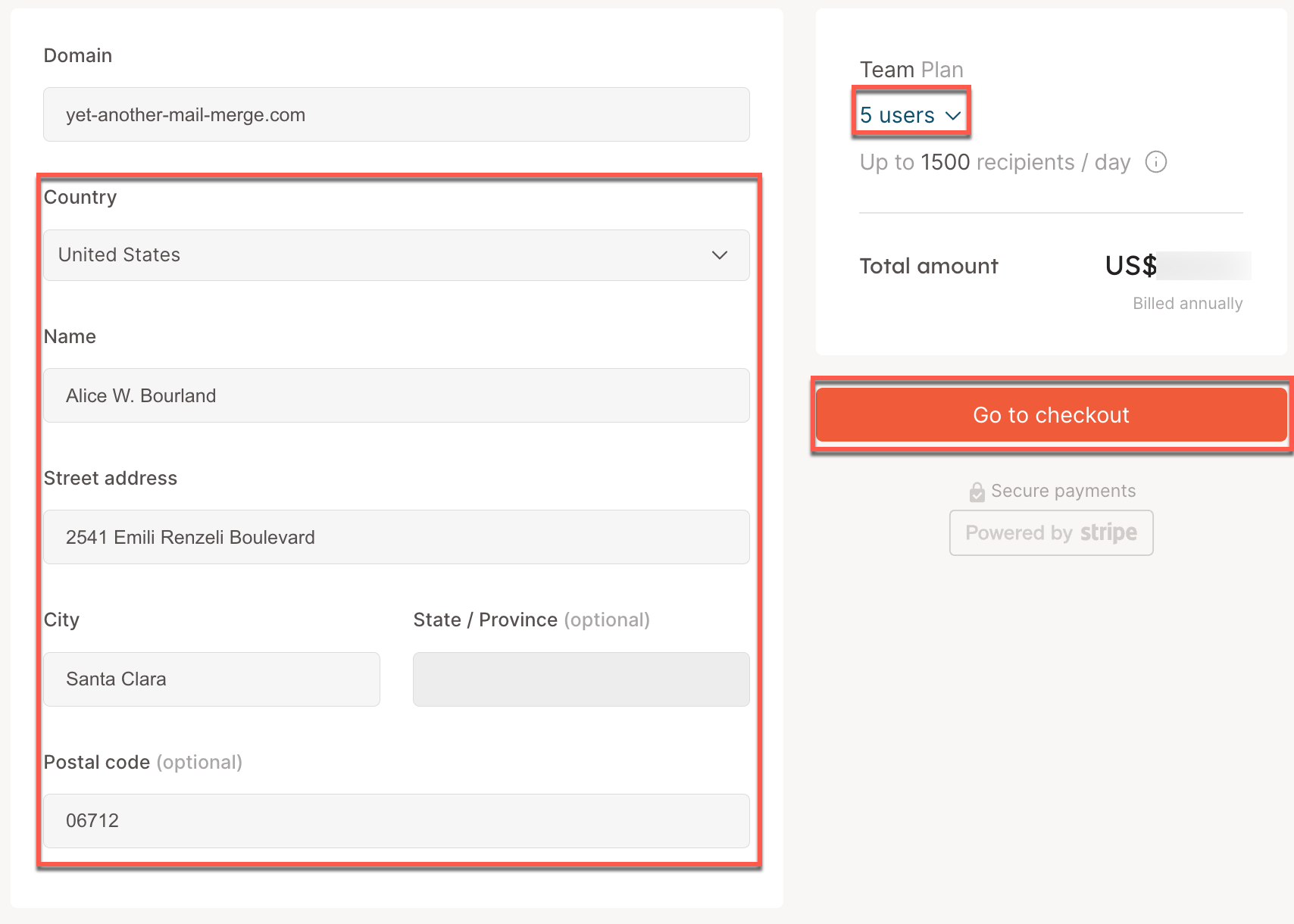
Enter your billing information, select the number of YAMM-enabled users in your domain plan, and click Go to checkout.
-
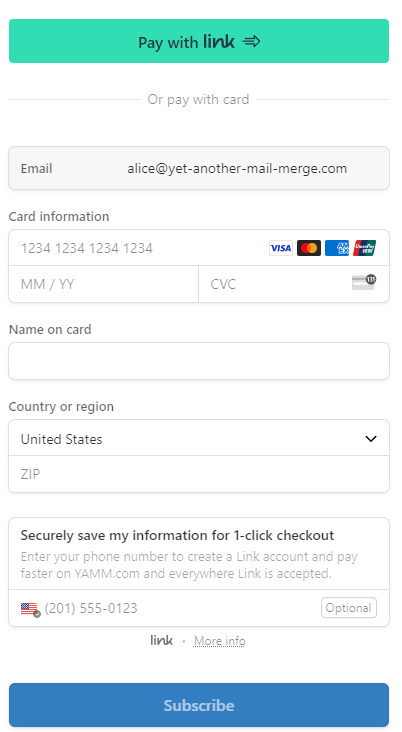
Choose a payment method, and follow the instructions to complete purchase.
Result
Your Team plan is now active.
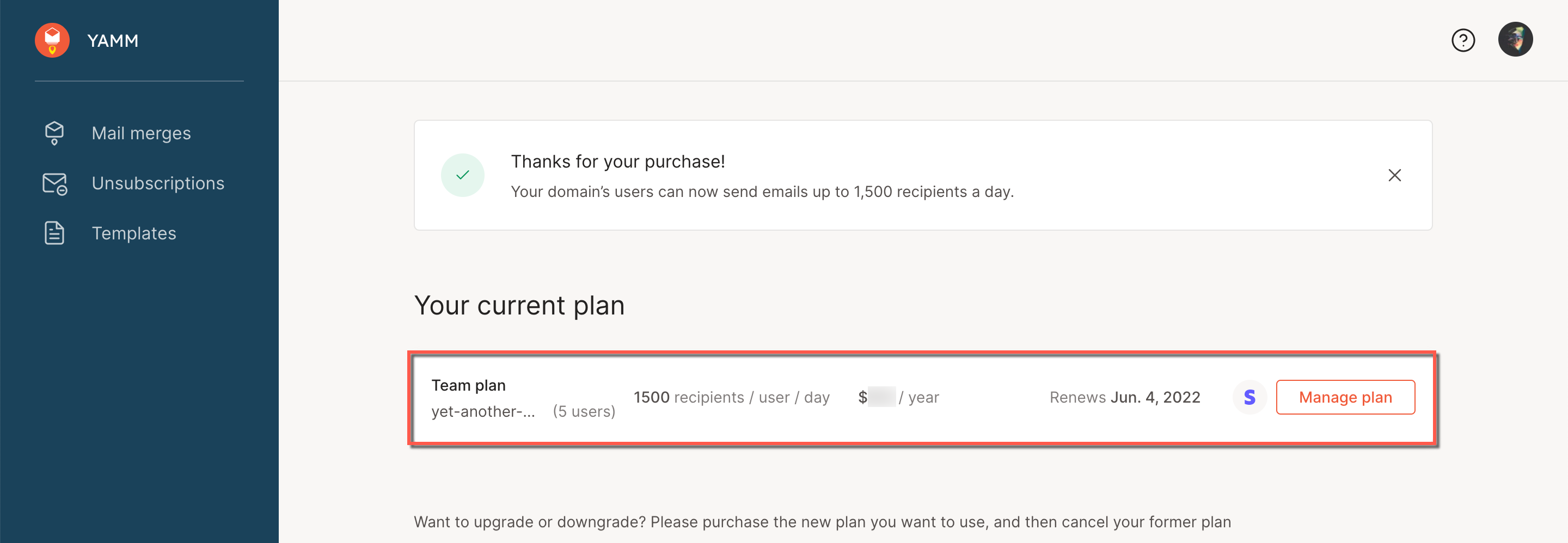
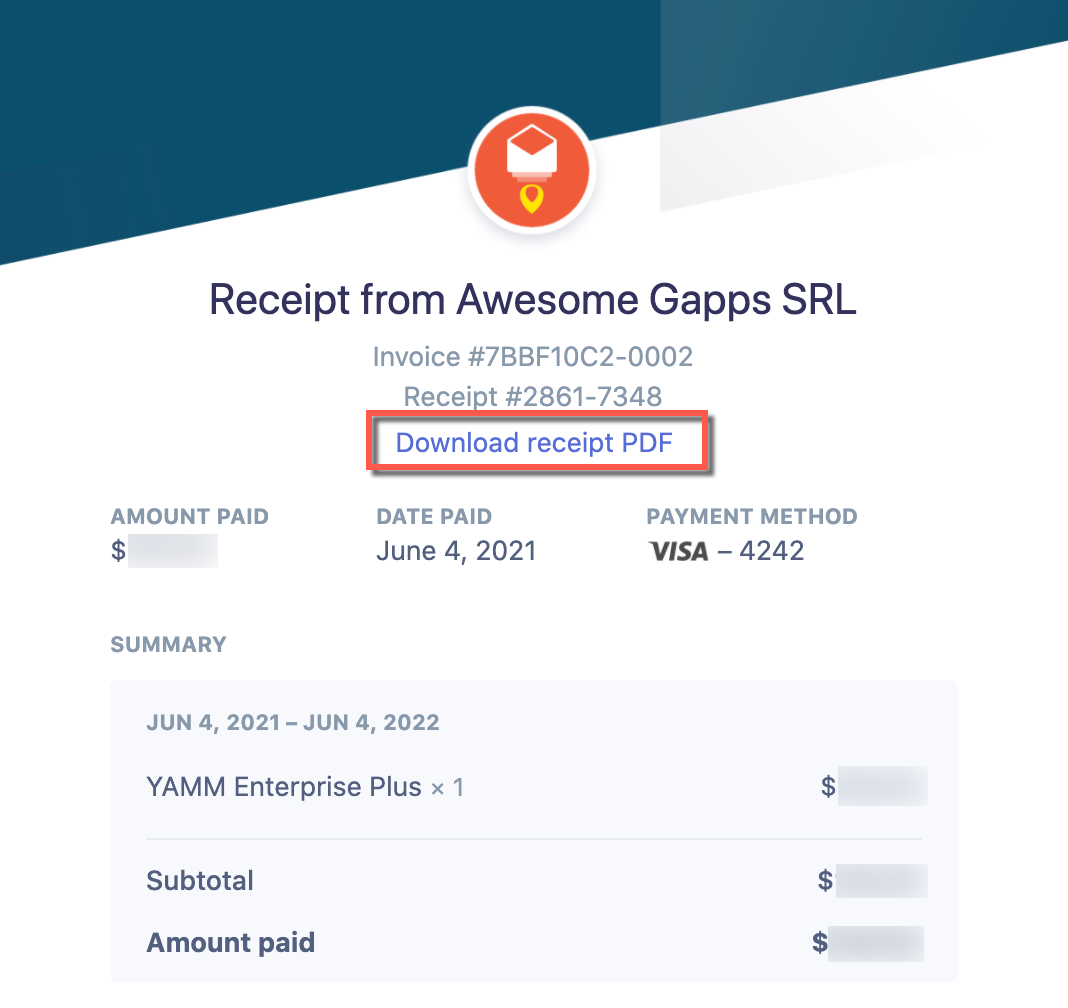
You receive a purchase confirmation email, which includes the download link of your invoice.
Related articles