Use Stripe to renew or upgrade a plan you purchased via PayPal
If you want to renew your expiring YAMM plan that you purchased via PayPal and at the same time cannot update your payment method in PayPal, you can renew or upgrade your YAMM plan via Stripe.
You can only renew or upgrade plans which are expiring in the next 31 days.
Procedure
-
Go to the YAMM dashboard.
-
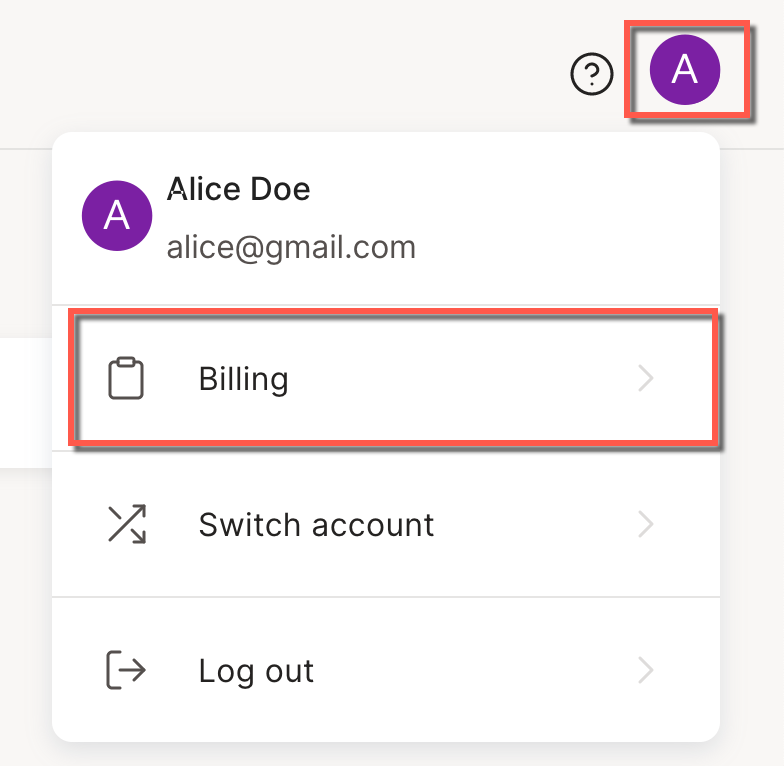
In the YAMM dashboard, click the account menu in the top-right corner and select Billing.
-
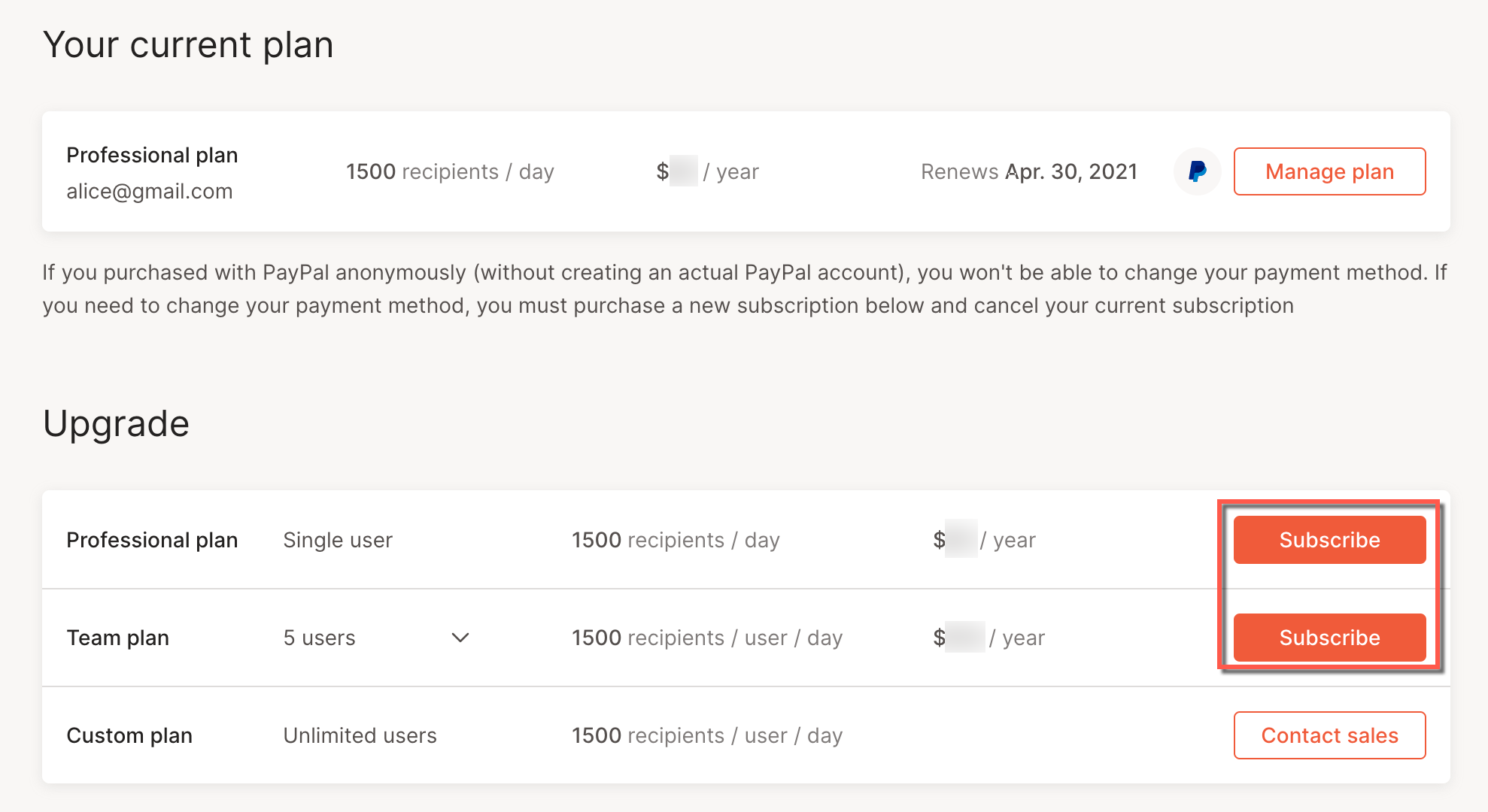
Under Upgrade, select the plan to renew or to which you want to upgrade by clicking Subscribe.
-
In the Billing information page, fill out your billing information and click Go to checkout.
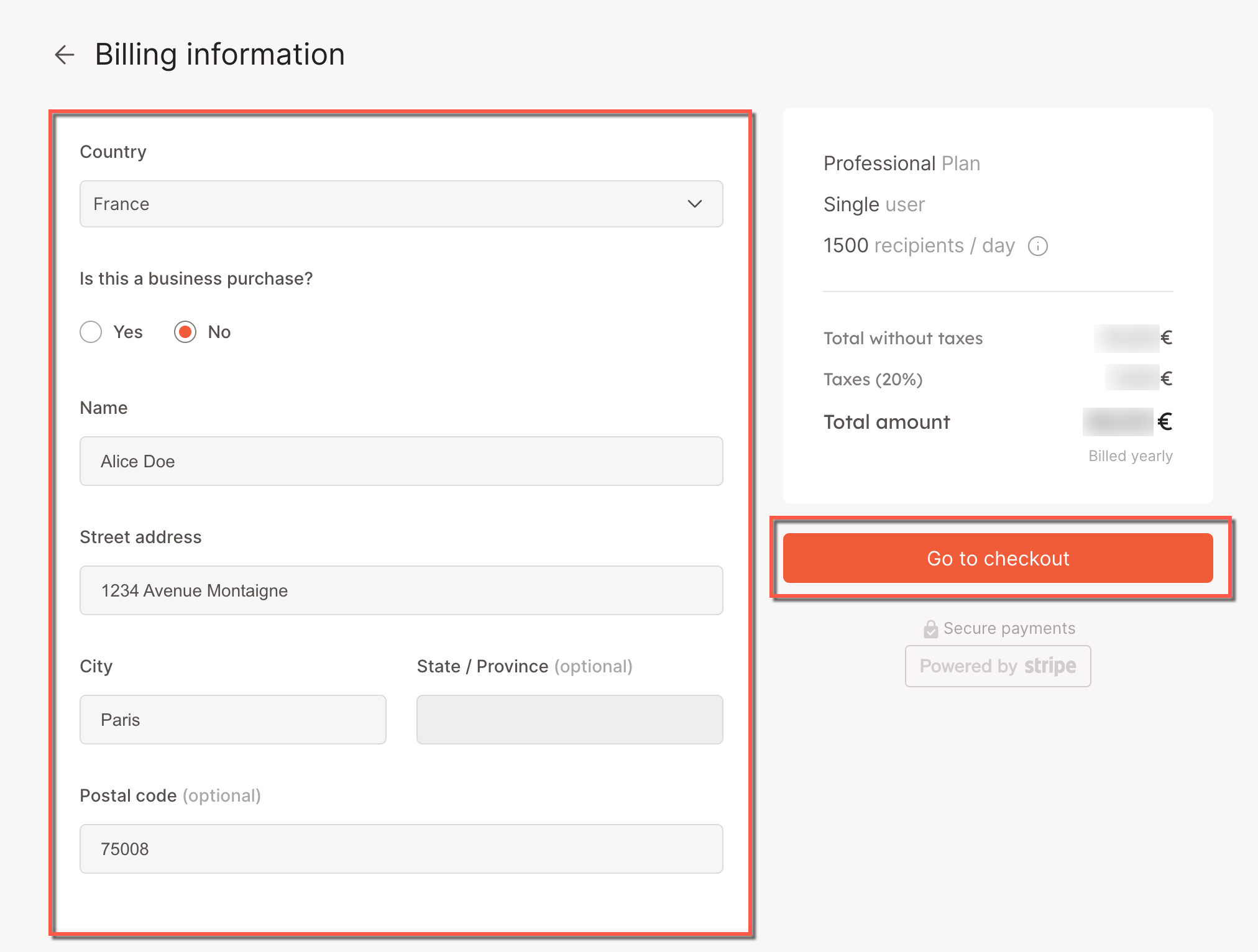
The checkout page opens.
-
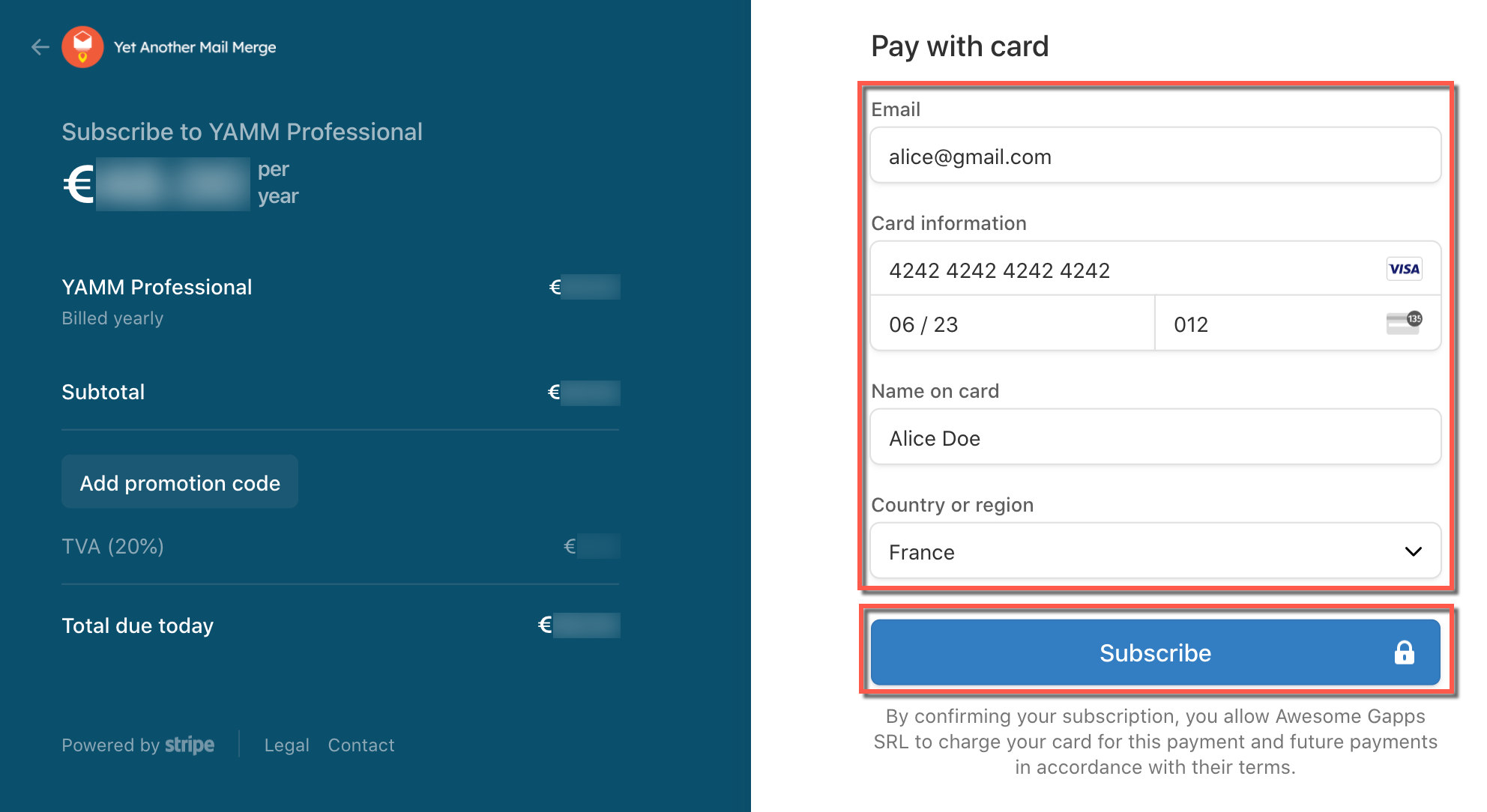
Enter your payment information and click Subscribe.
Result
The selected YAMM plan is now active. You can access it from the YAMM dashboard.