Update your Paypal payment information
Keeping your payment information up to date ensures smooth continuity for your license renewal. In this article, you'll learn how to update the payment information for your Paypal account.
This article is for users who purchased their license by Paypal. If you paid by credit or debit card without using Paypal, read the article: Update your payment information. Learn more: How did you pay for your YAMM license?
If you purchased your YAMM license by card via Paypal, you can't update your payment information. You must first cancel your subscription and then buy a new plan.
You can update your credit card information directly from your Paypal account settings.
Sign in to your PayPal customer account.
Sign in to PayPal
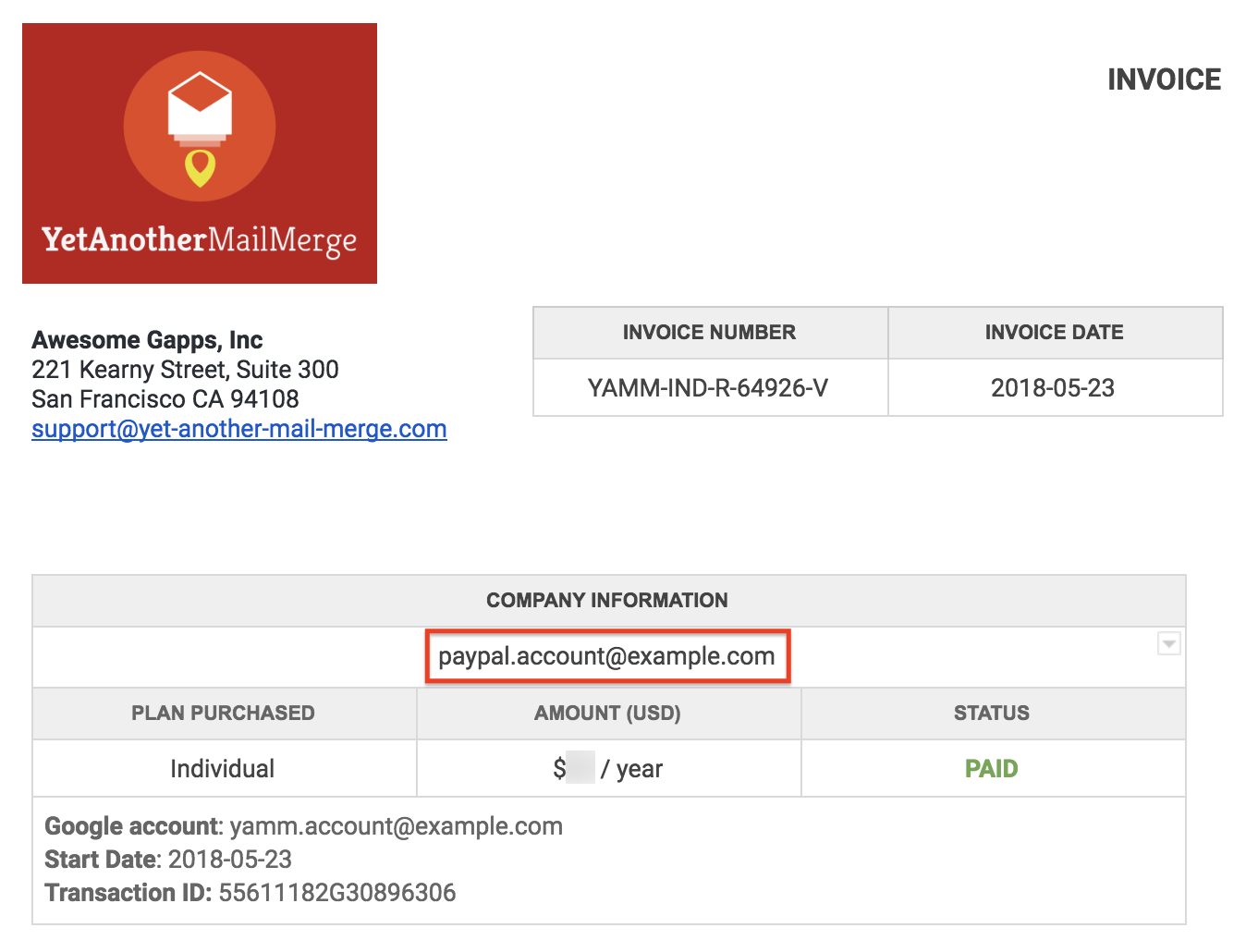
If you don't remember the details of your PayPal account, you can retrieve them from your invoice, under Company information.
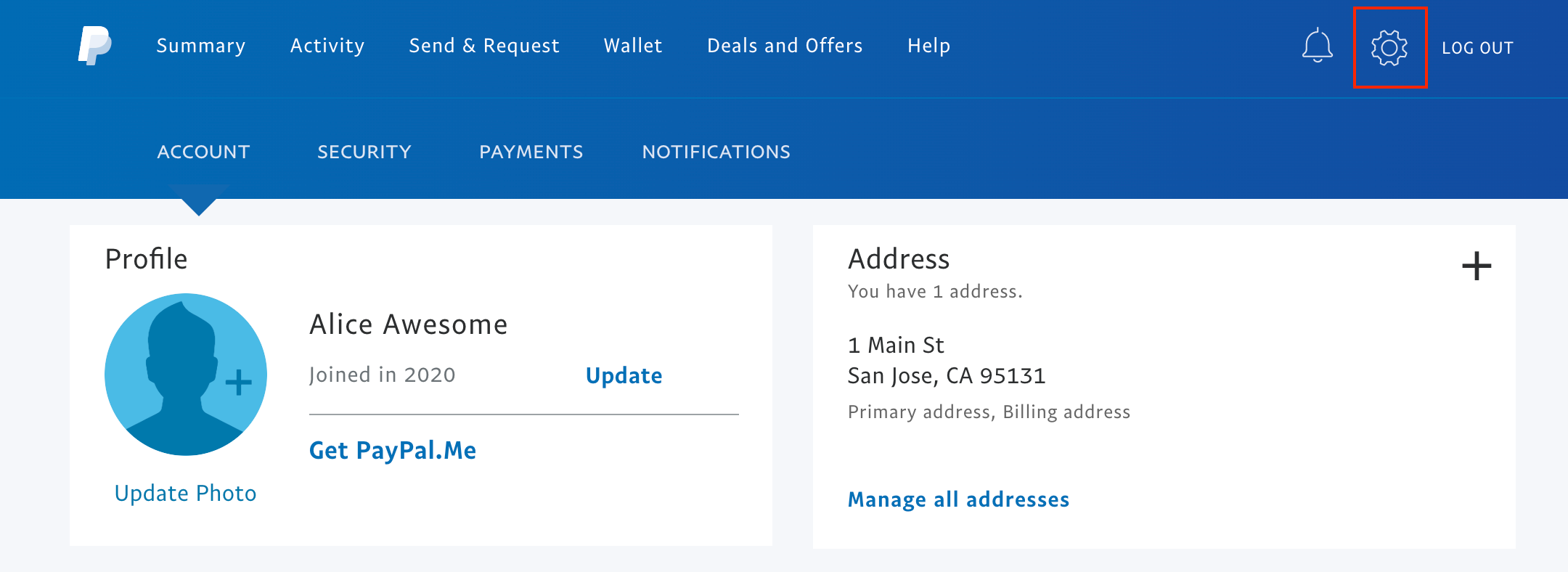
Click the Settings button.
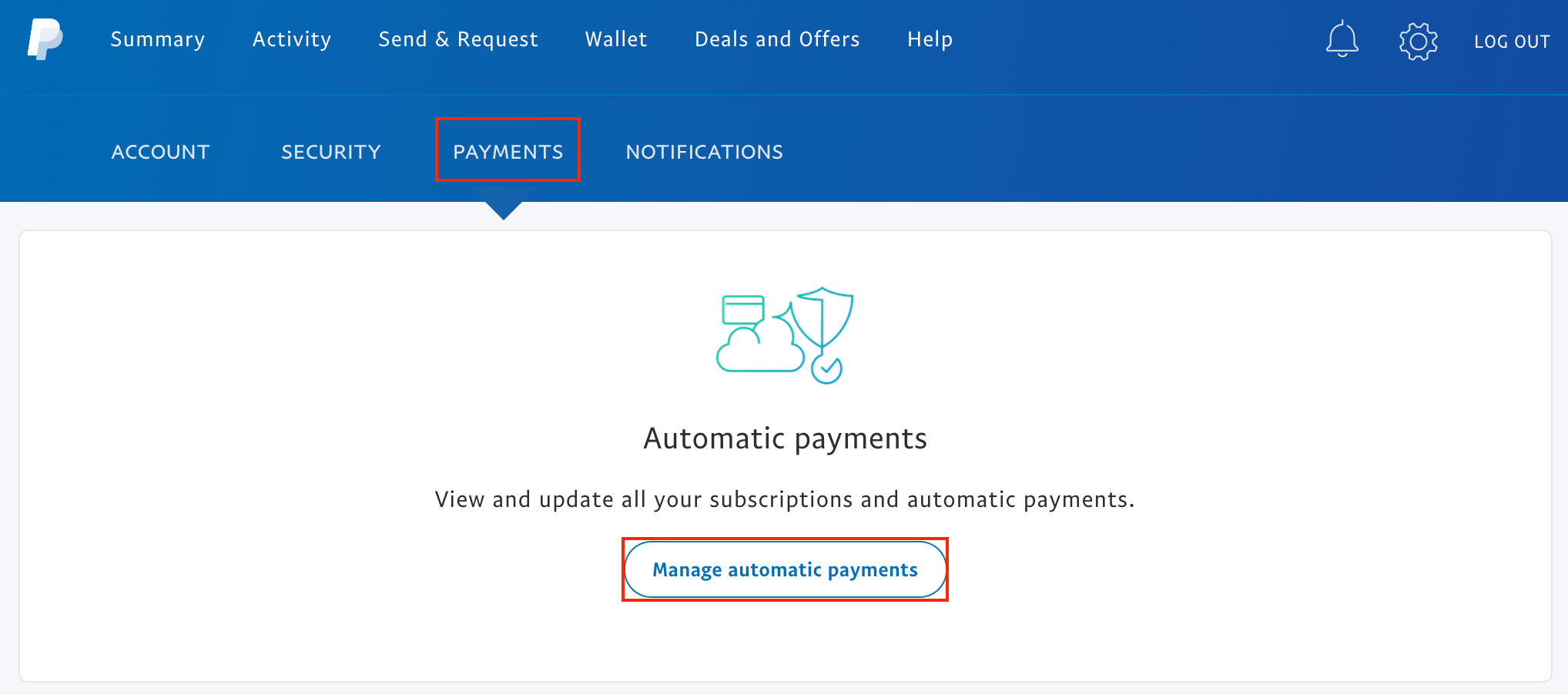
Go to Payments and select Manage automatic payments.
Choose Talarian in the merchant list in the left menu. Then click the pencil icon in the Payment method section and follow the instructions to update your credit card information.
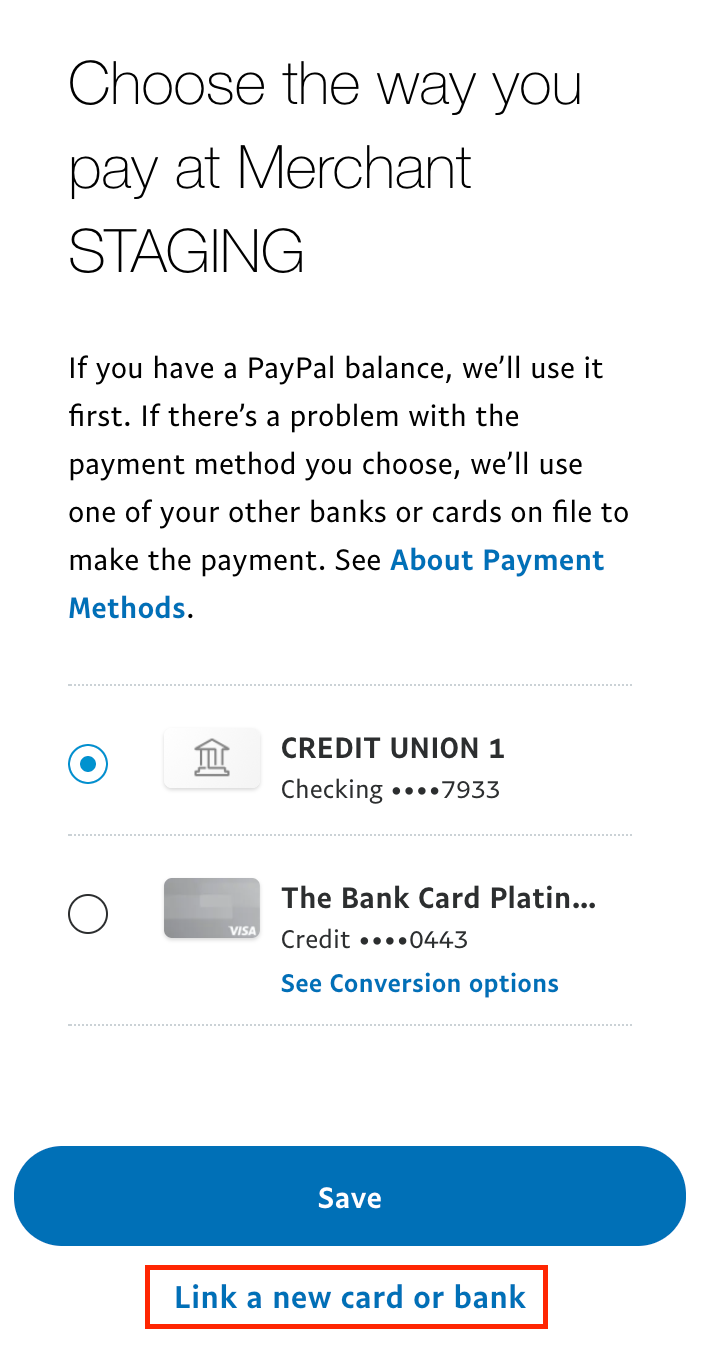
Click Link a new card or bank.
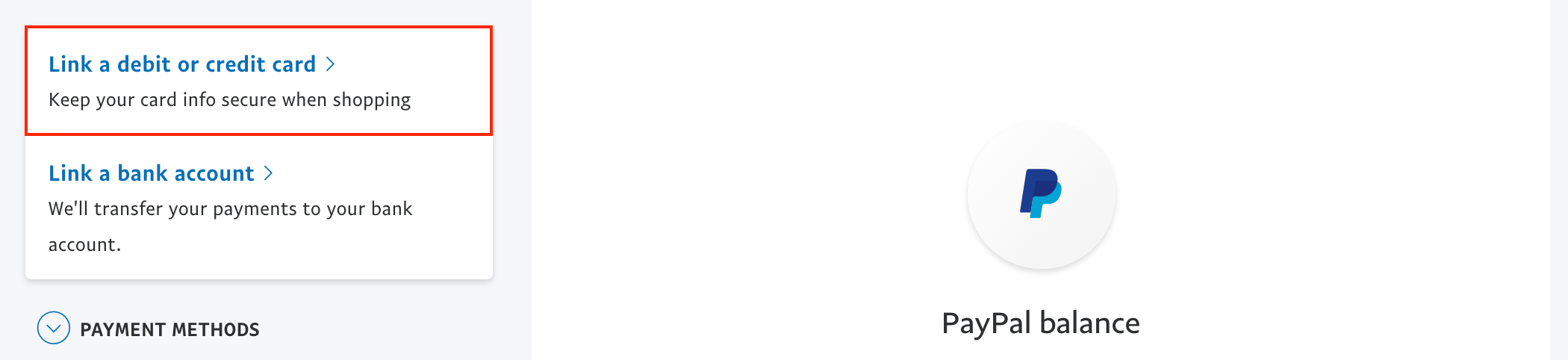
Click Link a debit or credit card.
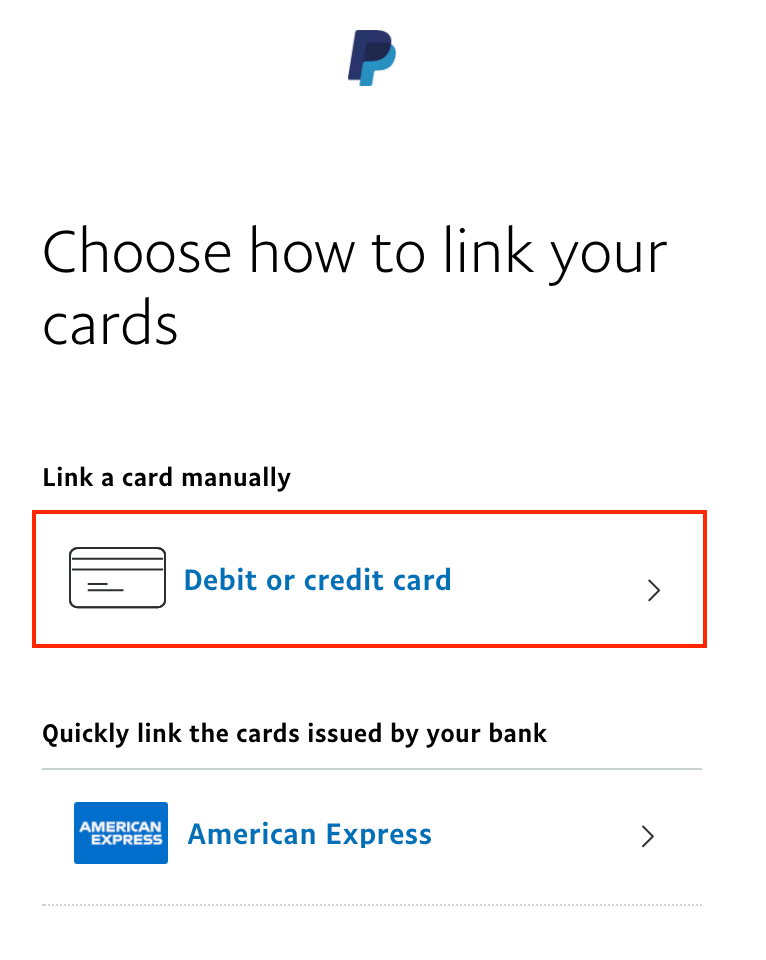
Select Debit or credit card.
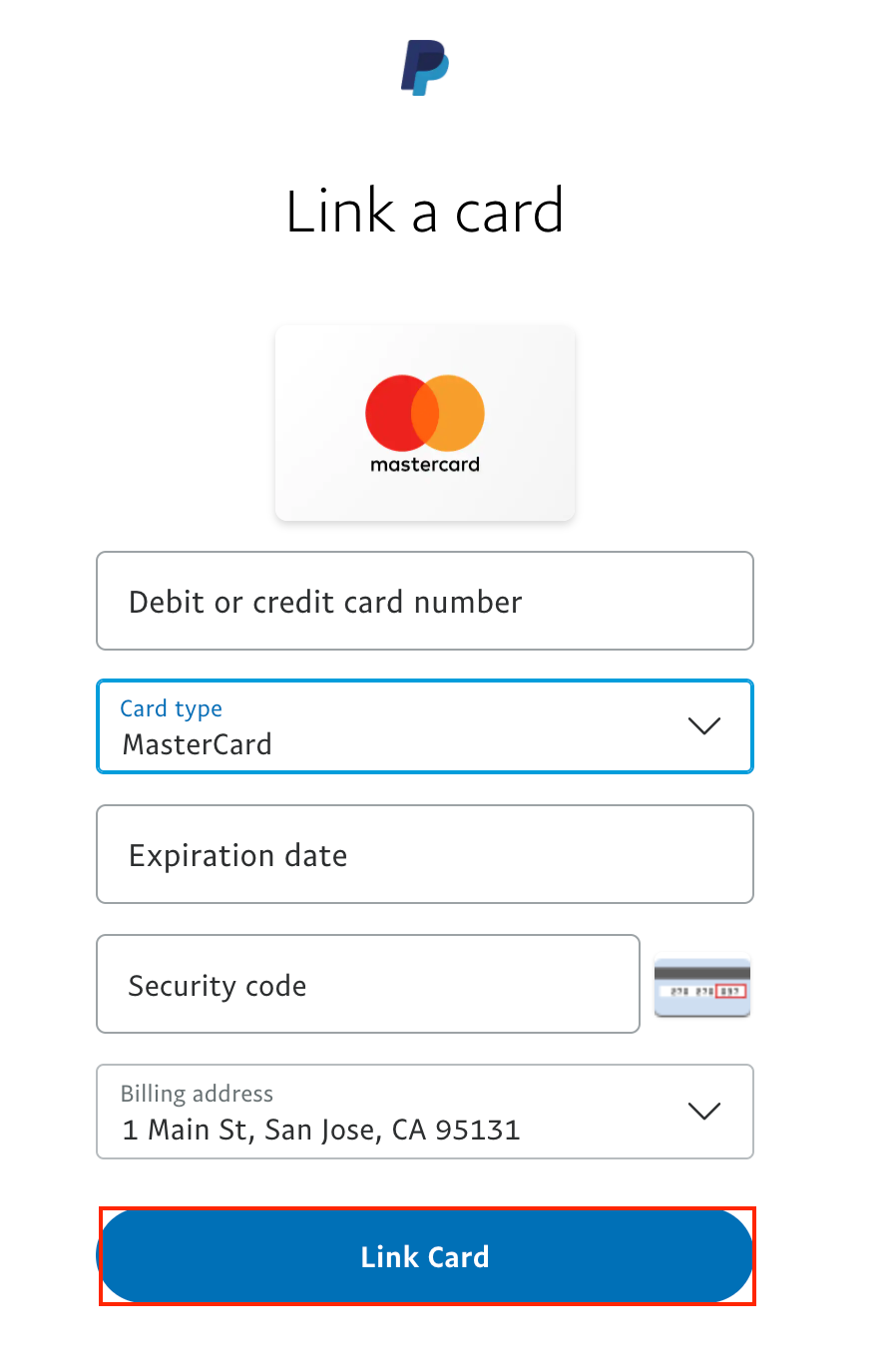
Enter your new payment information and click Link Card.
If you previously paid by Paypal, the payment process is handled entirely by PayPal, which means that we don't have any information about your credit card, not even the last 4 digits. You can retrieve the last 4 digits in the confirmation email you received from PayPal. Learn more: About your banking data.
Learn more about changing your payment method from the PayPal documentation.
If you need further help, send us a request and specify the Google account for which you want to renew a license.