What are bounces? Why do I get bounces?
Bounces occur when your emails can't be delivered to your recipients for various reasons, like an outdated database. A bounce can be classified as a soft or hard bounce.
Soft bounces vs hard bounces
A bounce (or bounced email) means that your recipients' email server rejects your email.
Specifically, your email cannot be delivered to your recipients and is returned to your inbox with an error message which looks like this:

There are two types of bounces:
| Soft bounces | Hard bounces |
|---|---|
| It is a temporary issue: - Your recipients' mailbox and/or your inbox are full - Your email message is too large and too heavy - Your recipients' email server is down or offline - A connection timeout occurred when Gmail tried to deliver your email | It is a permanent issue: - Your recipients' email address does not exist (anymore) - The domains do not exist (anymore) - Your recipients' email server has completely blocked email deliveries |
info
You can retrieve bounced emails for your YAMM mail merges under YAMM - delivery issues label in your Google account.
Why do my emails bounce back to my Gmail inbox?
The reasons depend on the type of bounces you received in your inbox:
| Bounced message | Explanations |
|---|---|
Address not found (hard) 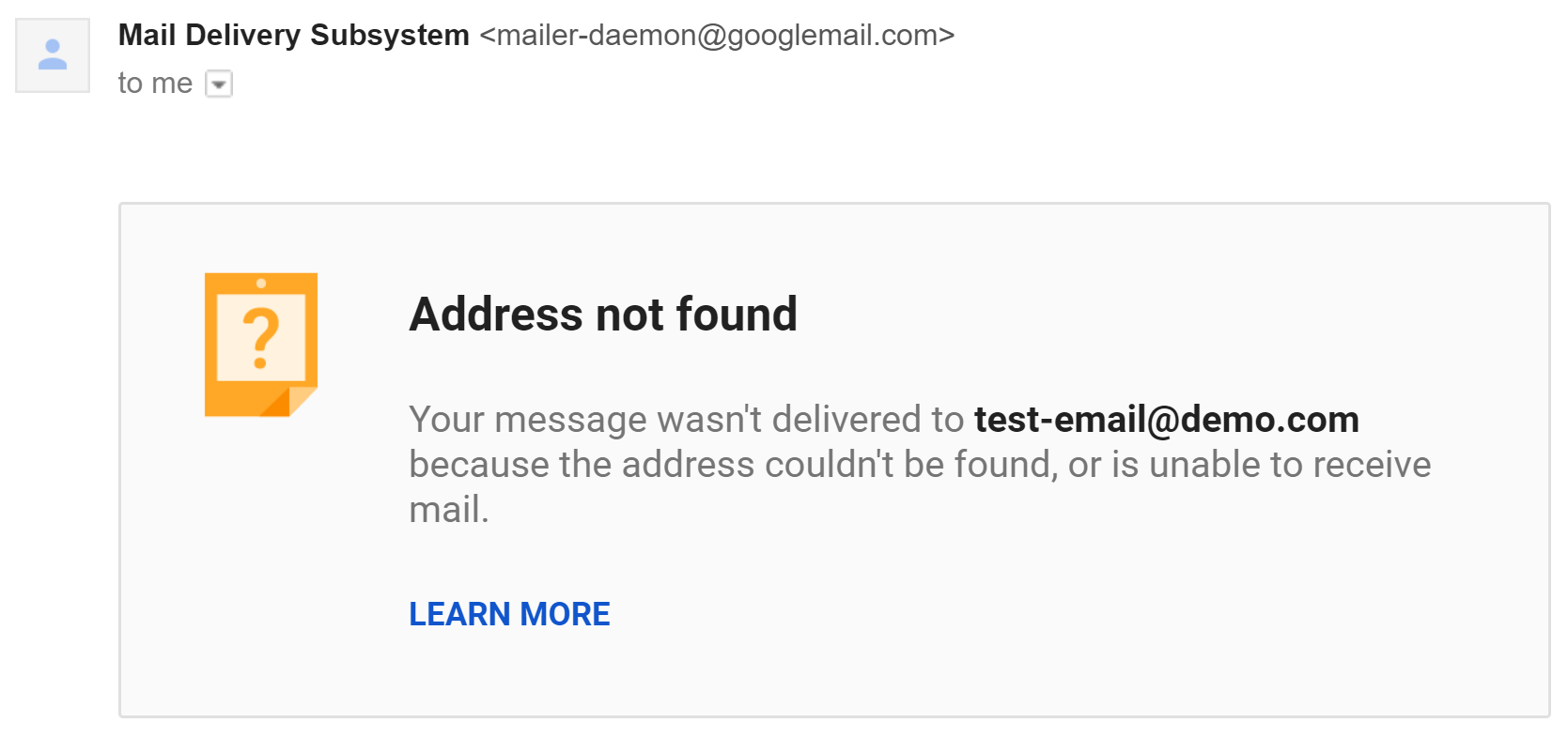 | It means that the recipient you are trying to reach doesn't exist, usually because of typos. Solution: Please double-check the email address and clean your database. |
Message not delivered (soft) 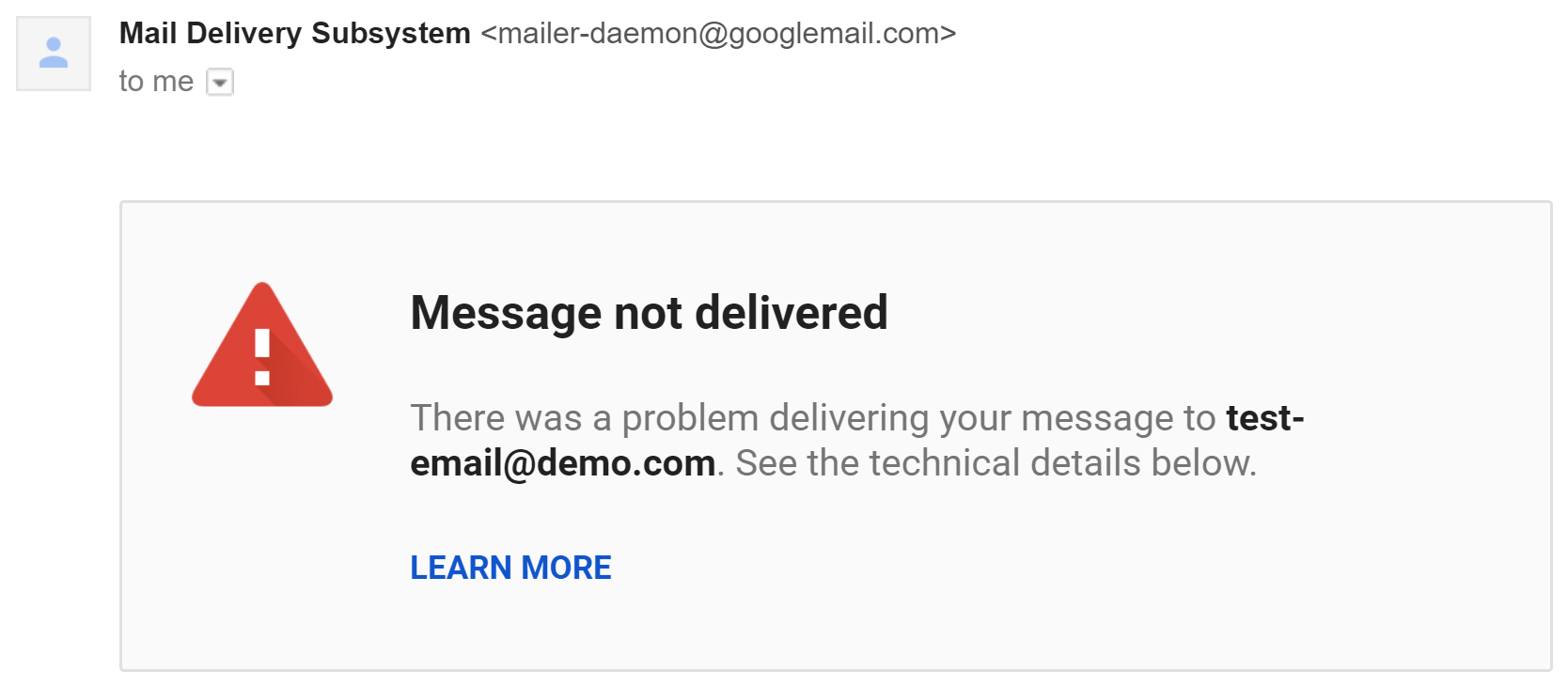 | It means that your recipient server didn't accept Gmail's request to connect, usually because of connection timeout. Solution: This is usually a temporary issue that will be solved by itself. |
Message blocked (hard) 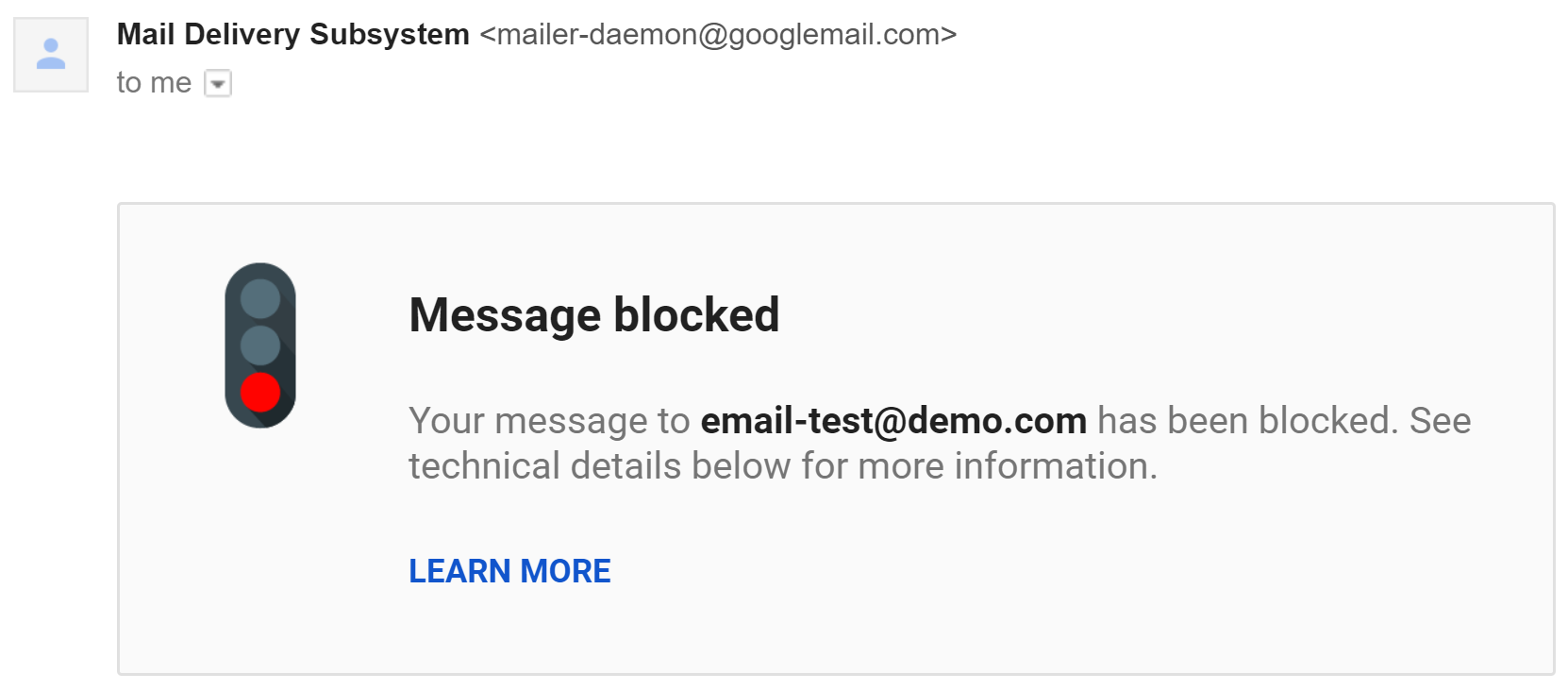 | Your recipient server rejected your email and blocked email deliveries, usually because of spam issues. Solution: Please make sure to follow anti-spam rules. |
Delivery incomplete (soft) 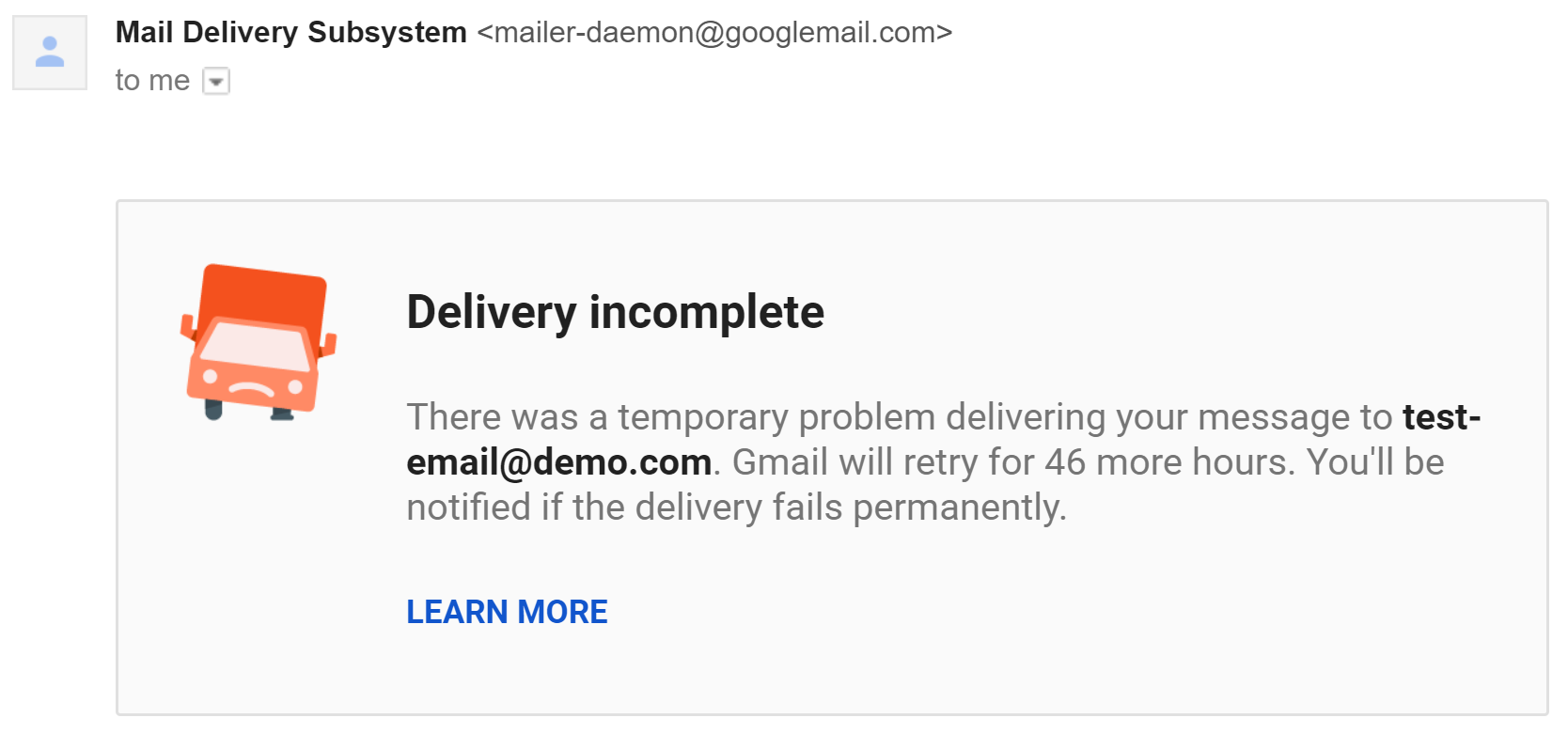 | Like 'Message not delivered', this means that Gmail was not able to connect to your recipient server for some reasons. Solution: This is usually a temporary issue that will be solved by itself. |
Recipient inbox full (soft) 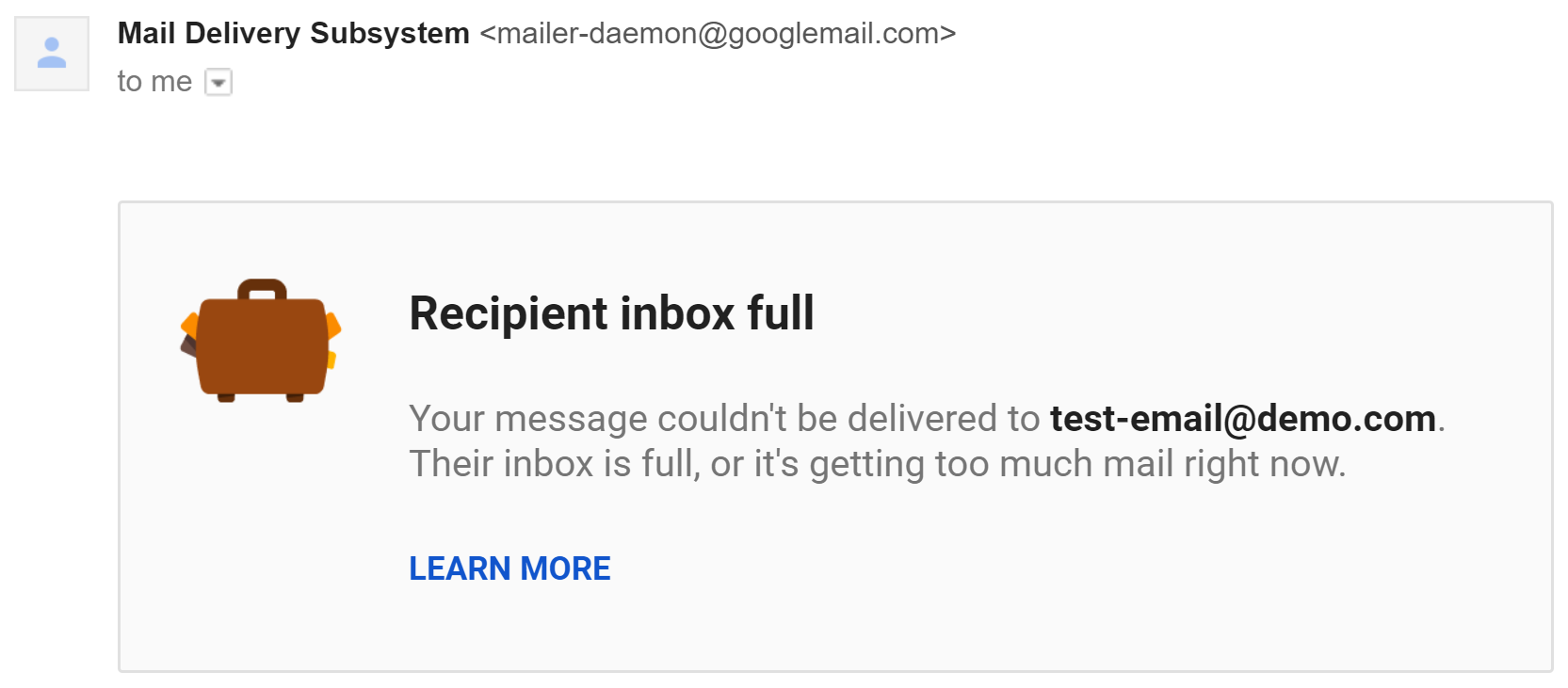 | As it says, this bounce means that your recipient inbox is full. Solution: There's nothing you can do; your recipient must clean his inbox to receive your email. |
info
Check also our tips to reduce bounce rate.