PayPal can’t complete your payment or set up preapproved payments
You want to purchase a Yet Another Mail Merge licence, but you are receiving an error message from PayPal. This article will explain why you have this issue and how to solve it.
Why can’t PayPal complete your payment?
From our pricing page, you entered your email address and clicked ‘Purchase’. You added your credit card information and a PayPal error message appears:
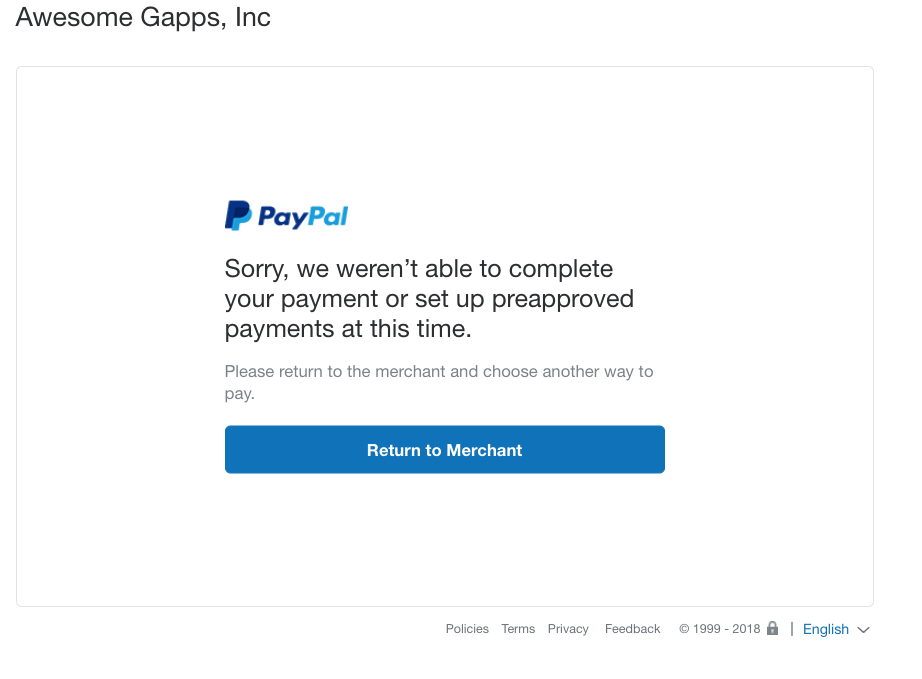
Several reasons can explain this issue:
-
Your card has expired or out of date
-
You need to confirm your card
We recommend reading PayPal’s documentation to know more: Why was my payment declined? Troubleshooting tips
How to solve this issue?
Maybe your company card or bank has more information. We recommend contacting them.
If your issue is not resolved by the information above, please contact PayPal customer service for further troubleshooting.
To contact customer service, please check the contact page which is at the bottom of any PayPal page for contact options, or reach them out by Facebook or Twitter.
As PayPal handles each payment transaction, any requests to support on this issue can't be processed. If you have any questions about your PayPal issue, please contact them directly.