PayPal error: Things don’t appear to be working at the moment
You received a Paypal error message saying “Things don’t appear to be working at the moment”, but you don’t know the reason. This article will explain why you have this issue and how to proceed.
Why isn't Payments Standard integration processing transactions?
This error message appears only from the sellers' side. That means this error occurs from Paypal and not from YAMM.
You received the error message “Things don’t appear to be working at the moment” from PayPal:
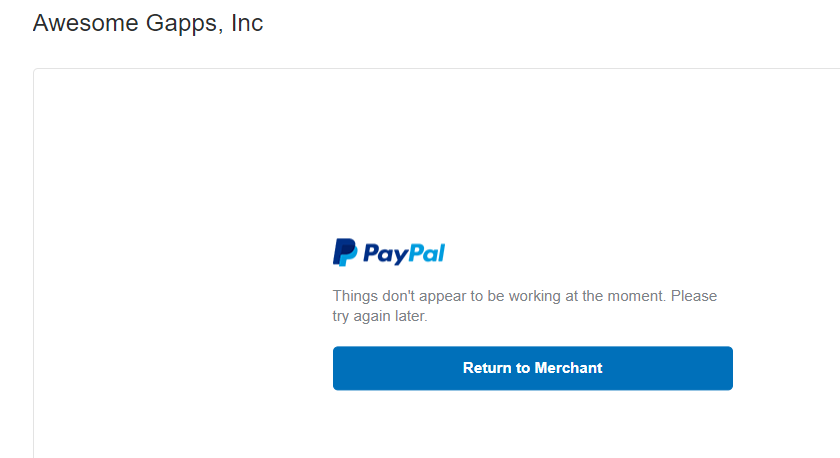
This error typically occurs for two reasons:
-
You have entered your PayPal email address or PayPal Identity Token incorrectly.
-
Your Encrypted Website Payments set to ON.
Other reasons can affect your payment transaction. For example, if you are using a plugin for WordPress (like “WooComerce”), you will have this issue because you only need EWP if you are using a manual button.
Good to know: EWP is a PayPal Payments Standard feature that uses public and private keys to encrypt the payment button code used on merchant websites. Check the PayPal Payments Standard Overview for more information.
How to solve this issue?
You need to test all available options to identify which ones lead to an error message.
We recommend reading PayPal’s documentation to know more: My Payments Standard integration isn't processing transactions. What should I do?
If your issue is not resolved by the article above, please contact PayPal customer service for further troubleshooting.
To contact customer service, please check the contact page which is at the bottom of any PayPal page for contact options, or reach them out by Facebook or Twitter.
As PayPal handles each payment transaction, any requests to support on this issue can't be processed. If you have any questions about your PayPal issue, please contact them directly.