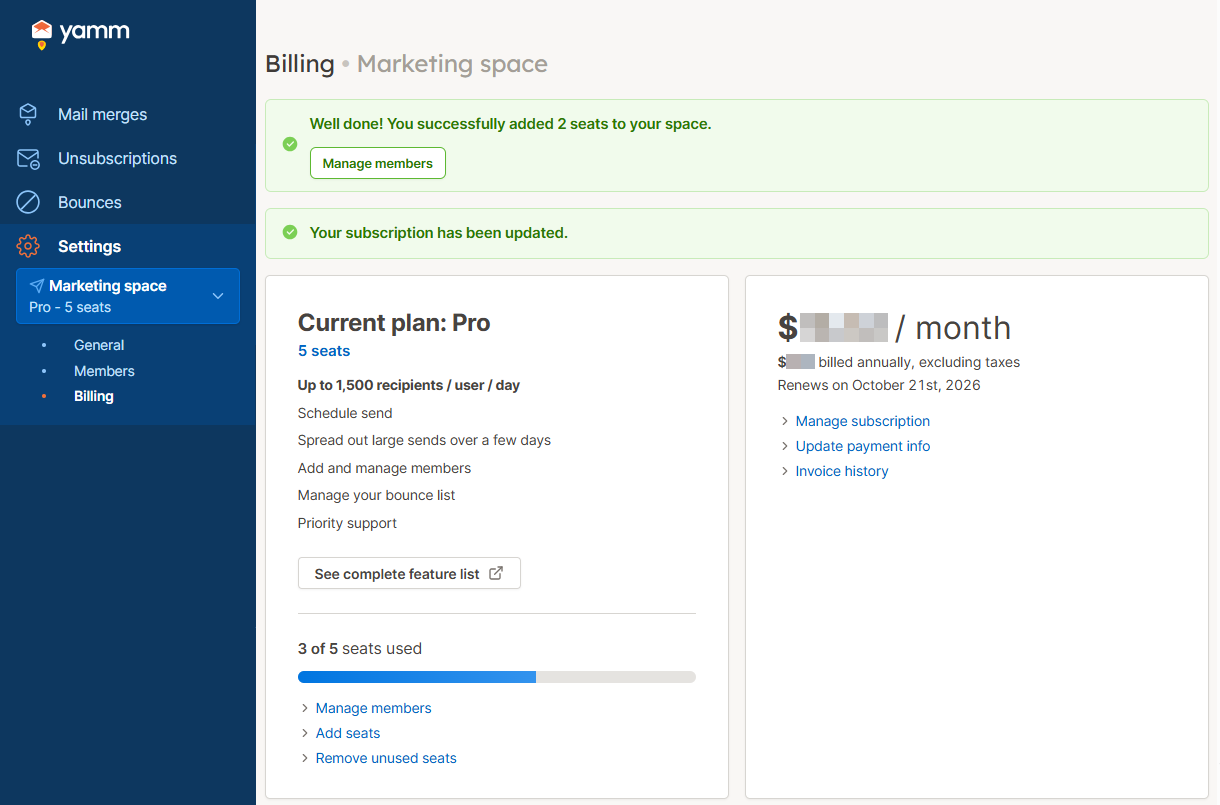
Buy more seats
If you have a Google Workspace account and are on a Pro plan, you can purchase additional seats at any time as your team grows. Each seat is a paid slot that you can assign to add a member to your space.
Currently, you can only add members with email addresses in your domain. For example, if your email is alice@example.com, you can add bob@example.com, but not john@company.com.
How to buy more seats
Prerequisites:
-
You are using a Google Workspace account.
-
You are an admin or the owner of the space.
-
Sign in to your YAMM dashboard.
-
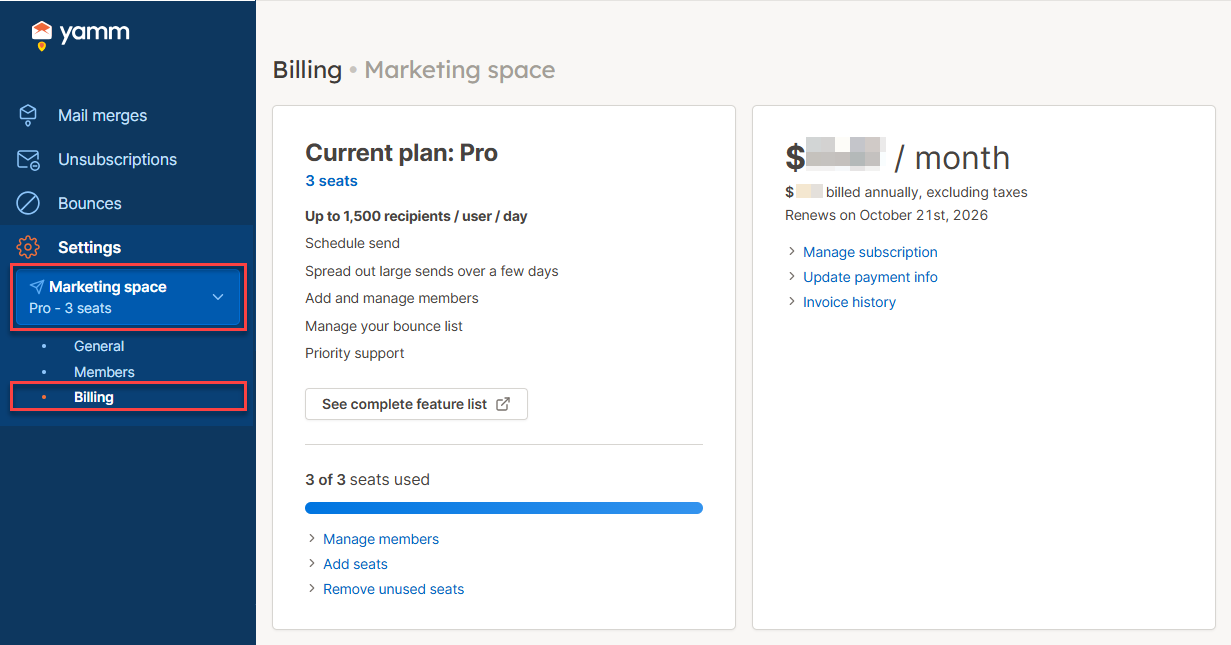
In the sidebar, select the space, and click Billing.
-
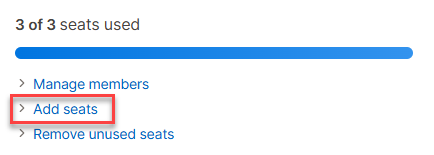
Click Add seats.
-
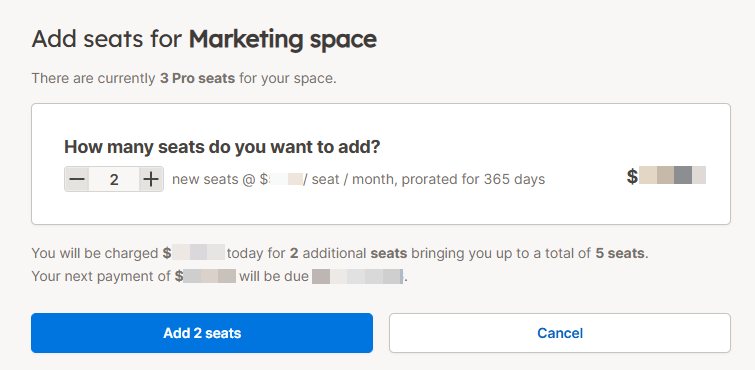
Select the number of seats you want to buy, then click Add seats.
infoThe payment method on record is used immediately to purchase the seats. There is no checkout flow.
You have bought additional seats for your space. Your subscription now includes the updated total number of seats.