Reactivate auto-renewal on your subscription
If you canceled auto-renewal, your subscription is still active but will expire at the end of your current billing cycle. You can reactivate auto-renewal at any time before that date to keep your subscription going.
How to reactivate the auto-renewal
-
Sign in to your YAMM dashboard.
-
In the sidebar, select the space, and click Billing.
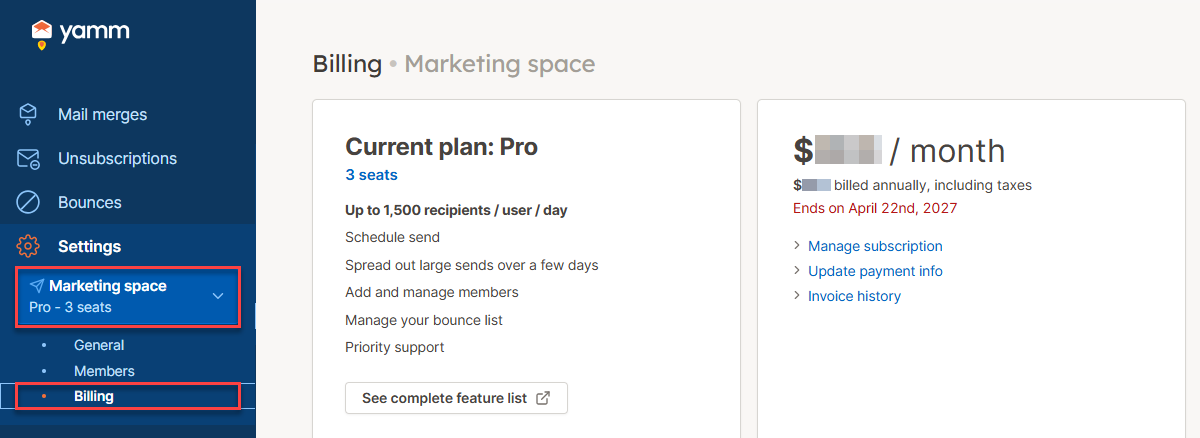
-
Click Manage subscription.
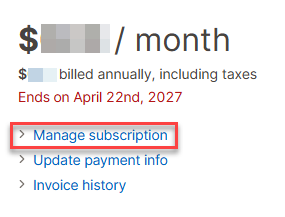
-
Reactivate auto-renewal on the checkout page.
-
Click Don't cancel subscription.
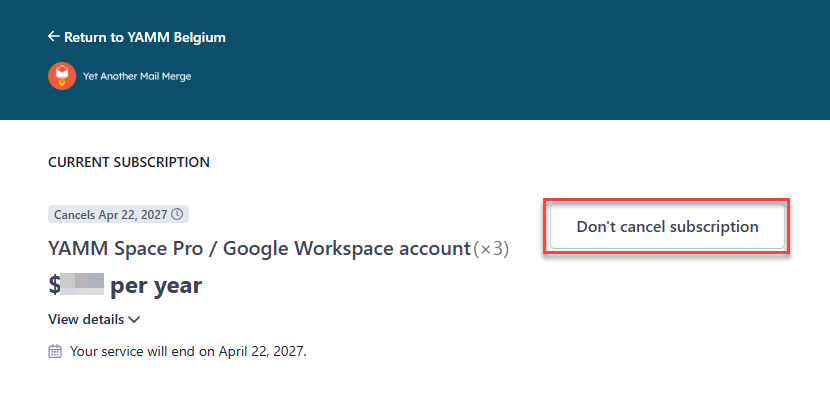
-
Confirm by clicking Renew subscription.
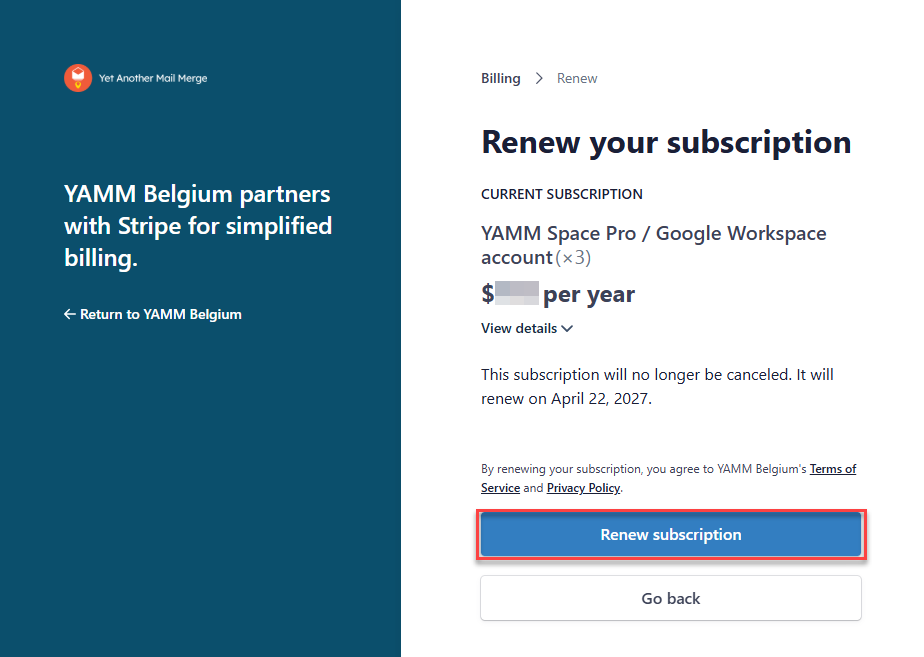
-
Result
YAMM attempts to charge your payment method.
- If the charge succeeds, your auto-renewal is reactivated and your subscription will continue at the next billing cycle.
- If the charge fails, update your payment information and try again.