How to track and measure your mail merge results?
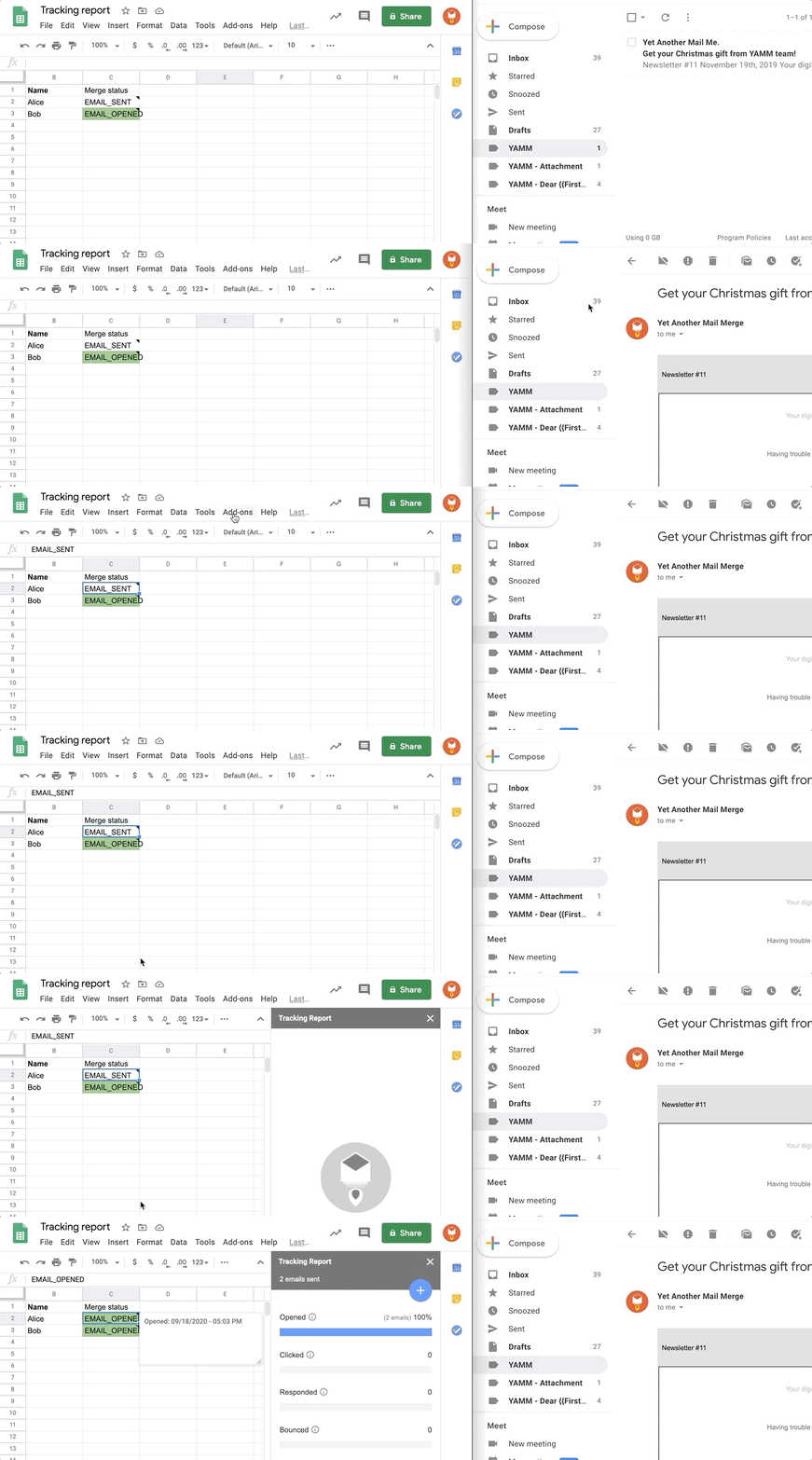
YAMM comes with a complete tracking tool to help you measure the performance of your mail merges and improve the next ones. It's also easy to use as you can activate the tracker in one click!
Enable tracking in Yet Another Mail Merge
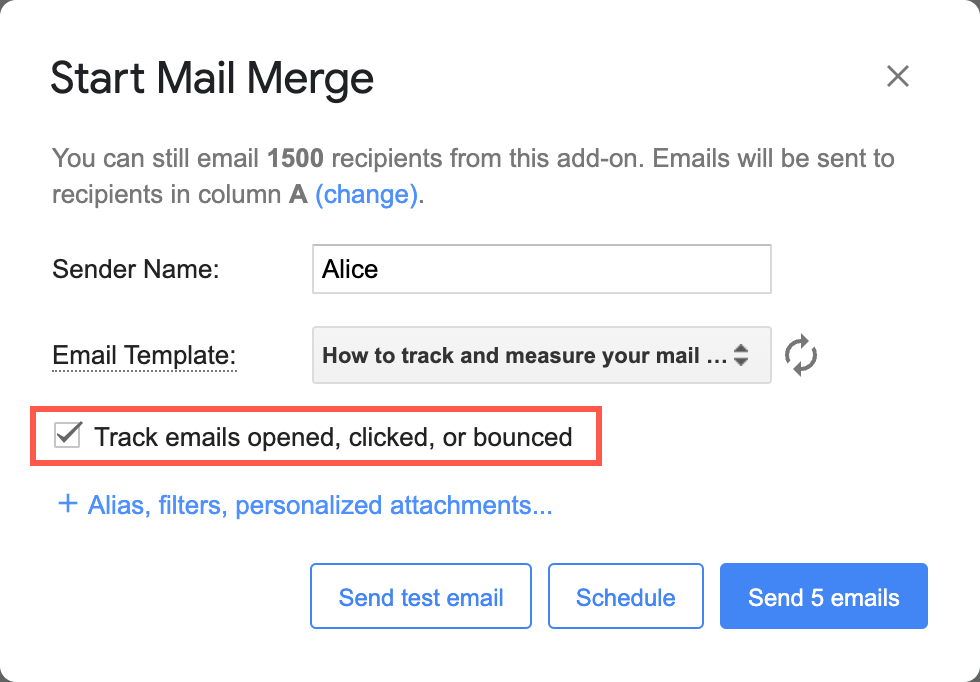
Select the Track emails opened, clicked or bounced checkbox just before sending your mail merge.
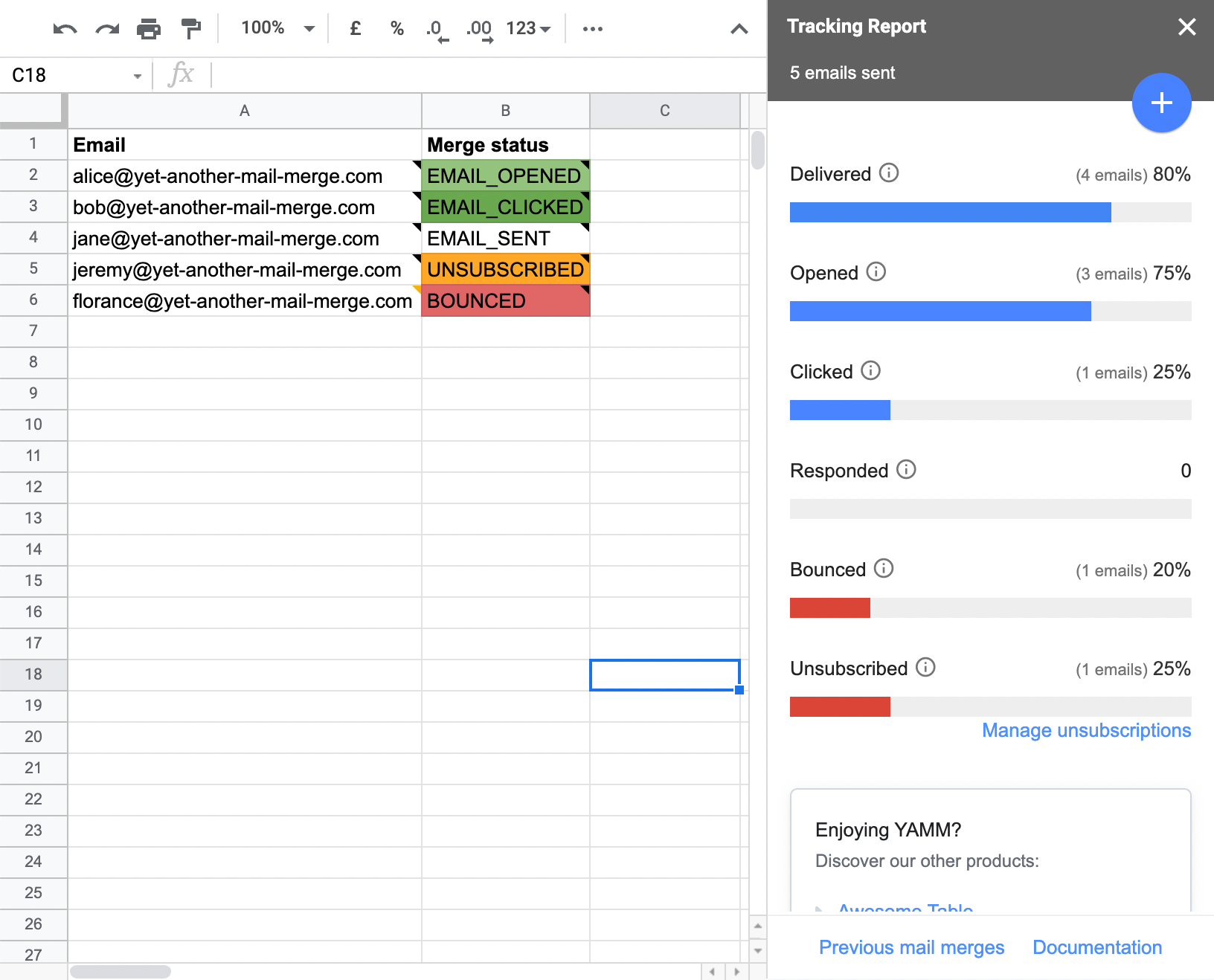
After sending your mail merge, the Tracking Report automatically opens on the right sidebar of your Google Sheets.
Get all useful metrics related to your campaign success at a glance: Opened, Clicked, Replied, Bounced and Unsubscribed.
Check your tracking stats again
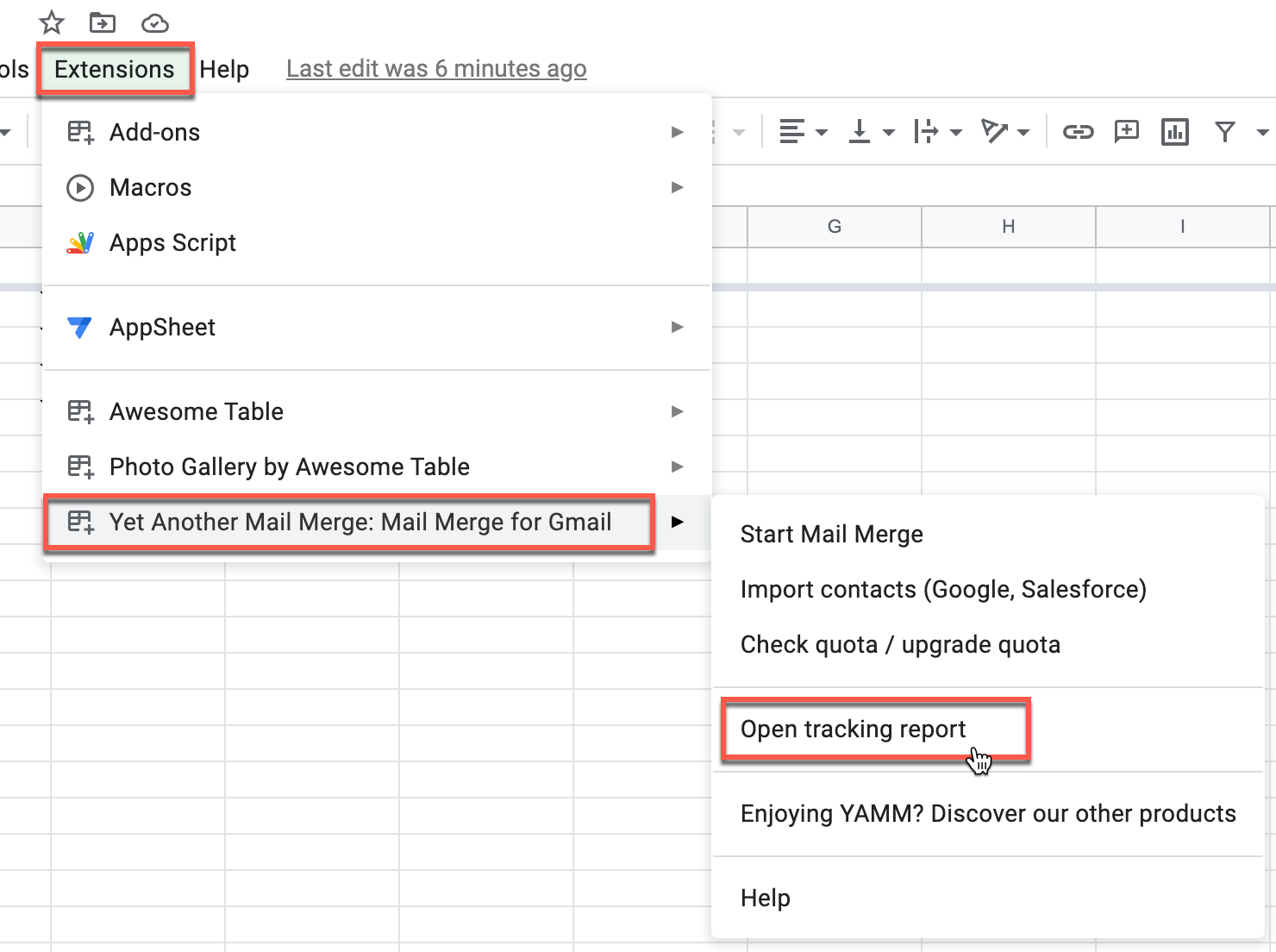
If you have closed the tracking sidebar, you can always open it again from the Extensions menu. A new entry called Open tracking report appears.
When you open the tracking report, Yet Another Mail Merge updates your spreadsheet with all new receipts.
Tracking receipts are stored for around one year from the last recorded action (such as an open, click, or unsubscribe).
Track your mail merges in real-time
With our tracking tool, all stats on your mail merge are retrieved in real-time. Every time a recipient opens, clicks or unsubscribes from your email, or if your emails bounce, the information is automatically and immediately recorded in the report.
If you close the Tracking Report sidebar, the Merge status column will no longer update automatically. To track changes live, you must open the Tracking Report sidebar again.