Grant admin access to your space
As the space owner, you can set roles in your space. Giving a member the admin role lets them add or remove members.
info
You cannot change your own role as the space owner, but you can transfer ownership to another member.
How to grant admin access
Prerequisite:
You are the owner of the space.
-
Sign in to your YAMM dashboard.
-
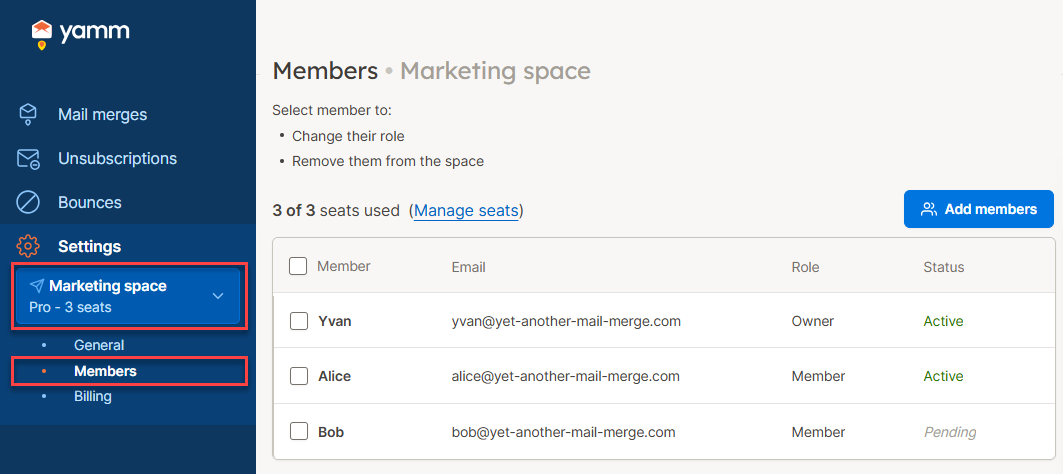
In the sidebar, select the space, and click Members.
-
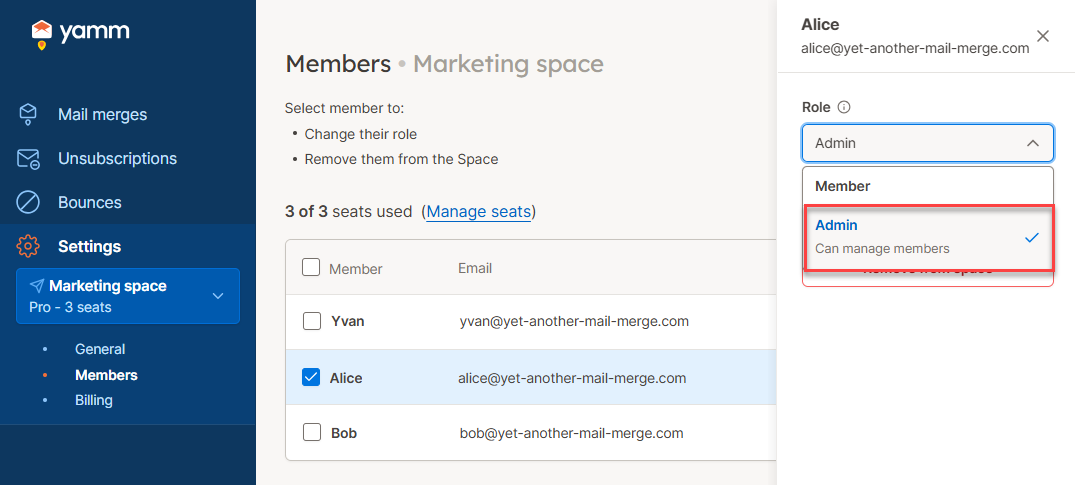
Select the member for which you want to grant admin access. You can select multiple members.
-
From the Role dropdown, select Admin.
-
Click Save.
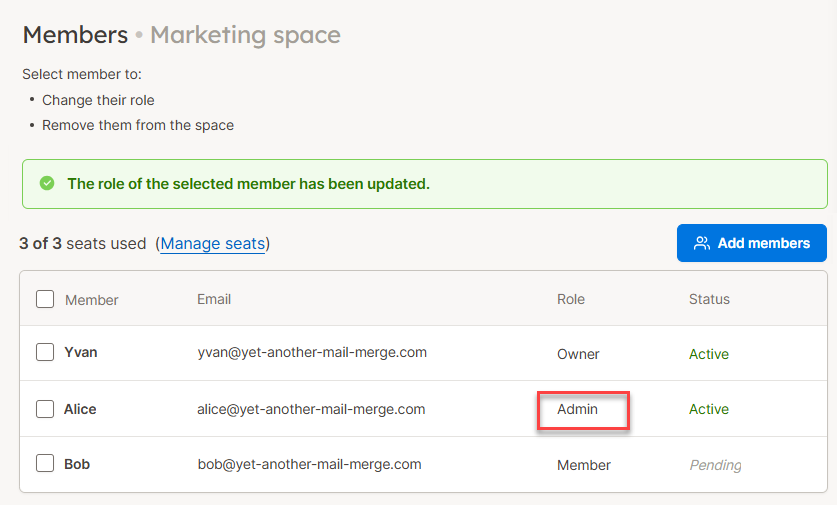
The selected member now has admin access to your space. They can add and remove members. You can revoke admin access anytime by setting their role back to Member.
What's next
-
Buy more seats if needed.
-
Assign seats by adding members to your space.