Upgrade your space plan to Pro
Upgrading to Pro starts a yearly subscription. You pay upfront for the number of seats you choose.
Why upgrade to Pro
Upgrading your space plan to Pro allows you to:
-
Access advanced features, such as:
-
Collaborate with your team:
Currently, you can only add users with email addresses in your own domain. For example, if your email is alice@example.com, you can add bob@example.com, but not john@company.com.
How to upgrade
-
Sign in to your YAMM dashboard.
-
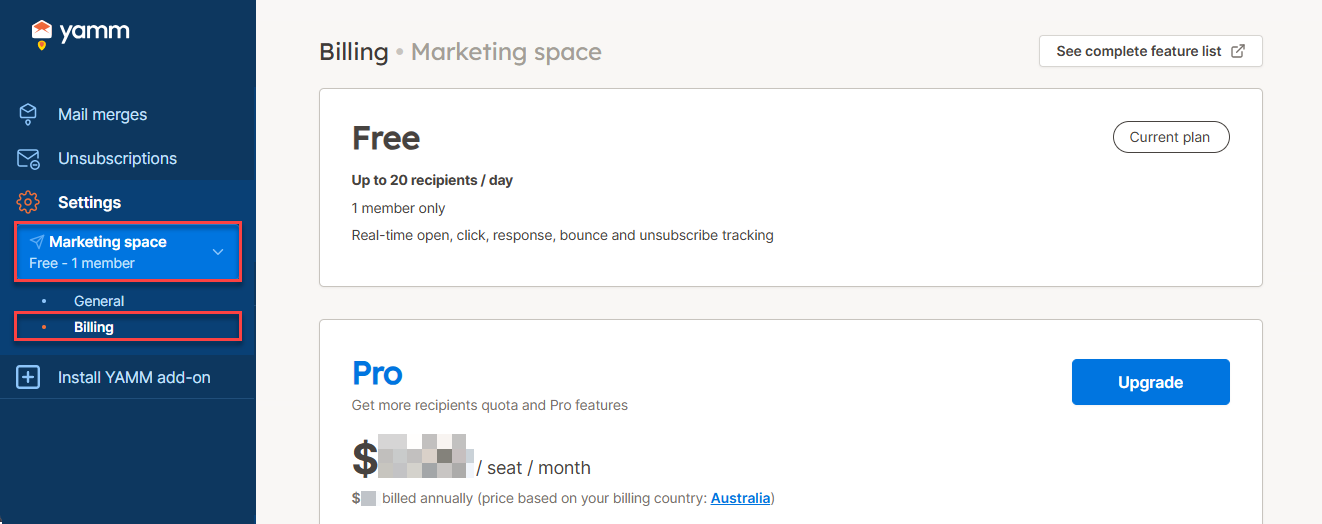
In the sidebar, select the space, and click Billing.
-
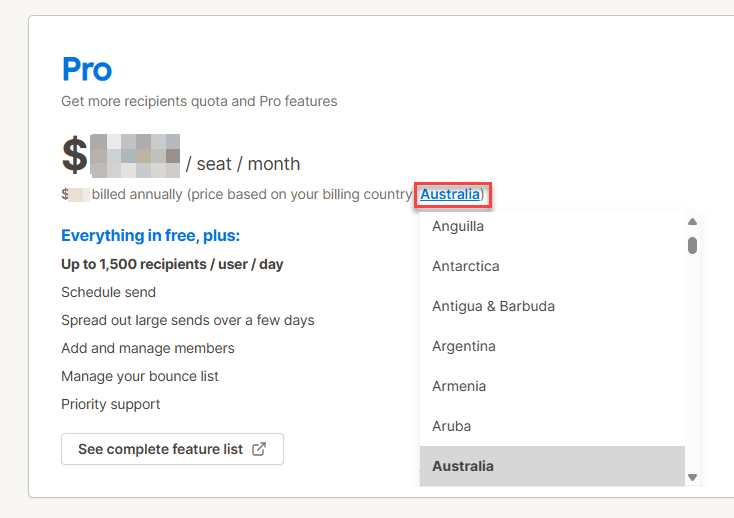
(Optional) To see which price applies to your region, select your billing country.
-
Click Upgrade.
-
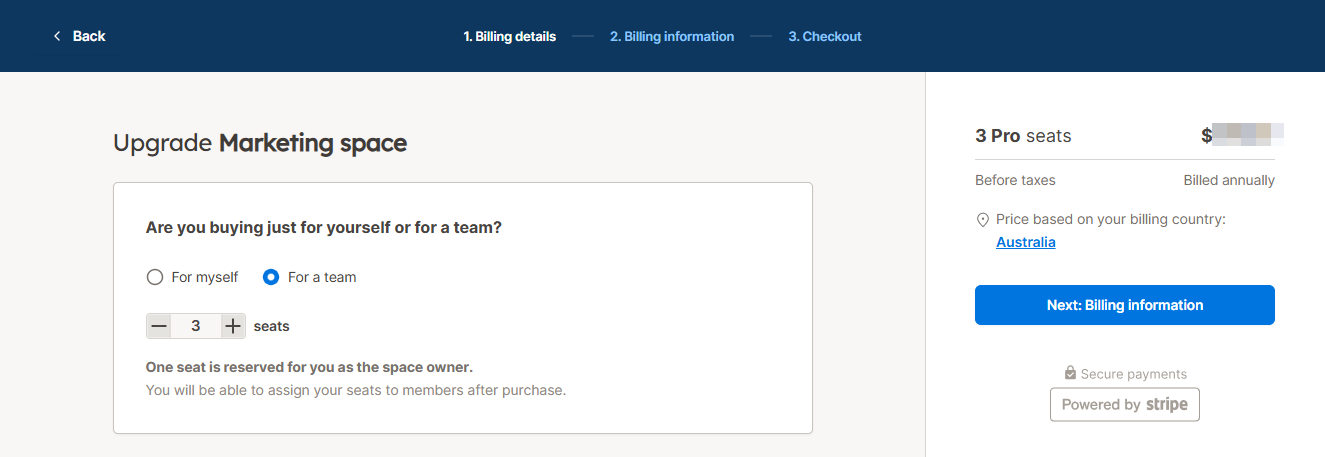
Choose one of the following:
-
For myself - to purchase one Pro seat
-
For a team - to purchase several Pro seats
-
-
Click Next: Billing information and follow the instructions to complete the subscription.
Result
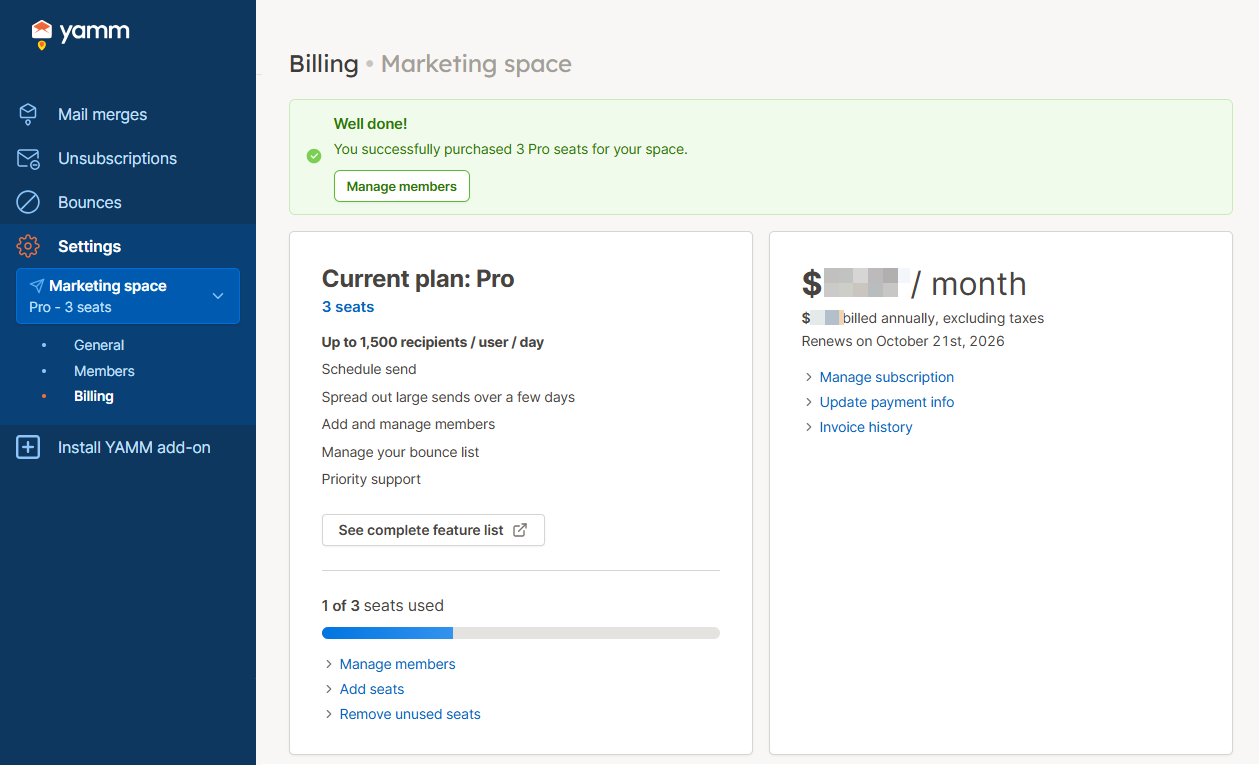
Your Free plan is upgraded to Pro. A yearly subscription starts for the number of Pro seats selected. You can cancel the auto-renewal of your Pro plan at any time.
What’s next
-
Send a mail merge using your new Pro features and limits.
-
Assign your seats to users in your domain if you've purchased more than one seat.