How do I check my payment history?
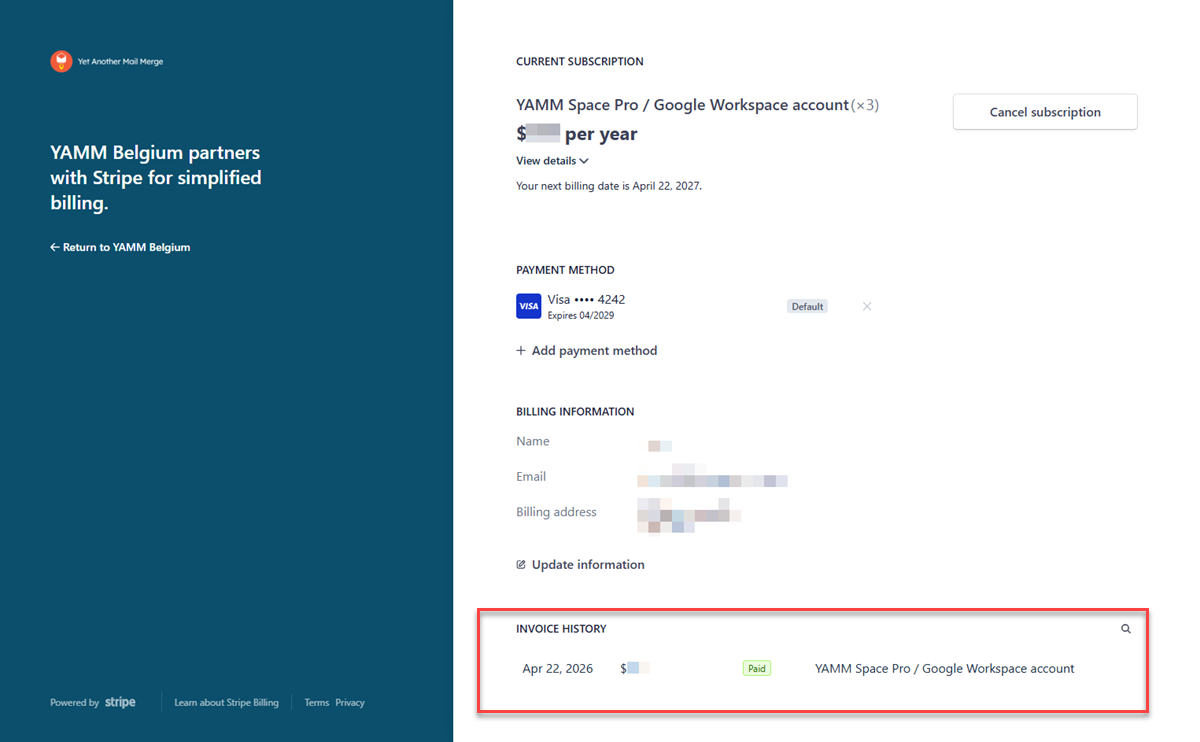
Review all your previous payments on the Stripe checkout page, accessible from your YAMM dashboard.
Procedure
-
Sign in to your YAMM dashboard.
-
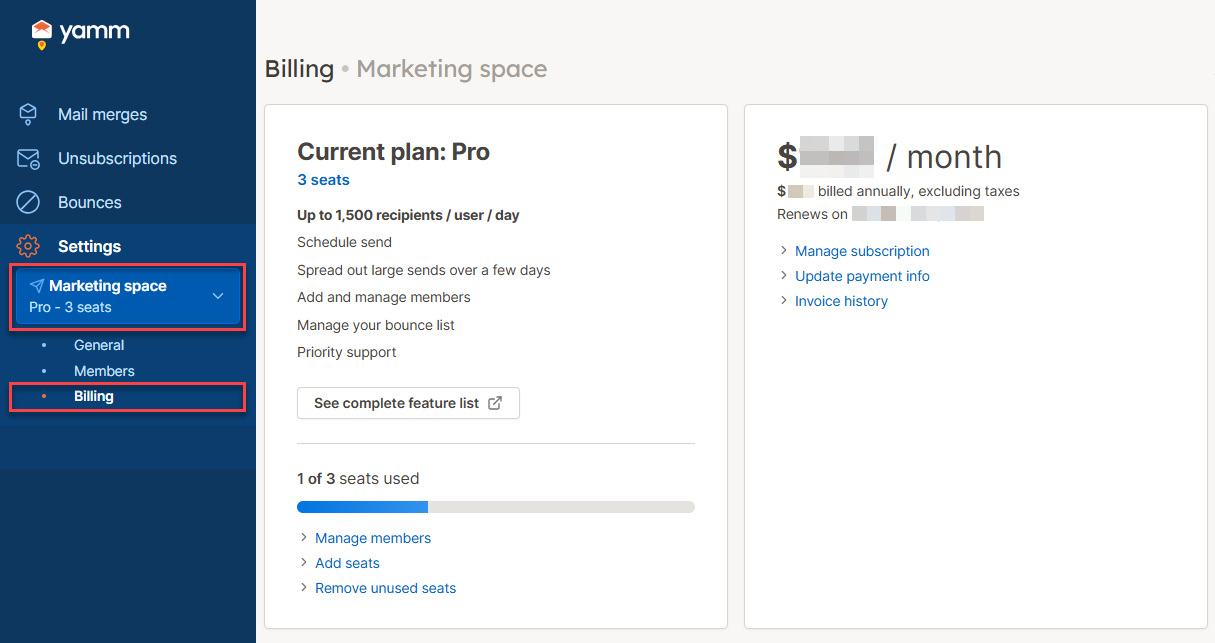
In the sidebar, select your space, then click Billing.
-
Click Invoice history.
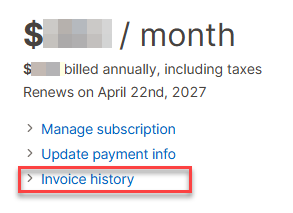
The checkout page opens.
Result
Review your previous payments under INVOICE HISTORY.