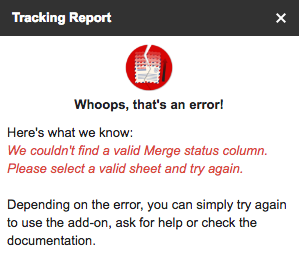
Error: 'We couldn't find the 'Merge status' column'
If YAMM can't retrieve the Merge status column, but you still see it in your spreadsheet, it is probably related to a wrong named range. Please follow the instructions from this article to fix this.
Why do I get this error?
If you see a warning telling you that 'We couldn't find the 'Merge status' column. Please select a valid sheet and try again.', but you think you have opened the right sheet, then there may be an issue with the named ranges in your sheet.
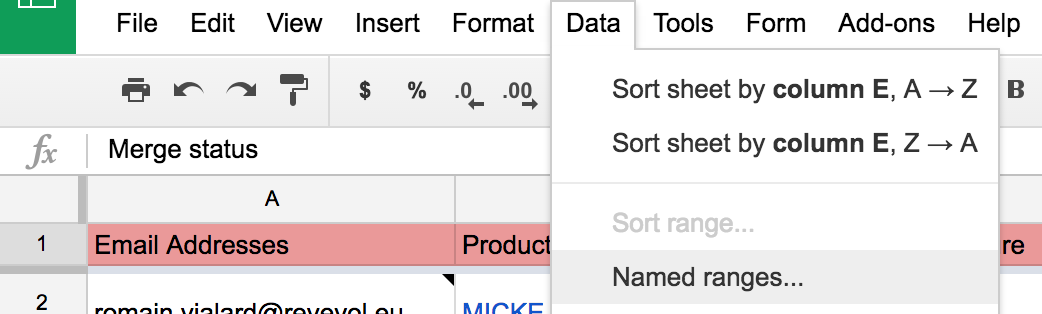
To solve this issue, click on the sheet menu Data > Named ranges...
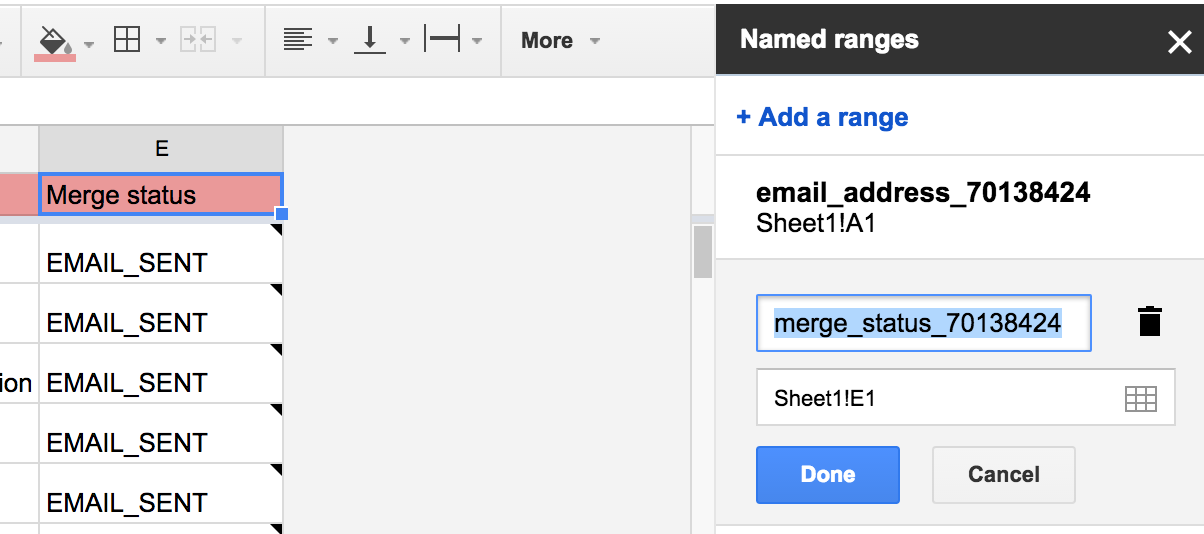
The 'Named ranges' sidebar will open. Delete the named range named 'merge_status_xxx' and make sure the column containing your campaign statuses (EMAIL_SENT, EMAIL_OPENED,...) is named 'Merge status'. Then you can click again on the YAMM menu 'Open tracking report'.