Error: 'Server is not responding / server error'
Every server error messages in YAMM UI are due to technical issues from Google servers. In most cases, this issue resolves itself. This article will explain further this issue.
Why do I get this error?
When you are trying to send your emails, sometimes you might see the error message 'We're sorry, a server error occurred. Please wait a bit and try again' (a variation of this message can be: 'Server is not responding'):
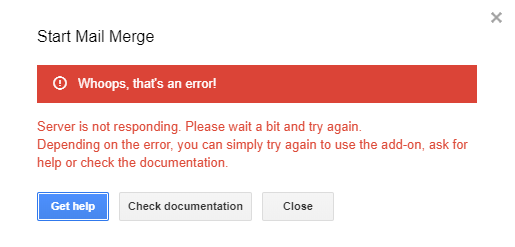
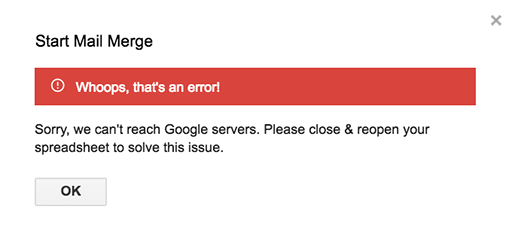
That is an error from the Google side, as YAMM doesn't have its own servers and we are relying on Google servers. It means that their servers were momentarily down or overloaded, or their performance temporary diminished. In most cases, this issue is fixed by itself and doesn't last too long.
You can try to refresh your spreadsheet before trying YAMM again. However, if you still have issues after reloading your spreadsheet, you can also try to uninstall and reinstall the add-on. Sometimes these Google server errors can last longer than expected, and best is to install YAMM again.
warning As a reminder from our Terms of Use , 'Yet Another Mail Merge is strongly linked to the infrastructure provided by Google. Changes by Google on this infrastructure might change the product and the features we can provide.' So please understand that we cannot solve this issue as this is not from YAMM side but Google' . If the problem persists and occurs many times, the best thing to do is to retry later.