What Is the Best Mail Merge for Gmail?
11 min read

Table of contents
The best mail merge for Gmail depends on how you work. YAMM, our Google Sheets add-on, runs tracking, follow-ups and private attachments from the sheet that holds your list. Mailmeteor sends follow-ups on its own, GMass works from Gmail's compose window, Mail Merge with Attachments is the cheapest add-on, and Gmail's built-in mail merge comes with some Workspace plans.
We make YAMM at Talarian. Rather than ask you to take our word for any of this, we've put its numbers next to four other tools, and linked the page we read for each one.
All five send through your own Gmail account. What sets them apart is everything around the send: what you pay, what you can attach, and whether you can see who opened and follow up without leaving your sheet.
YAMM has been on the Google Workspace Marketplace since add-ons came to Google Sheets in March 2014, and it has been installed more than 16 million times and rated 4.7 out of 5 by more than 18,000 users there.
How do the mail merge tools for Gmail compare?
What does each plan cost, and how many emails can it send a day?
Prices are US prices for one user, billed yearly, as shown on each company's pricing page on October 26, 2026. The daily limit is each plan's own cap. Gmail's limit, covered below, applies as well, and the lower of the two wins.
| Tool and plan | Price a year | Emails a day |
|---|---|---|
| YAMM Pro gmail.com | $72 | Up to 400 |
| YAMM Pro Google Workspace | $144 | Up to 1,500 (400 during a new Workspace account's trial and warm-up) |
| Mailmeteor Starter | $53.99 | 250 |
| Mailmeteor Premium | $161.99 | 1,000, at most 500 on a @gmail.com account |
| Mailmeteor Professional | $323.99 | 2,000, at most 500 on a @gmail.com account |
| GMass Standard | $249 | No plan limit: Gmail's own limit applies |
| GMass Premium | $349 | No plan limit: Gmail's own limit applies |
| Mail Merge with Attachments Standard | $49.95 | Up to 400 |
| Mail Merge with Attachments Enterprise | $79.95 | Up to 1,500 with Google Workspace |
| Gmail's built-in mail merge | Included with Workspace Business Standard ($14 a user a month) | Up to 1,500 |
What can each tool do besides send?
| Tool | How you use it | Tracking | Follow-ups | A different attachment per person |
|---|---|---|---|---|
| YAMM | Google Sheets add-on, with your Gmail draft as the email | Opens, clicks, replies, bounces and unsubscribes, in the sheet | You start them from the sheet, for people who didn't open or reply | Drive links in the sheet, and the files can stay private |
| Mailmeteor | Gmail extension, Google Sheets and Docs add-ons, Excel add-in, web dashboard | Opens, clicks and replies, in the sheet | Automatic, from Premium | Drive files set to "Anyone with link" |
| GMass | Chrome extension in Gmail's compose window, with a Google Sheet as the list | Reports by email, in its dashboard or at a link | Automatic, from Premium | Yes |
| Mail Merge with Attachments | Google Sheets add-on | Opens, clicks and unsubscribes | None listed | Files from Google Drive or your computer |
| Gmail's built-in mail merge | Built into Gmail on some Workspace plans | None listed | None listed | No: the same attachment goes to everyone |
Can a plan send more than Gmail allows?
Not through Gmail. Google lets a personal @gmail.com account send 500 emails a day and a Google Workspace account 2,000. That limit belongs to your account, not to the tool: emails you write yourself and mail merges all count toward it, whichever add-on you use.
So don't pay for a number your account can't use. Mailmeteor's own docs say a @gmail.com account sends "at most 500 emails per day", even on the plans sold at 1,000 or 2,000. GMass sells "unlimited emails", and through Gmail that still stops at Gmail's limit. Both can send through an outside email server instead, and then your emails no longer go out through Gmail.
Say you need to email 1,200 people from a personal Gmail account. No tool sends that through Gmail in one day: at 500 a day, plan on three days, whichever tool you pick.
On Workspace, YAMM stops at 1,500 a day, as Gmail's own mail merge does, so the last 500 of your 2,000 stay free for the emails you write yourself. Our guide to Gmail's sending limits covers every limit and what counts toward it.
1. YAMM
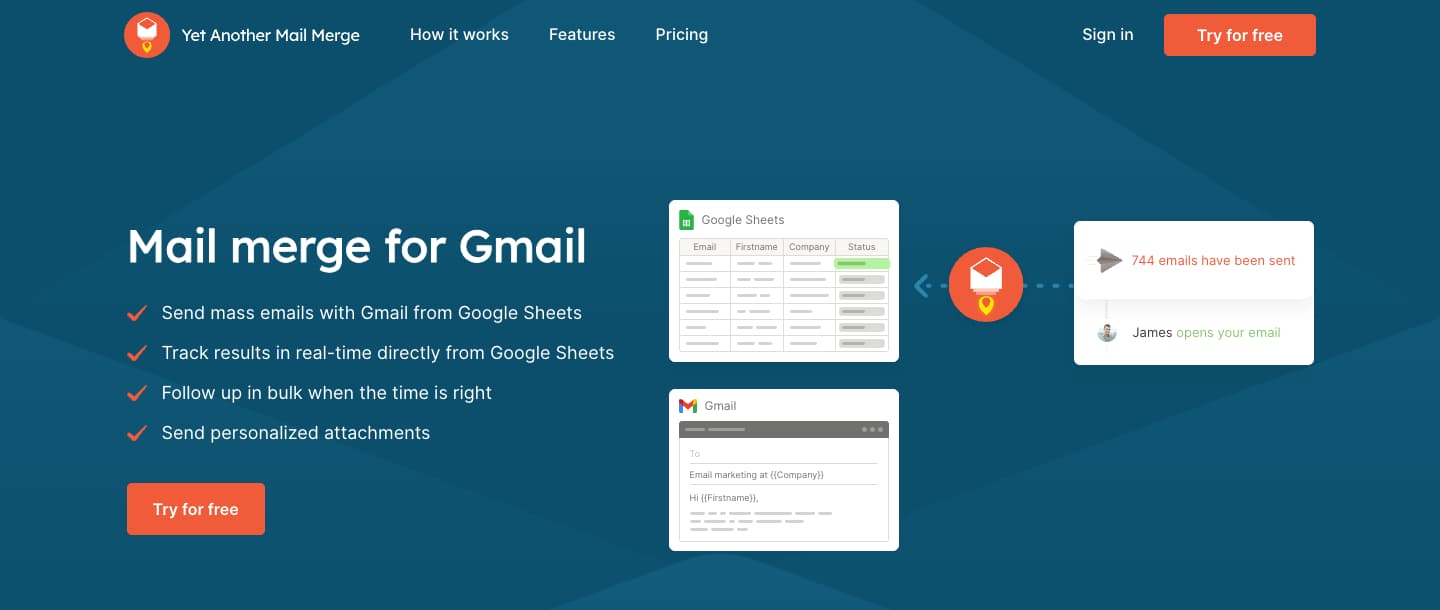
You write the email in Gmail with markers like {{First name}}, keep one row per person in a Google Sheet, and open YAMM from the sheet's Extensions menu. Send yourself a test, click Send emails, and each person gets their own copy from your address. Our step-by-step guide to mail merge in Gmail shows each screen, and if you've never done one, our beginner's guide to mail merge explains the idea first.
It suits anyone who sends one kind of email to many people and needs each copy to be personal: invoices, certificates, individual reports, invitations.
Your own Gmail drafts. There's no campaign editor to learn. Any draft in your Gmail can be the email, with your signature and formatting as Gmail shows them, and you can reuse it for the next merge. It reads like an email from you because it is one.
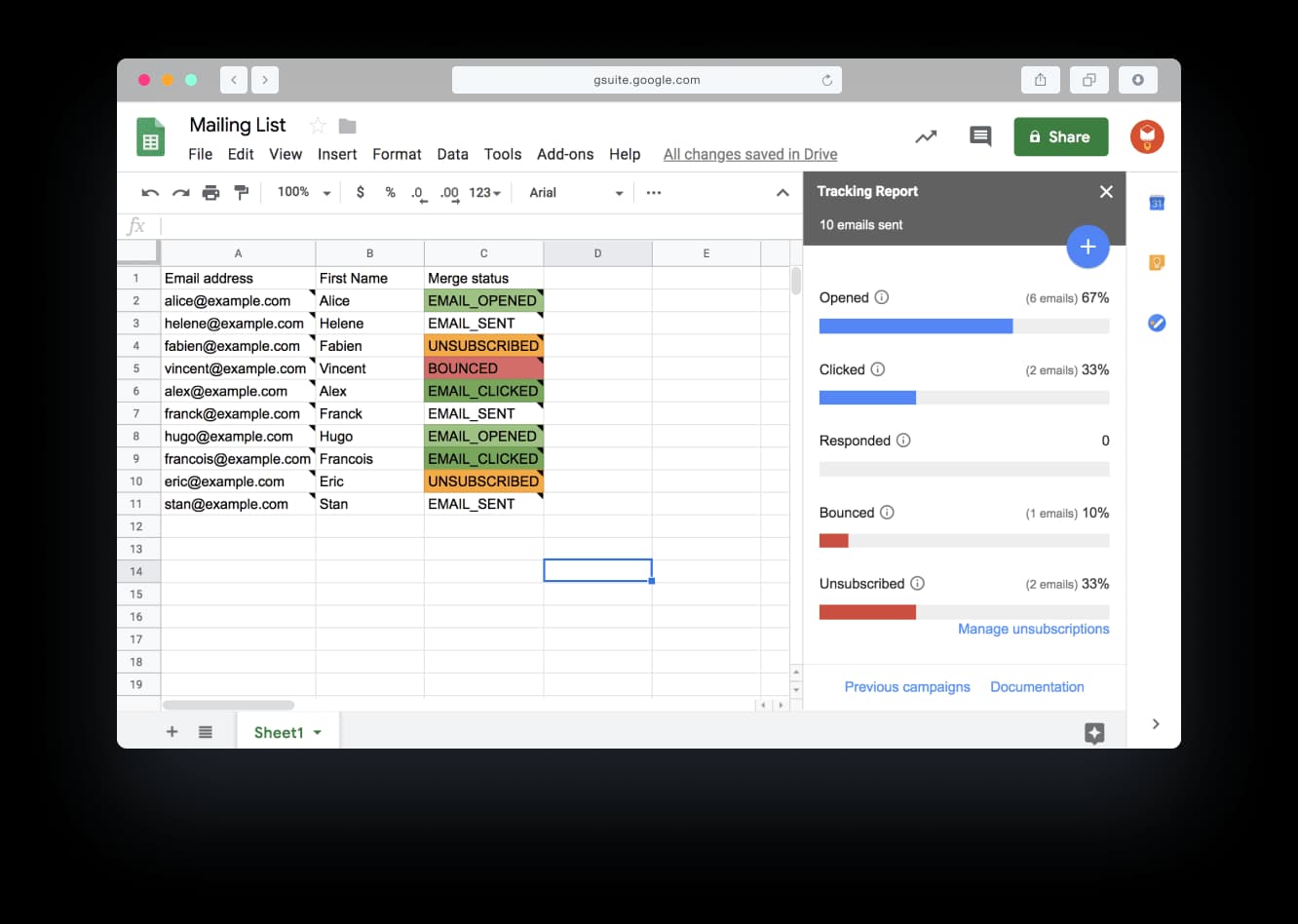
Results and follow-ups in the same sheet. With tracking on, YAMM writes each email's status in a Merge status column: sent, opened, clicked, responded, bounced or unsubscribed. When you're ready, you start a follow-up from the tracking report and send it only to the people who haven't replied, or who haven't opened. People whose email bounced or who unsubscribed never get one.
Attachments from files you keep private. Put a Google Drive link in an Attachment column, and each person gets their own file. The files don't need to be shared with anyone who has the link, so invoices and reports stay restricted in Drive. If the files sit in one Drive folder, YAMM matches each file name to a column in your sheet, fills in the links, and shows which rows have an attachment before you send. Here's how to add an attachment to a mail merge.
Take a school office that sends 300 families their child's report. The reports sit in one Drive folder, each file named with the student's ID. YAMM matches every file to its row, you send one draft, and each family gets only their own child's report.
Poll answers beside each name. Add a one-question poll to your email, and a YAMM Poll column in your sheet shows each person's answer. That's all you need for an RSVP.
Price. Pro Google Workspace is $144 a year for up to 1,500 emails a day: 500 more a day than Mailmeteor Premium, for about $18 less. Pro for a @gmail.com account is $72 a year for up to 400 a day. Both Pro plans let you schedule a merge up to two weeks ahead and send an email each time someone submits a Google Form.
Support. Priority support comes with both Pro plans, and the support form opens without signing in, which helps when your account is the problem. On Trustpilot, YAMM is rated 4.9 out of 5 from 455 reviews (October 2026).
2. Mailmeteor

Mailmeteor works from a Gmail extension, Google Sheets and Docs add-ons, an Excel add-in or its own web dashboard. In Google Sheets, a Campaign status column shows who opened, clicked or replied. From the Premium plan, it follows up on its own with people who haven't replied, opened or clicked, as a reply in the same thread. Its pricing page lists up to 5 follow-ups on Premium, at $161.99 a year, and 10 on Professional, at $323.99.
To send each person a different file, its guide has you set each Drive file to "Anyone with link", then paste each file's link into the sheet.
3. GMass
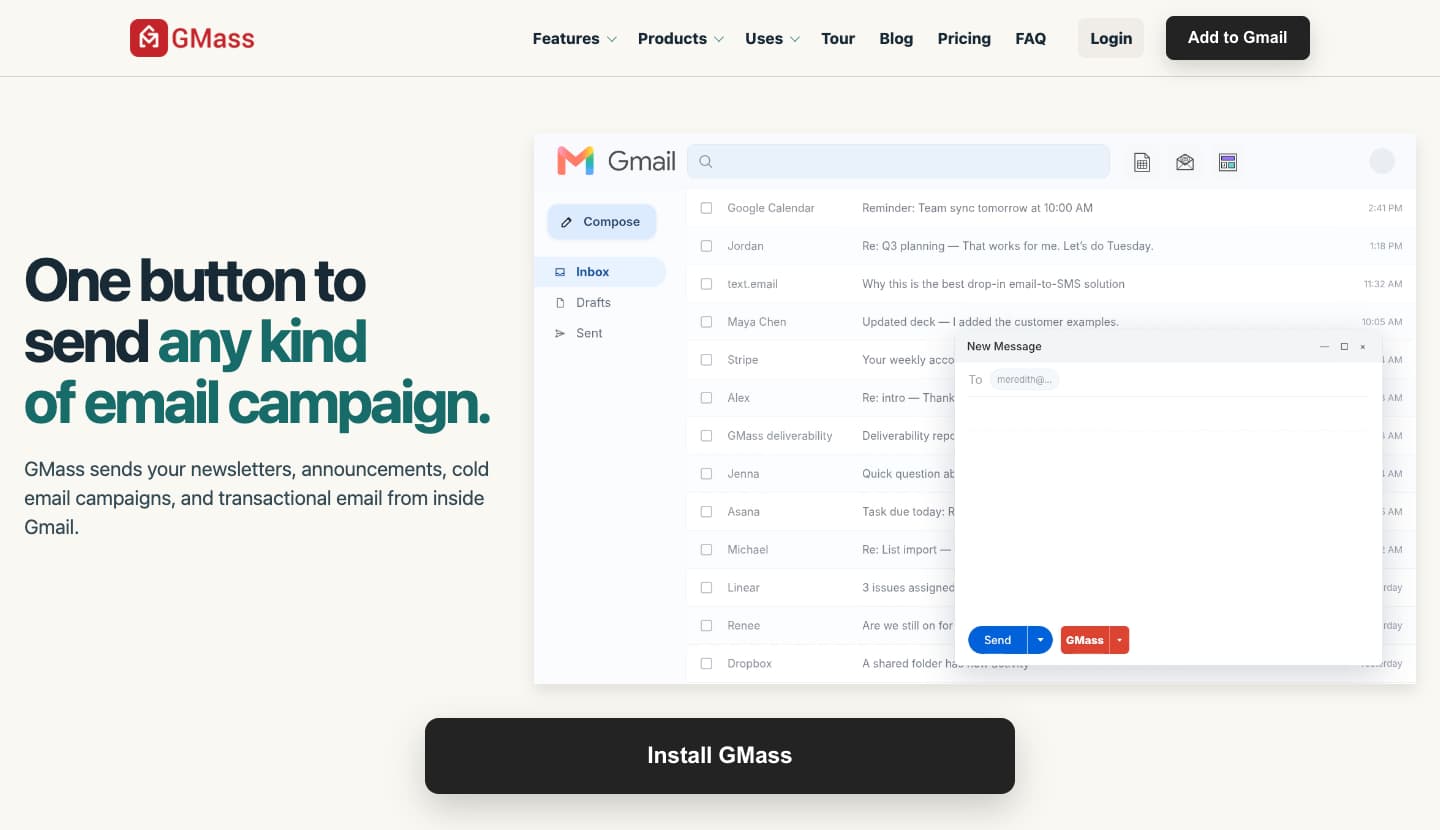
GMass is a Chrome extension. It adds a button next to Send in Gmail's compose window, and you pick a Google Sheet as your list. The sheet's columns personalize the subject, the message and even the attachments. Reports arrive by email, or you open them in the GMass dashboard or at their own link.
Its follow-ups keep going until people reply or click, and they start on the Premium plan, at $349 a year. It can also schedule a merge for later or set it to repeat.
4. Mail Merge with Attachments

Mail Merge with Attachments, from Digital Inspiration, is a Google Sheets add-on that walks you through each merge, step by step, and sends each email separately through your Gmail. It can send a different file to each person, from Google Drive or your computer, and it can send from an alias. You schedule a merge by putting a date and time in the sheet, and it tracks opens, clicks and unsubscribes.
Standard costs $49.95 a year and Enterprise $79.95. Its product page lists no follow-ups.
5. Gmail's built-in mail merge
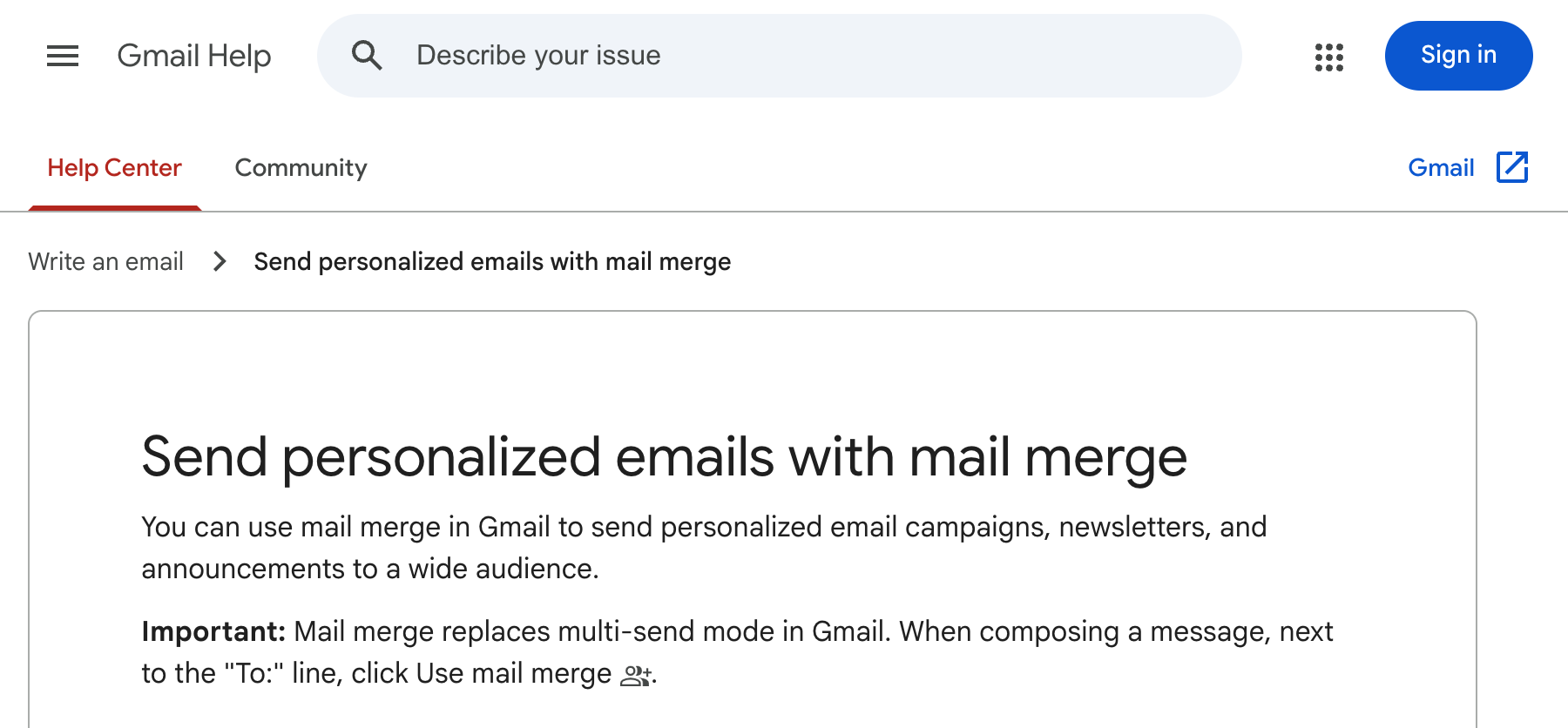
Gmail's own mail merge sits in the compose window on some Workspace plans and takes its merge tags from the column headers of a Google Sheet. It comes with plans such as Business Standard, at $14 a user a month billed yearly, sends to up to 1,500 people a day and adds an unsubscribe link to each email. It can't be used with Schedule send, merge tags don't work in subject lines, and one attachment goes to everyone. Its help page lists no tracking or follow-ups.
Which one should you pick?
- YAMM, if your list lives in Google Sheets and you want tracking, follow-ups, polls and private attachments in that one sheet. On Google Workspace, it sends more emails a day than Mailmeteor Premium, for less.
- Mailmeteor, if you want follow-ups to go out on their own, you'd rather work from a web dashboard, or you send from Excel or Google Docs.
- GMass, if you want to stay in Gmail's compose window and run automatic follow-up sequences for outreach.
- Mail Merge with Attachments, if you want the cheapest add-on and don't need follow-ups.
- Gmail's built-in mail merge, if your Workspace plan includes it and everyone can get the same email and the same attachment.
You can install YAMM from the Google Workspace Marketplace and send yourself a test from a sheet you already have.
How did we pick these tools?
We picked YAMM, three competing tools, and Gmail's own mail merge. All five send from your own Gmail account. Prices and limits come from each company's own pricing page, and features from its help and product pages. We read those pages rather than running the other four tools, so if one of them changes a price or a limit, tell us and we'll update this page.
What about Streak or Mailchimp?
Streak is a CRM (a tool that keeps track of your contacts and deals) inside Gmail, and its mail merge sends to the contacts in your Streak pipelines or an uploaded CSV file. Newsletter platforms like Mailchimp keep your list and send from their own servers instead of your Gmail. If that's what you're weighing, see our Mailchimp alternatives.
FAQ
Does Gmail have a mail merge option?
Yes, if your Google Workspace plan includes it, such as Business Standard. Personal @gmail.com accounts and Business Starter don't have it. Any Gmail account can use an add-on like YAMM instead.
Does mail merge in Gmail show who opened the email?
Google's help page for its built-in mail merge lists no tracking. YAMM, Mailmeteor, GMass and Mail Merge with Attachments all track opens and clicks. YAMM records opens, clicks, replies, bounces and unsubscribes, next to each name in your sheet.
Can I send a different attachment to each person?
Yes, with an add-on. YAMM, Mailmeteor, GMass and Mail Merge with Attachments can all attach a different file to each row. Gmail's own mail merge sends the same attachment to everyone. With YAMM, the files stay in your Google Drive and don't need to be shared with anyone who has the link.
Can I mail merge from Excel with Gmail?
Yes. Import your Excel file into Google Sheets, then run the mail merge from the sheet. Our guide to mail merge from Excel with a Gmail account shows each step.