Mailchimp Alternatives for Sending From Your Own Gmail
9 min read
Table of contents
If you use Mailchimp to email people who expect to hear from you, like customers, members, parents, guests or clients, the simplest Mailchimp alternative is to send from your own Gmail with a mail merge. You keep the list in Google Sheets, and each person gets their own personalized email from you. YAMM, our add-on installed more than 16 million times, does exactly that.
Do you need a newsletter platform or a mail merge?
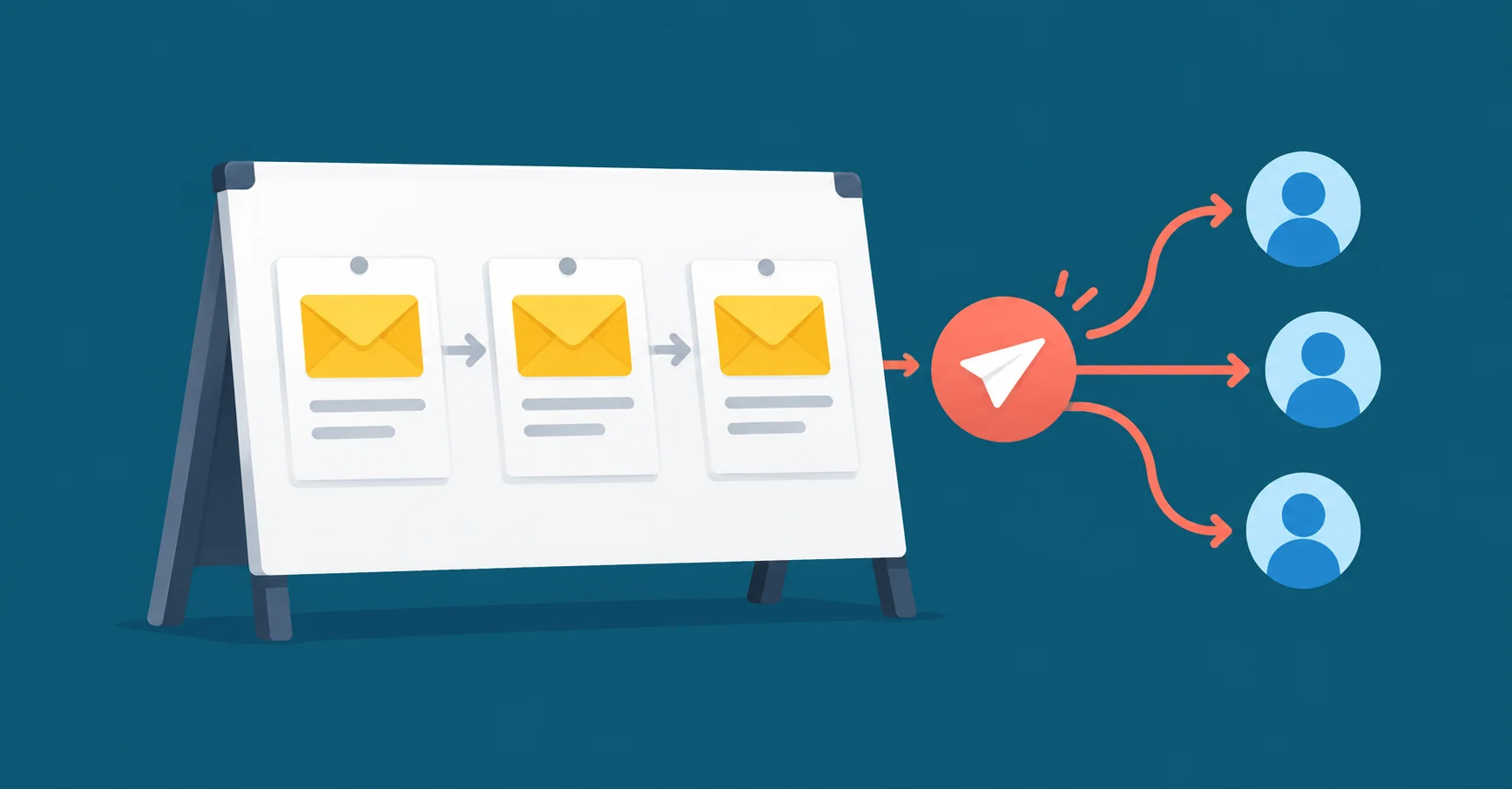
A newsletter platform like Mailchimp keeps your list for you, gives you signup forms, a drag-and-drop designer and automations, and sends from its own systems. A mail merge works the other way around: your list stays in your spreadsheet, and each email goes out through your Gmail as a normal email from you.
| What you send | What fits |
|---|---|
| A designed newsletter to people who subscribed on your website | A newsletter platform |
| A note to parents, a team or a club from a list you keep | A mail merge from Gmail |
| Invitations, reminders or a survey link to a guest list | A mail merge from Gmail |
| A personal update or offer to your clients, written like a normal email | A mail merge from Gmail |
If you've ever fought a newsletter designer to send what is really a plain email to 300 people, you need a mail merge.
Why are people leaving Mailchimp over price?
Mailchimp charges by the number of contacts in your audience, and its own help center says "Subscribed, unsubscribed, and non-subscribed contacts are included in your contact count." People who asked you to stop emailing them still count toward your bill until you archive them.
The free plan has also shrunk. It allowed 2,000 contacts until 2023, when Mailchimp cut it to 500. In 2026 it cut it again: the free plan now covers 250 contacts and 500 emails a month, with at most 250 a day. Go over 250 contacts and Mailchimp holds your sending until you upgrade or remove contacts. Free emails also carry Mailchimp's branding.
Why pick YAMM over a newsletter platform?
Because an email to a few hundred people doesn't need a platform. It needs to read like an email.
- A price that doesn't grow with your list. YAMM charges per Google account that sends, not per contact, so the price stays the same as your list grows. Mailchimp's goes up each time your list passes one of its contact tiers.
- Personal down to the attachment. Any column in your sheet can go into the subject line, the body or a link. YAMM can also attach a different file from Google Drive to each person, like their invoice, ticket or certificate. Mailchimp hosts files instead of sending attachments: you upload the file and link to it.
- A real email from you. Each email leaves from your Gmail address to one person, with only their address in the "To" line. Replies come back to your inbox as normal conversations.
- Results and follow-ups in your sheet. Opens, clicks, replies and bounces fill in next to each name, so following up with the people who didn't answer is a filter, and YAMM can send the follow-up as a reply in the same thread.
- Tools you already know. You write in Gmail and keep your list in Google Sheets, so there's nothing new to learn and no audience to upload.
- Your list stays in your sheet. YAMM doesn't store the content of your drafts or the data in your sheet. The only recipient addresses it keeps are those of people who unsubscribed or bounced.
- Trusted by the people who use it. YAMM has 4.7 out of 5 stars from more than 18,000 ratings on the Google Workspace Marketplace, and its listing shows it passed an independent security assessment.
What does sending from Gmail cost instead?
YAMM Pro gmail.com costs $6 a month in the US, billed annually ($72 a year), and lets you email up to 400 people a day. Pro Google Workspace costs $12 a month ($144 a year) for up to 1,500 a day, on a paid Google Workspace account. Prices vary by country; see YAMM's pricing.
On Mailchimp's pricing page, the Standard plan costs $20 a month for up to 500 contacts, $45 up to 1,500, $60 up to 2,500 and $100 up to 5,000 (US prices on October 21, 2026, before tax). That's $240, $540, $720 and $1,200 a year. Its cheaper Essentials plan is $13 a month for the first 500 contacts (October 25, 2026), or $156 a year: still more than twice Pro gmail.com, and priced by contacts the same way.
On YAMM, a bigger list doesn't cost more. It takes more days. Here's how long it takes to email everyone once:
| Contacts on your list | Days on Pro gmail.com | Days on Pro Google Workspace |
|---|---|---|
| 500 | 2 | 1 |
| 1,500 | 4 | 1 |
A new Google Workspace account is limited to 400 a day at first, so until Google lifts that limit, use the gmail.com column.
You don't have to come back each day: when your list is bigger than your daily limit, YAMM Pro offers to send as many as it can now and schedule the rest for when the limit resets. Say a club secretary emails 1,200 members from a Gmail address. On Mailchimp Standard that's $540 a year. On Pro gmail.com it's $72, and the email reaches everyone over three days.
How do you move your Mailchimp list to Google Sheets?
Export it from Mailchimp, then import the file into a Google Sheet. Only an account's Owners and Admins can export.
- In Mailchimp, click Audience. If you have more than one audience, choose the one you want from the Audience drop-down.
- Click Export audience, then Export CSV in the pop-up. Mailchimp emails you when the export is ready.
- Download the file. If it's a ZIP file, unzip it. It holds a separate CSV file for each kind of contact: subscribed, unsubscribed, non-subscribed and cleaned.
- Import only the subscribed file. Unsubscribed people asked you to stop, non-subscribed people haven't opted in to marketing, and cleaned addresses bounced. Keep the unsubscribed file as your do-not-email record.
- In Google Sheets, open a new spreadsheet and click File > Import. Upload the subscribed CSV, choose Replace current sheet and click Import.
- Give the columns short, clear names, like Email and First name. Those names become the markers you use in your email.
If you'd rather not handle files, YAMM's help center shows how to bring a Mailchimp audience straight into a sheet with the Awesome Table Connectors add-on.
How do you send it with YAMM?
Write your email as a Gmail draft, with markers like {{First name}} where each person's details go. Then, in your sheet, open Extensions > Yet Another Mail Merge: Mail Merge for Gmail > Start Mail Merge, pick the draft, send yourself a test and click Send emails. Our step-by-step guide walks through it with screenshots.
One step is new if you're used to Mailchimp: the unsubscribe link. Paste https://app.yamm.com/unsubscribe at the end of your draft (it becomes a unique link for each recipient) and keep Track emails opened, clicked or bounced turned on when you send, because the link only works with tracking on. Anyone who unsubscribes is marked in your sheet and skipped in your next mail merges.
Can Gmail's own mail merge replace Mailchimp?
Gmail has a mail merge of its own, but only on some paid Google Workspace plans, not on a personal @gmail.com account. It emails up to 1,500 people a day and adds an unsubscribe link for you. But you can't put a personal detail like a first name in the subject line, and you can't schedule the send. YAMM Pro does both, and it works on a personal @gmail.com account too.
What about other newsletter platforms?
Two other platforms work the way Mailchimp does but price differently:
- MailerLite has a free plan for 250 subscribers and 2,500 emails a month. Paid plans start at $12 a month, and it counts only active subscribers toward the price.
- Brevo prices mainly by how many emails you send. Its free plan sends up to 300 emails a day, and its Starter plan starts at $9 a month for 5,000 emails and up to 500 contacts.
What changes when you send from your own Gmail?
Your Gmail account does the sending, so Gmail's own limits apply: Google caps a personal Gmail account at 500 emails a day and a paid Workspace account at 2,000, and YAMM's daily limits stay inside those.
Email only people who expect to hear from you. If your Google account is new, our help center suggests starting with a list of fewer than 50.
As our help center puts it, "it is your responsibility to add an unsubscribe link to your emails when needed. As a reminder, this is mandatory for newsletters." In the US, the Federal Trade Commission (FTC) points out that the CAN-SPAM Act isn't only about bulk email: "It covers all commercial messages." Each of those messages must also include "your valid physical postal address."
For an email to people who expect to hear from you, that's the whole switch: a spreadsheet you already have, a Gmail draft and an unsubscribe link.