How to remove YAMM from your Google account?
This article explains how to remove Yet Another Mail Merge from your Google account.
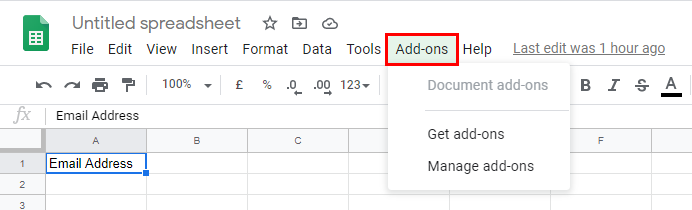
If you want to remove the add-on from your spreadsheet, you will have to remove the add-on from the Google Workspace Marketplace.
Please note that it is not possible to remove the add-on from the add-on store if you previously installed YAMM on the Marketplace.
From your Google account, click on the menu in the top right corner. Then, click More from Google Workspace Marketplace at the bottom.
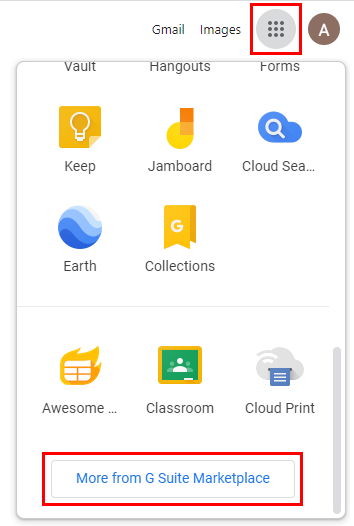
The Google Workspace Marketplace page opens. Click the gear icon > Manage Apps.

Click the three dots > Uninstall.
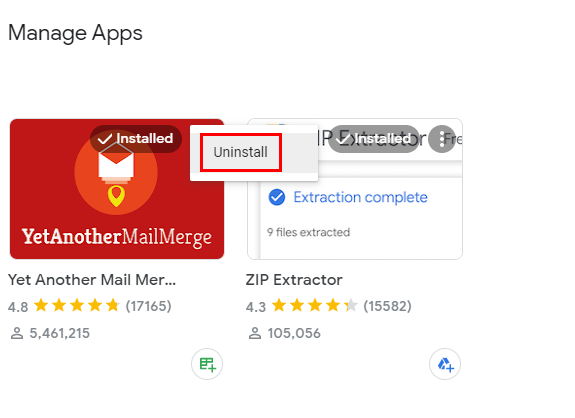
Or click Uninstall directly from YAMM add-on.
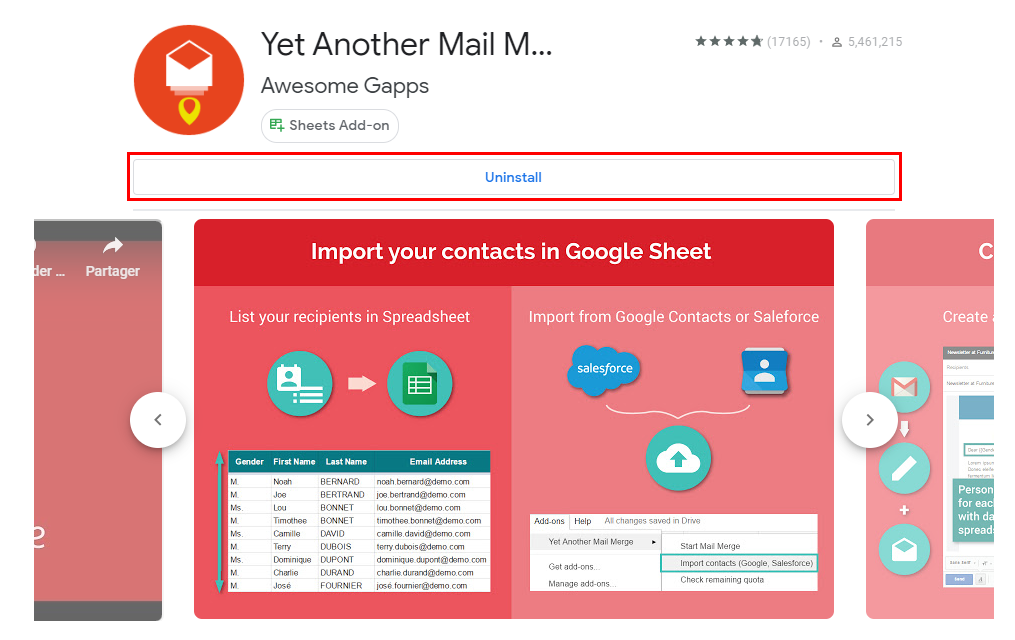
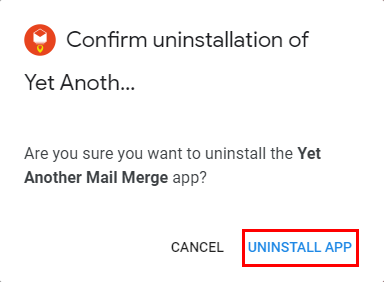
A pop-up appears—Click Uninstall app.
That's it! If you check on a Google Spreadsheet, you will see that YAMM has been uninstalled correctly.