Launch YAMM
Once YAMM is installed on your account, you can launch it from the Extensions menu of a Google spreadsheet.
Prerequisites
- You have installed YAMM.
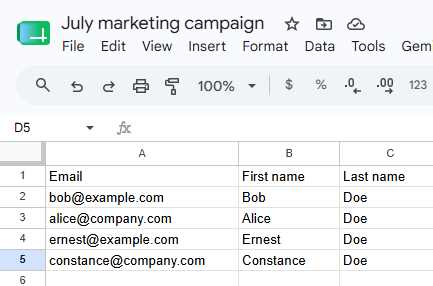
- You have a spreadsheet with a column of email addresses and at least one recipient row. See Build your contact list.
-
Open your contact list spreadsheet.
-
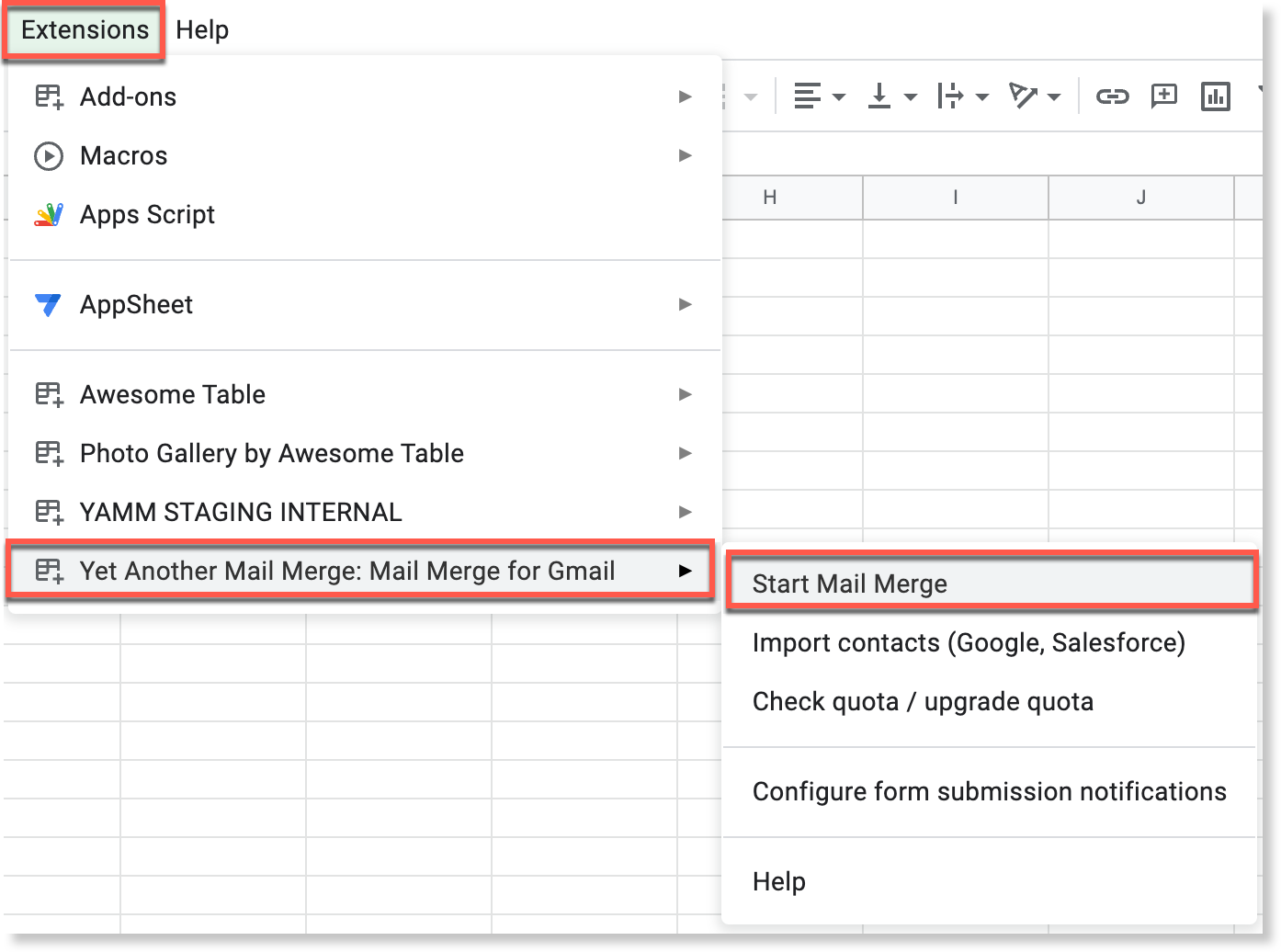
Select Extensions > Yet Another Mail Merge: Mail Merge for Gmail > Start Mail Merge.
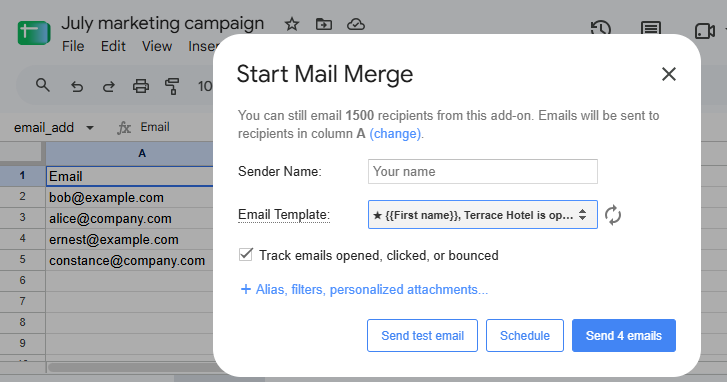
The Start Mail Merge window opens, showing the column YAMM detected for the email addresses and how many emails you can still send today. YAMM is running: from here you pick your Gmail draft and send your campaign.
info
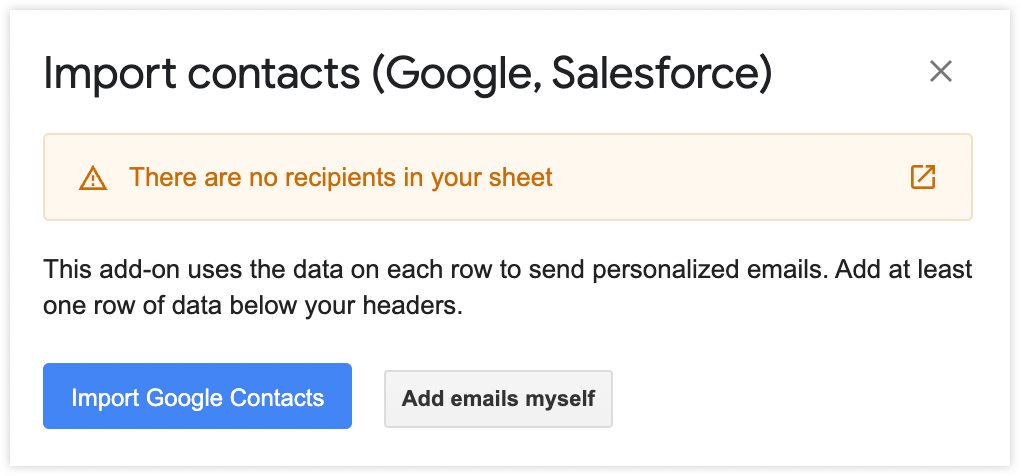
On an empty spreadsheet, the mail merge window does not open. YAMM reports There are no recipients in your sheet and offers to import contacts instead. Click Add emails myself to close the window, add at least one email address to your sheet, then launch YAMM again.