Tip: Start writing your email body in a Sheet
If you want to insert tables to your email template, start writing and formatting it in a Google Spreadsheet, then paste it on your Gmail draft. YAMM will keep all your formatting when you send your mail merge.
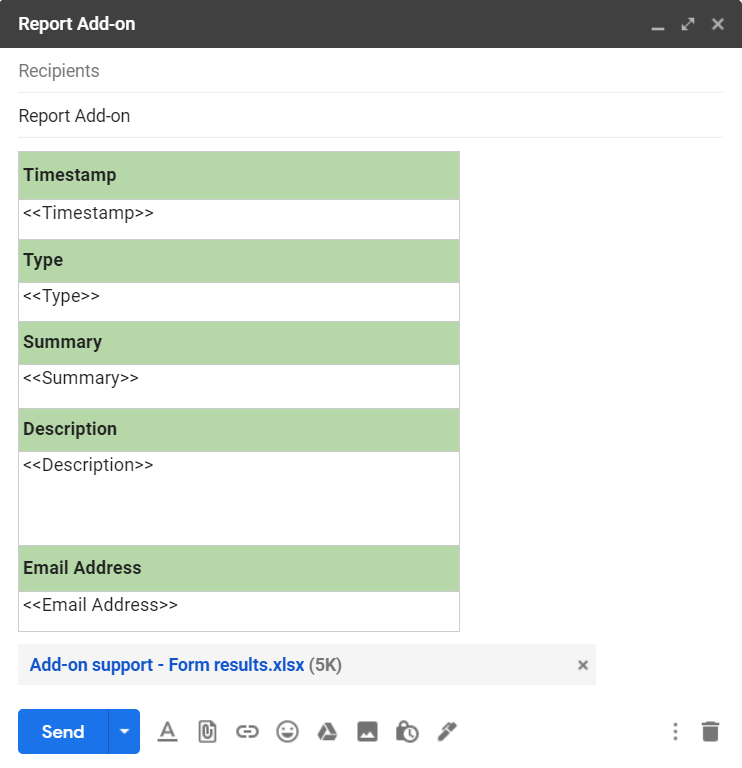
You can begin to write your template in your Sheet and copy/paste it in Gmail. All formatting (colors, margins, etc.) will be kept!
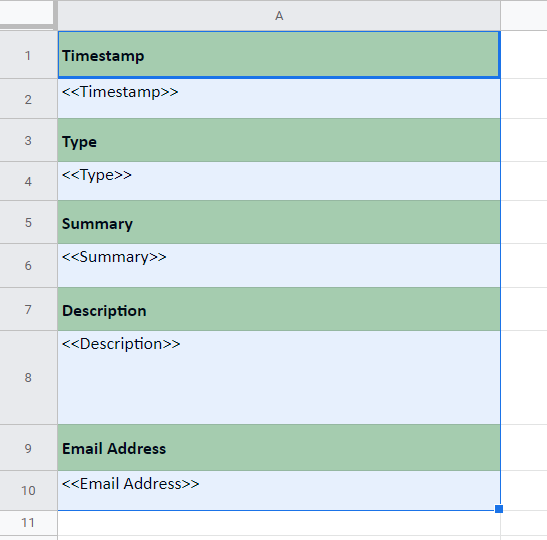
Copy/paste in Gmail to create your template.
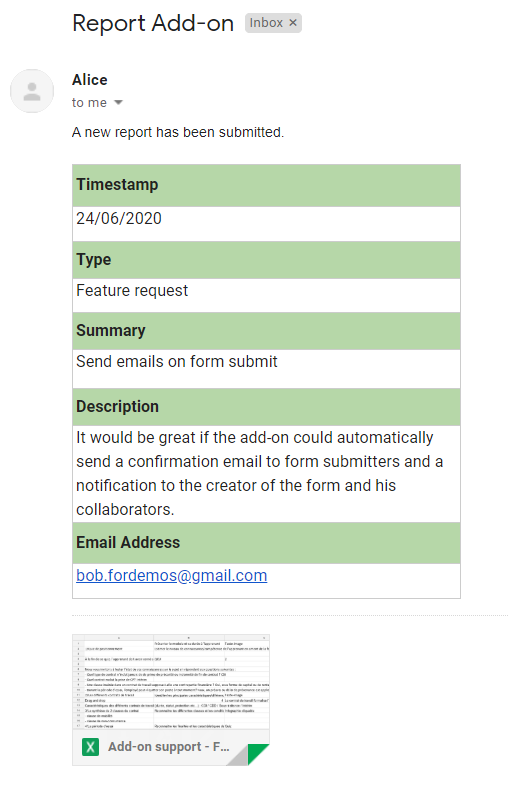
Resulting emails will look like this.