Bounce rate
Bounces are emails that can't be delivered to recipients — most often because of an outdated database, spam issues, or quota problems. This article covers what bounces are, how YAMM tracks them, how to reduce your bounce rate, and what the EMAIL_NOT_SENT status means.
What are bounces?
A bounce (or bounced email) means that your recipient's email server rejects your email. Specifically, your email cannot be delivered and is returned to your inbox with an error message:

Soft bounces vs hard bounces
| Soft bounces | Hard bounces |
|---|---|
| Temporary issue: - Your recipient's mailbox or your inbox is full - Your email is too large - Your recipient's email server is down or offline - A connection timeout occurred when Gmail tried to deliver | Permanent issue: - Your recipient's email address does not exist (anymore) - The domain does not exist (anymore) - Your recipient's email server has blocked email deliveries |
You can retrieve bounced emails from your YAMM mail merges under the YAMM - delivery issues label in your Google account.
Why do my emails bounce back?
| Bounced message | Explanation |
|---|---|
Address not found (hard) 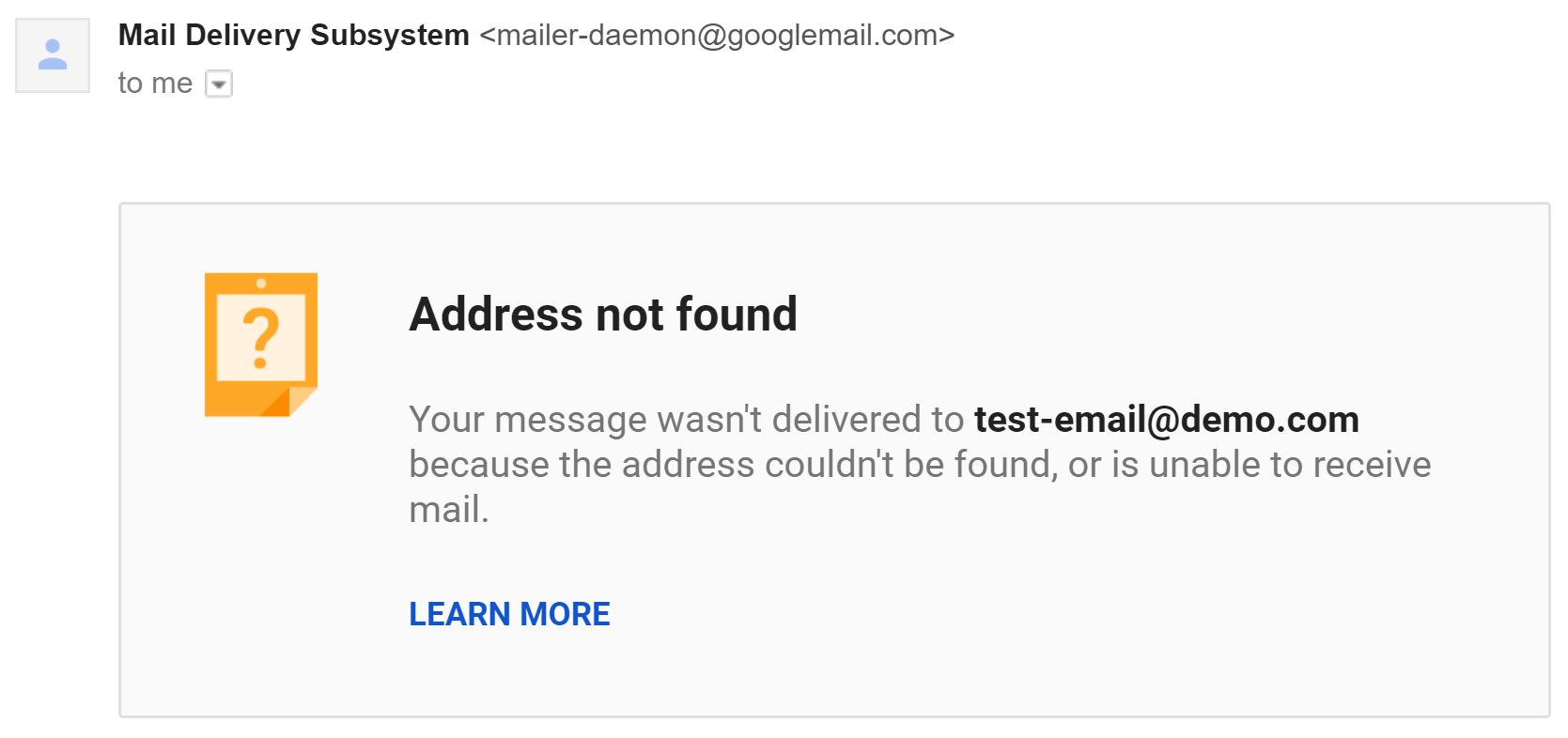 | The recipient doesn't exist, usually because of typos. Solution: double-check the email address and clean your database. |
Message not delivered (soft) 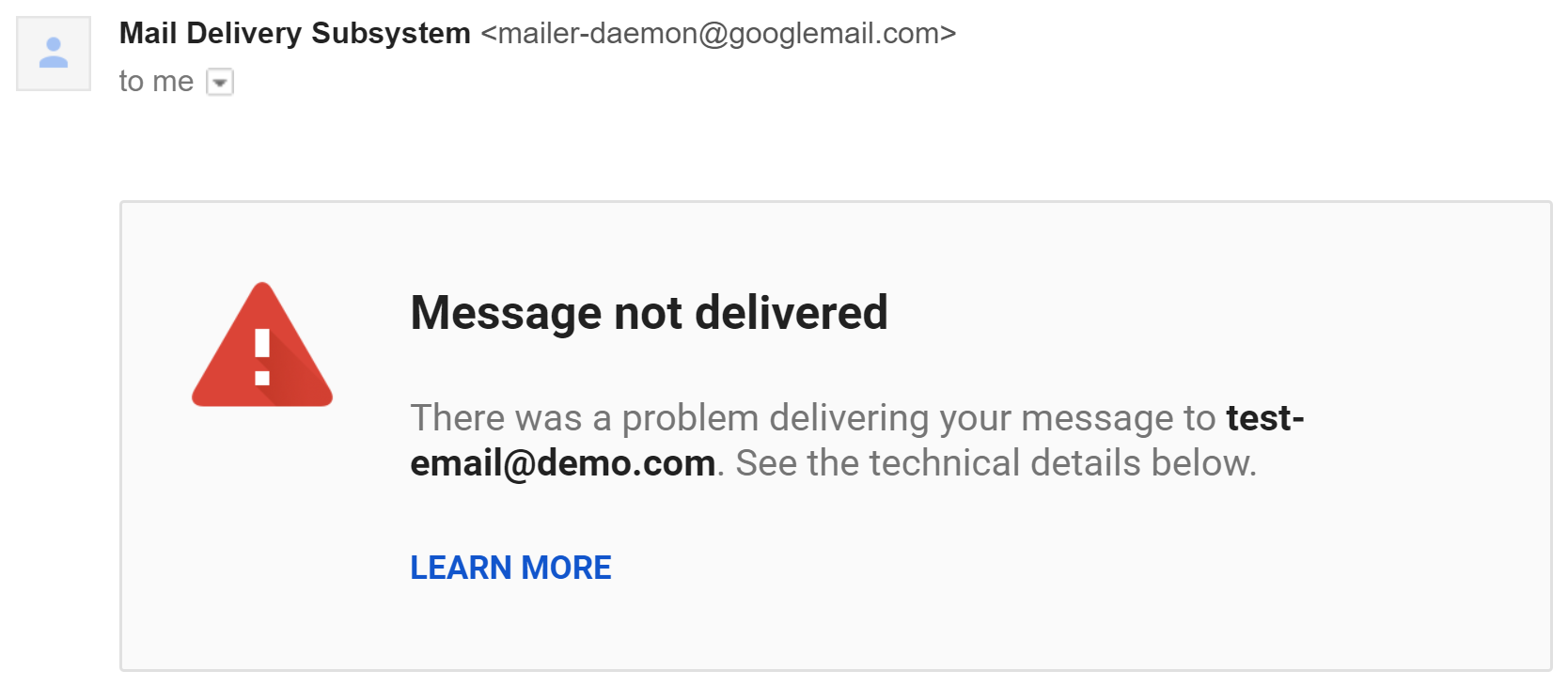 | The recipient server didn't accept Gmail's request to connect, usually because of connection timeout. Solution: usually a temporary issue that resolves on its own. |
Message blocked (hard) 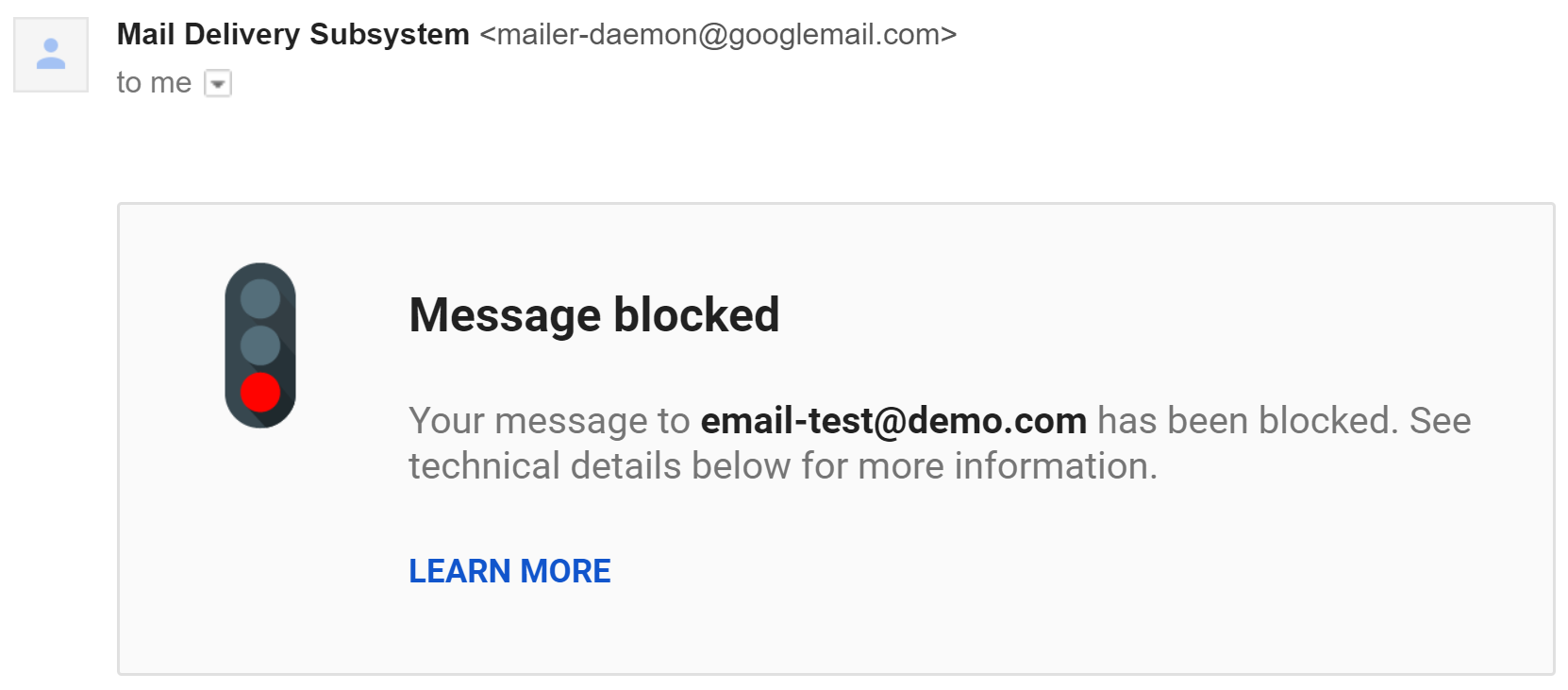 | The recipient server rejected your email, usually because of spam issues. Solution: follow anti-spam rules. |
Delivery incomplete (soft) 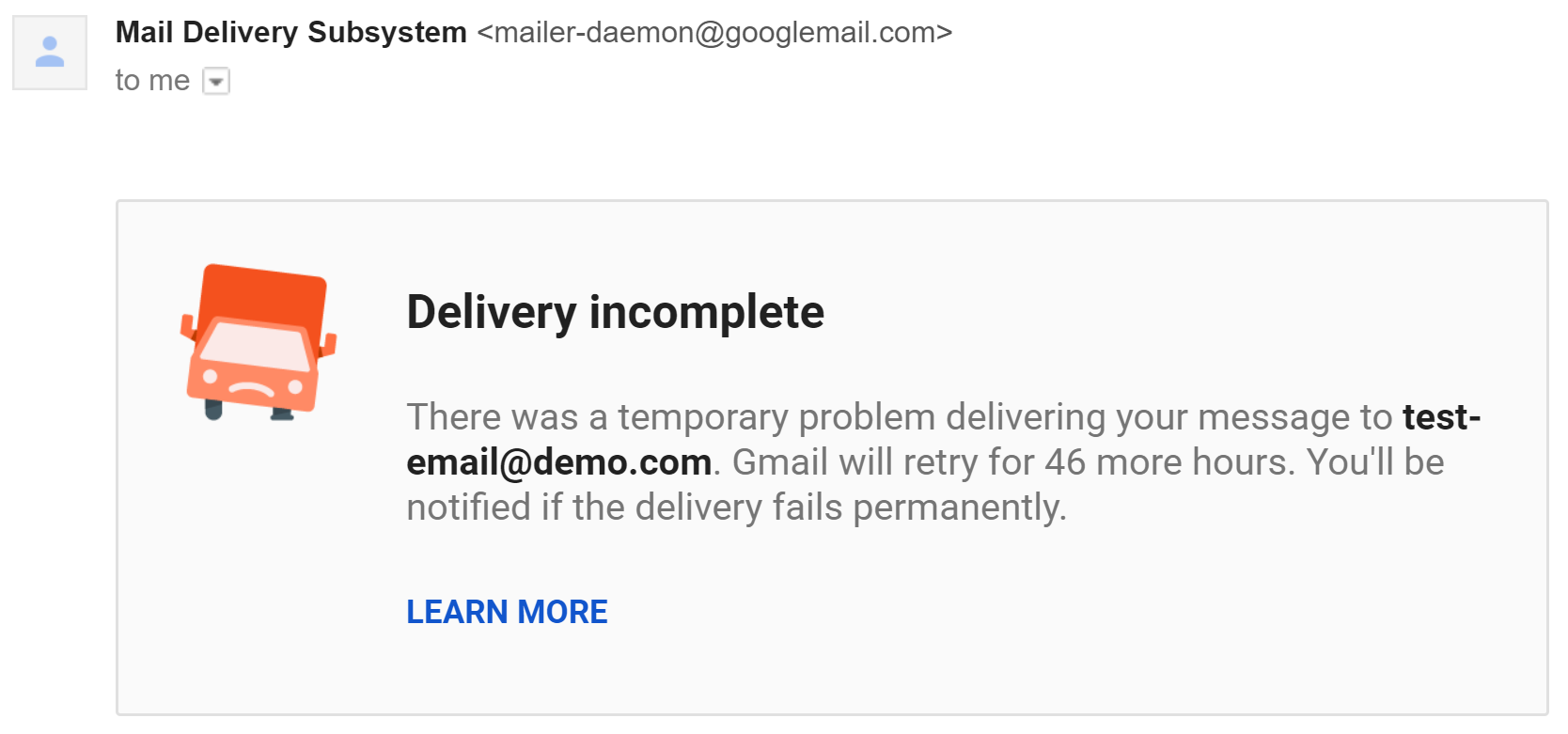 | Gmail couldn't connect to the recipient server. Solution: usually temporary. |
Recipient inbox full (soft) 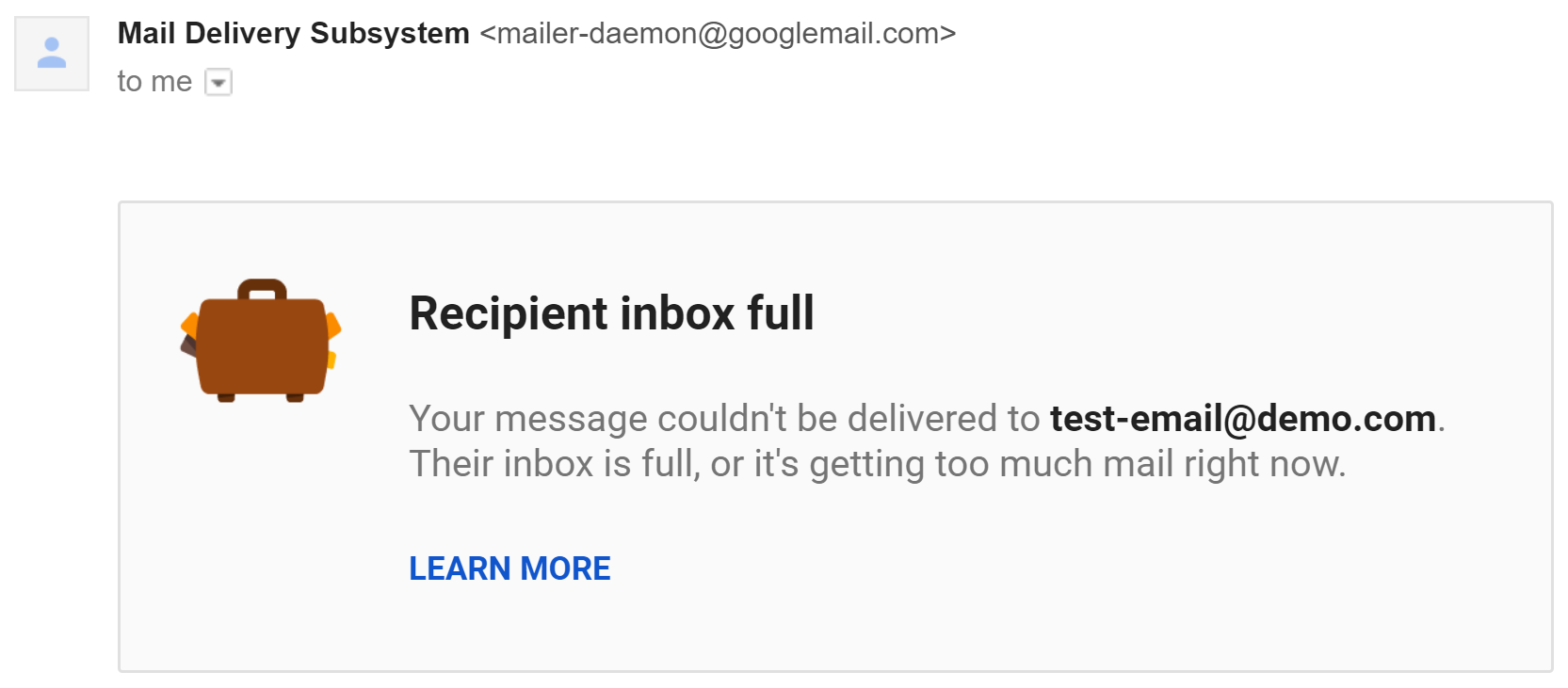 | The recipient's inbox is full. Solution: nothing on your side — they must clean their inbox. |
Track bounced emails
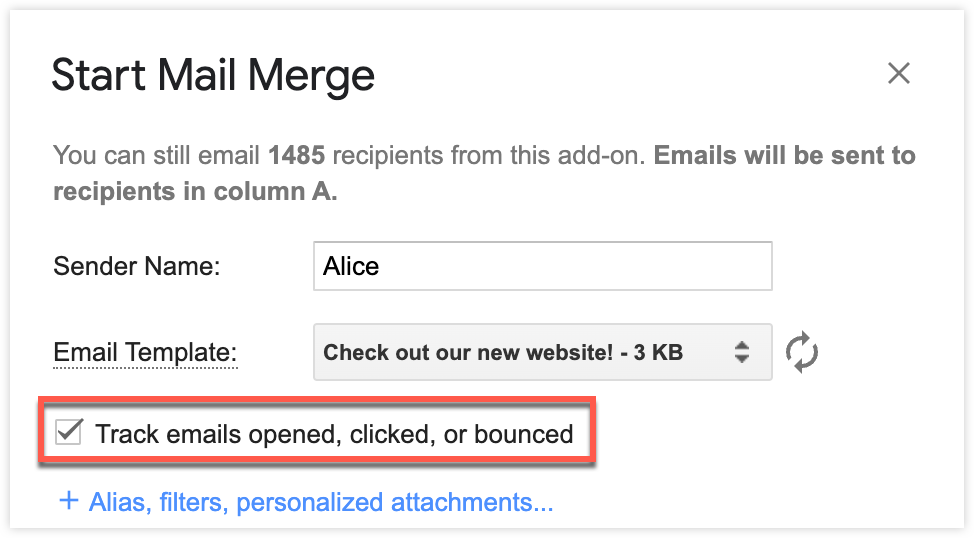
Enable tracking before running your mail merge.
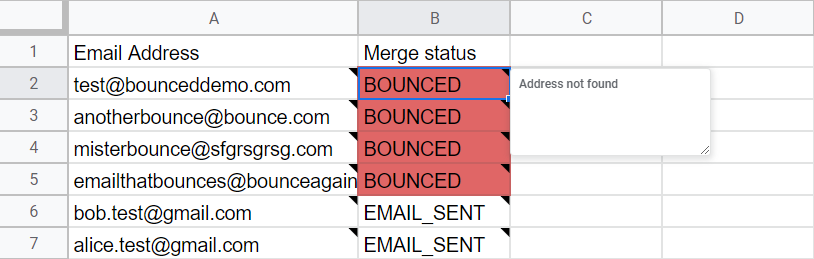
After sending, YAMM marks any bounced email as BOUNCED in your spreadsheet under the Merge status column. The bounce reason appears as a cell note.
Skip bounces in future mail merges
When you start a new mail merge, YAMM automatically checks your sheet for any email addresses that previously bounced. If any are found, a pop-up shows how many bounced addresses are in the current sheet:
- Yes, skip them — recommended, to prevent additional delivery issues
- No, send anyway — if you still want to include them
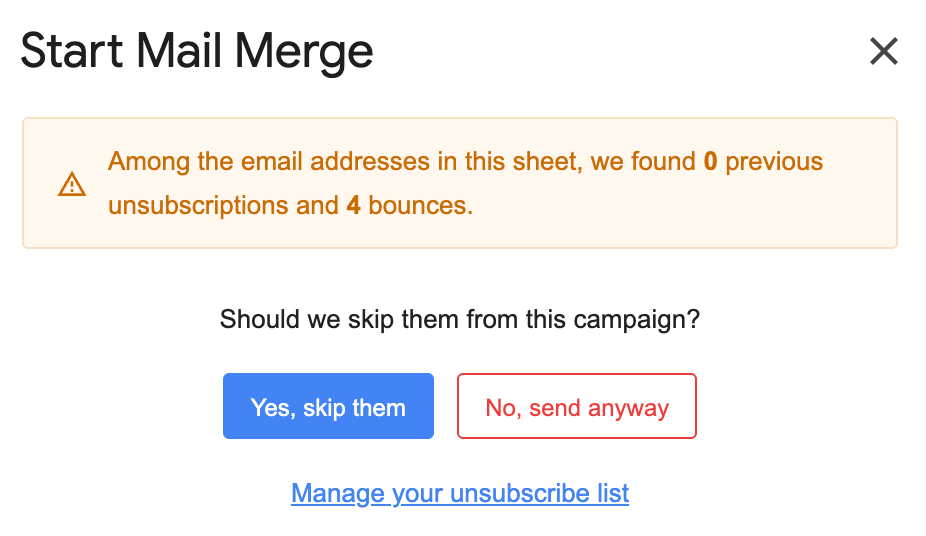
If you choose to skip, YAMM excludes those addresses and displays BOUNCED again in the Merge status column.
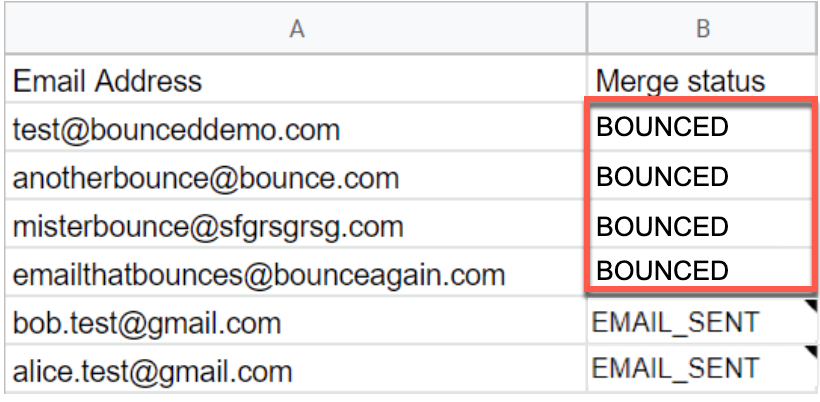
YAMM only flags email addresses that bounced in previous mail merges. New bounces appearing during the current mail merge are only reflected in the sheet after the merge has been sent.
Tips: how to reduce bounce rate
Three main reasons can explain a high bounce rate:
- Your contact list became obsolete. Contacts not imported correctly, typos in addresses, accounts that no longer exist.
- You are spamming your recipients. You didn't collect their consent and you are sending to people who never subscribed — see anti-spam rules.
- You exceeded your daily quota. All your emails bounce because of the sending limit — see Why was my mail merge stopped?.
What to do
- Collect consent from your recipients to ensure they opted in to your emailing campaigns.
- Never send a big batch of emails to people who don't know who you are.
- Use double opt-in techniques such as sign-up forms and confirmation emails to validate addresses.
- Include an unsubscribe link in your emails — see Insert unsubscribe link.
- Respect anti-spam rules and Gmail bulk sender guidelines.
- For Google Workspace users: configure your domain properly with a valid SPF record — see Set a valid SPF record.
Not respecting these rules can prompt Google to block your account for abuse.
EMAIL_NOT_SENT status in your spreadsheet
When a mail merge completes, you might notice that some emails were not sent. YAMM marks them with EMAIL_NOT_SENT in the Merge status column.
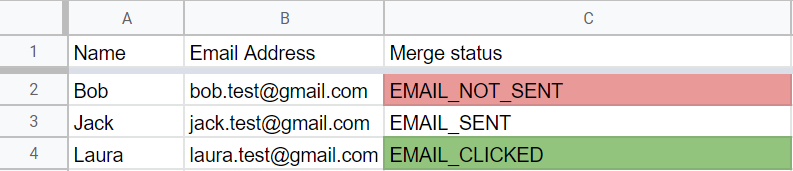
This happens when YAMM fails to calculate your remaining quota correctly and detects a smaller quota than what was actually available.
Google blocked my account after receiving the bounces
To fight spam and abuse, Google temporarily disables accounts that send messages to more than 500 recipients or that send a large number of undeliverable messages. To avoid this, follow the general rules to prevent spam issues — see anti-spam tips.
YAMM has no control over your email address. If your Gmail or Google Workspace account was blocked, contact Google directly to request unblocking.
See also: My account has been blocked by Google.