Draft and column errors
Fixes for errors caused by your Gmail draft or your spreadsheet's structure: a draft YAMM can't read, a missing or mis-named Merge status column, and mail merges stopped by an unusually high bounce rate or sending-limit issue.
Error: 'Your draft wasn't created in Gmail'
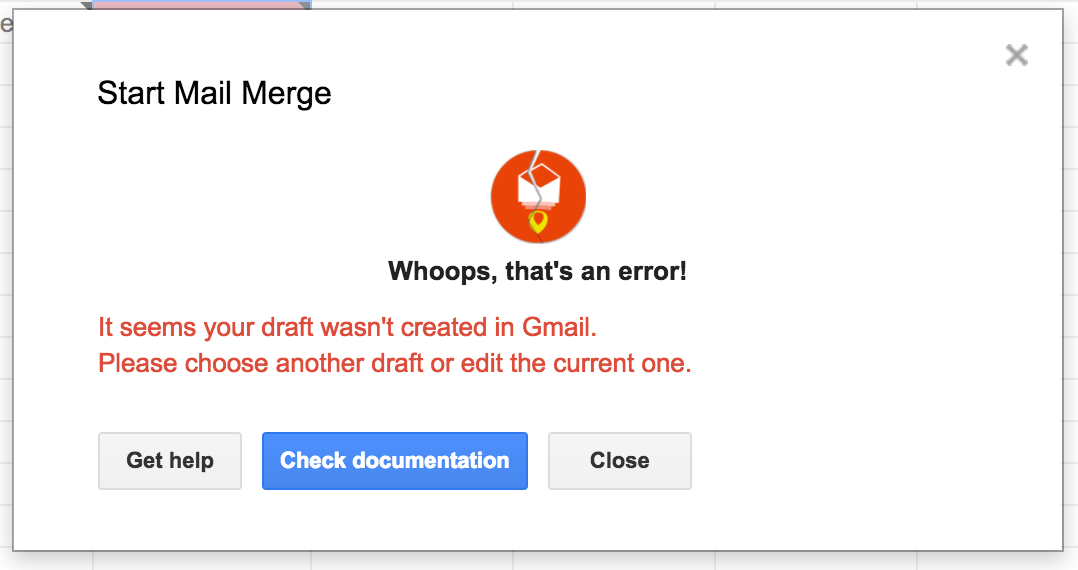
You created the draft from another tool (Mixmax, Outlook, etc.). Even though the email is saved in your Drafts folder, the format contains invisible HTML, headers, or metadata that YAMM can't read.
Fix: create a new draft directly in Gmail, or edit your current draft to force Gmail to update the format.
Error: 'We couldn't find the Merge status column'
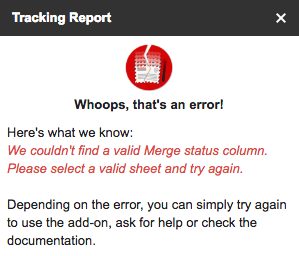
If you see "We couldn't find the 'Merge status' column. Please select a valid sheet and try again" but the column is visible, there's an issue with the named ranges in your sheet.
-
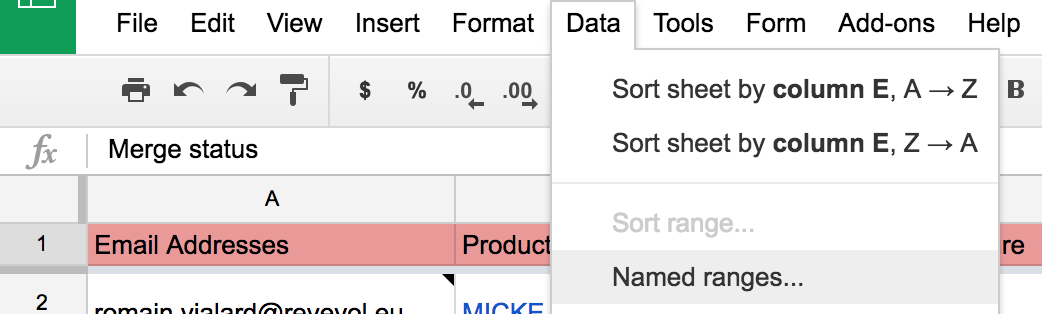
Data > Named ranges...
-
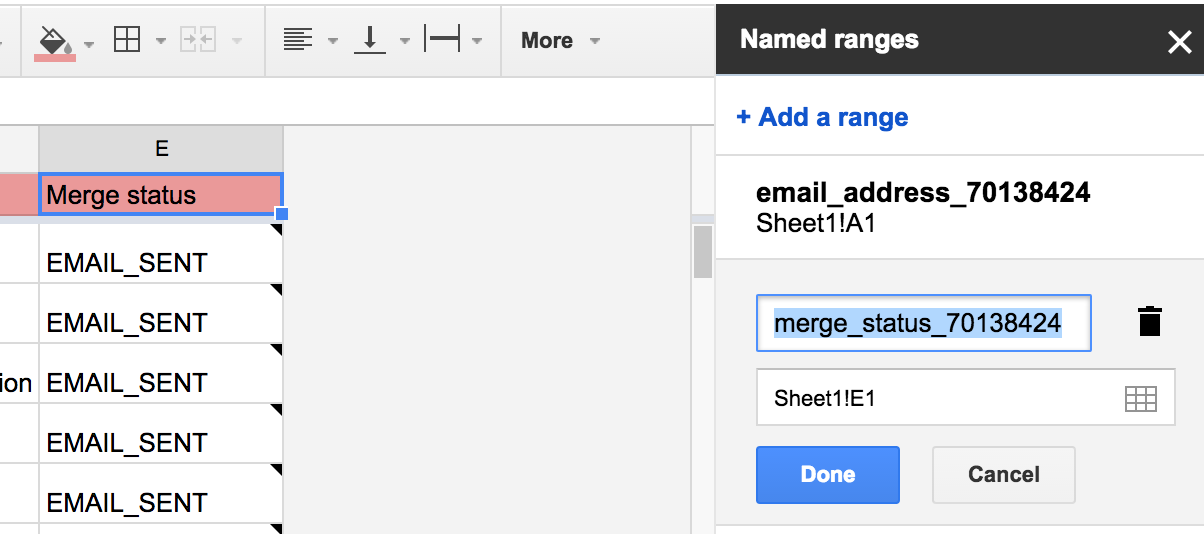
Delete the named range called
merge_status_xxx. -
Make sure the column containing your campaign statuses (
EMAIL_SENT,EMAIL_OPENED, …) is namedMerge status. -
Click Open tracking report in the YAMM menu again.
Why was your mail merge stopped?
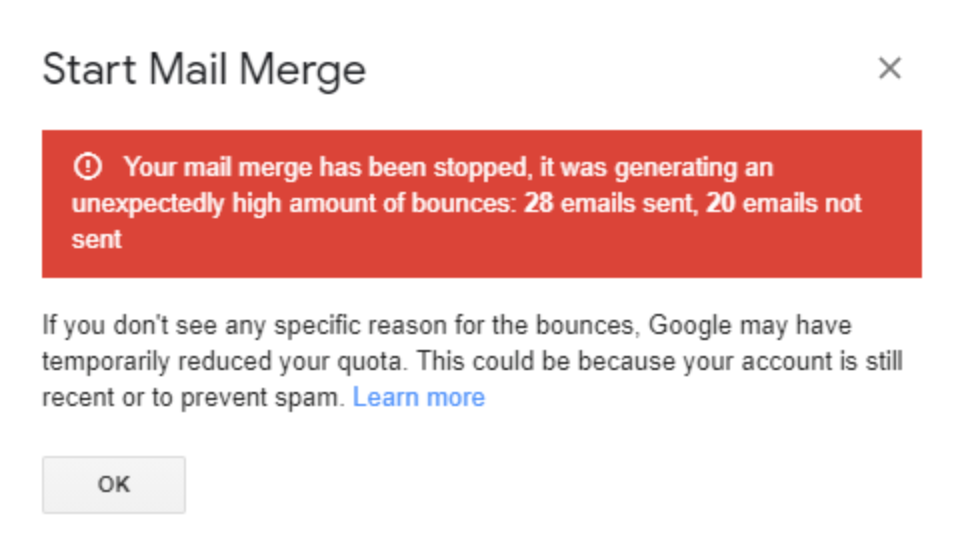
YAMM detected an unusually high amount of bounces and stopped the mail merge to avoid Google rate-limiting or deactivating your account. See What are bounces?.
If bounces aren't the issue, you may have reached your Google account sending limit:
| Common reason | Explanation | Learn more |
|---|---|---|
| You exceeded your daily sending limit | Sending via POP/IMAP, signed in to the wrong Google account, or using other mail merge tools at the same time. | I don't have quota left |
| More than 10 recipients marked your email as spam | Google temporarily reduces your quota if 10+ recipients marked the email as spam, or if 10+ emails fell into recipients' spam folders. | Anti-spam rules |
| Your account is recent and sent too many emails too quickly | Google flags suspicious activity if a new account immediately starts sending to many recipients. | Limits for sending and receiving mail, What is spam? |
Quota renewal is entirely handled by Google. If Google rate-limits your account, there is nothing YAMM can do to reset it. To request a reset, contact Google support directly.