Re-run a mail merge
When you run a mail merge on a sheet you've already sent from, YAMM decides who gets an email based on two things: what's in the Merge status column, and which rows are visible.
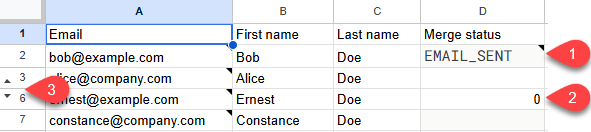
What YAMM skips on a re-run:
-
Rows with a valid merge status:
EMAIL_SENT,EMAIL_OPENED,EMAIL_CLICKED,RESPONDED,BOUNCED, orUNSUBSCRIBED -
Rows with
0as a merge status -
Rows that are hidden or filtered out
Every other row gets an email.
To target recipients by how they reacted — opened, didn't open, didn't reply — run a follow-up mail merge instead.
Choose what to change in your sheet
| Goal | Change in your sheet |
|---|---|
Reuse the whole list for a new campaign | Select every cell in the  |
Email contacts you just added | Add the new rows and leave the existing statuses alone. YAMM skips the rows it already sent to. 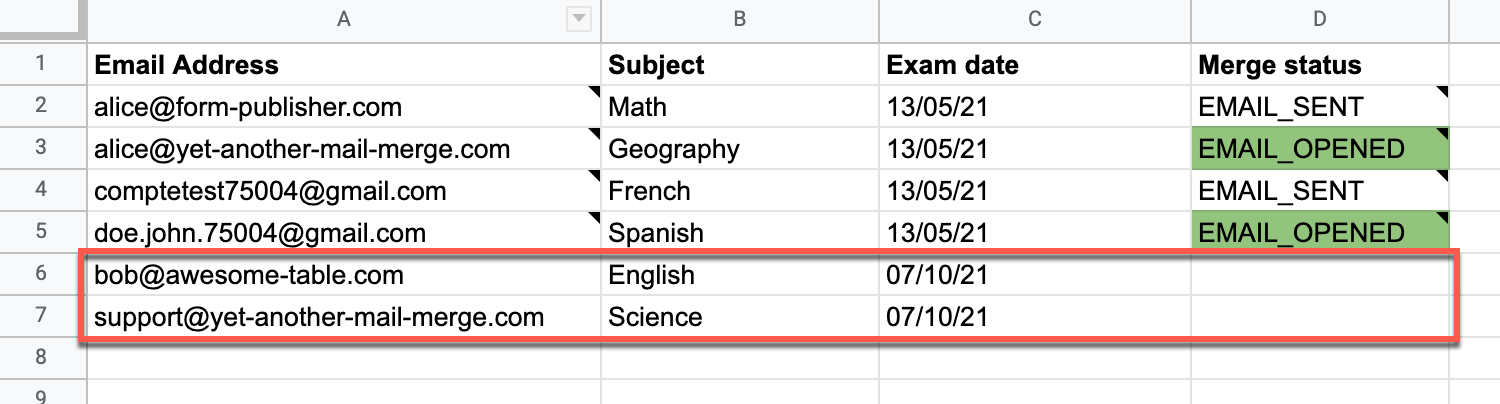 |
Resend to a handful of people | Clear the  |
Resend to a whole segment | Filter your list, hide the rows to skip, or enter |
Re-run the merge
-
In Google Sheets, open your contact list spreadsheet.
-
Make your change from the table above.
-
Check the count on the Send emails button before confirming. It tells you how many rows YAMM will actually send to.
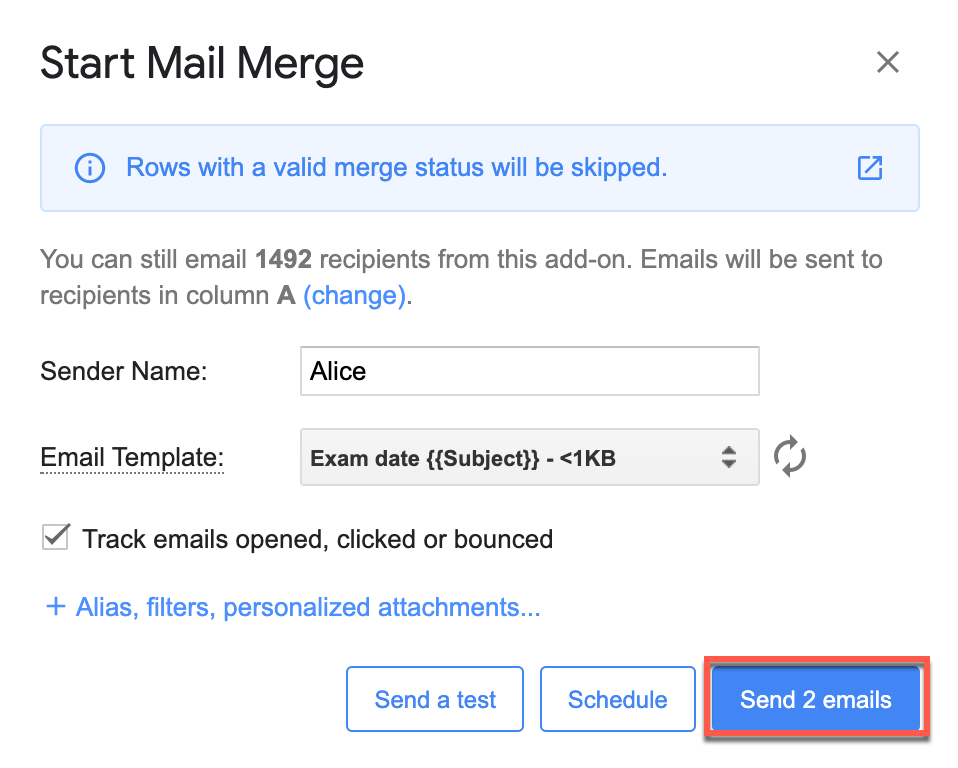
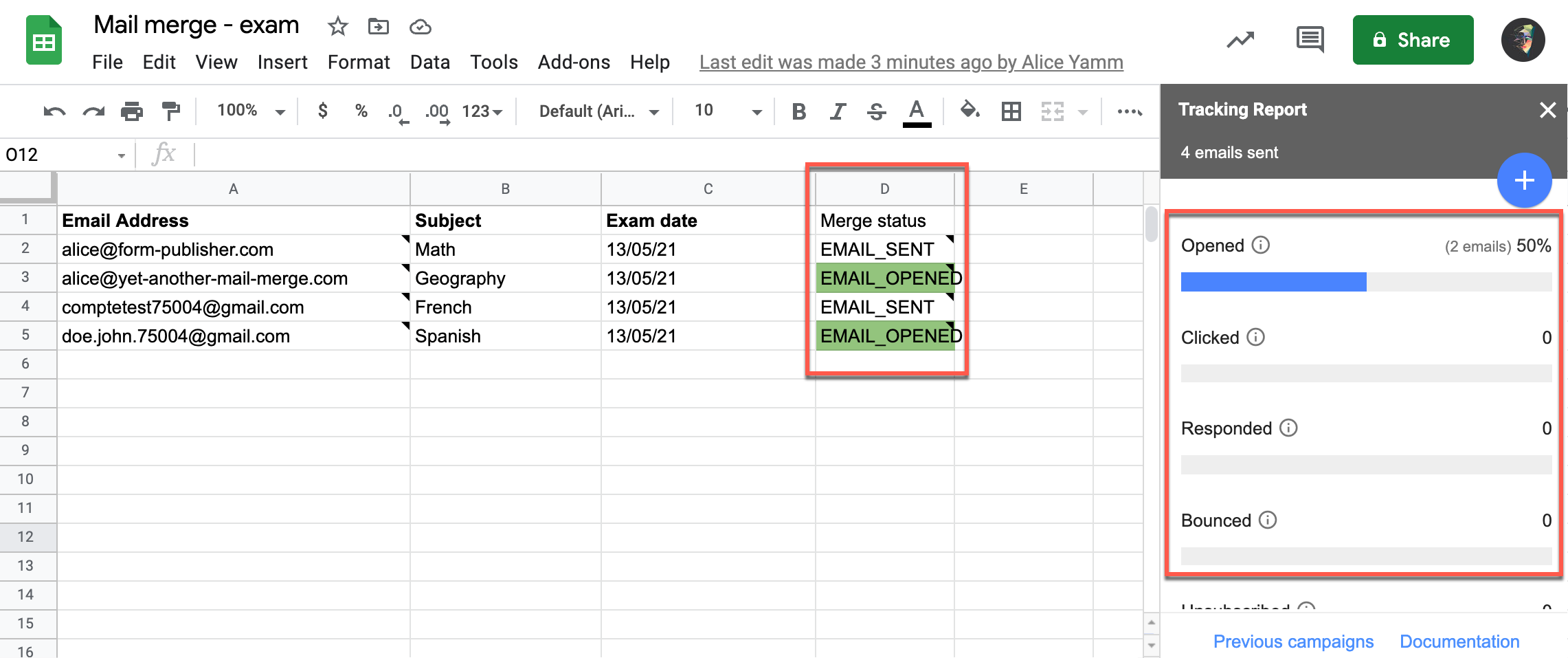
YAMM emails those rows only, and the tracking report updates with the new campaign's statuses.
What's next
-
Run a follow-up mail merge based on who opened or replied.
-
Track your campaign for opens, clicks, responses, bounces, unsubscribes.